PRIME Z790-P versus D4: which memory generation belongs on each board?
The D4 suffix changes the memory generation. Compare exact ASUS UK rows, capacity ceilings and the CPU-dependent display conditions before choosing.
Updated:
The D4 suffix is a hardware distinction
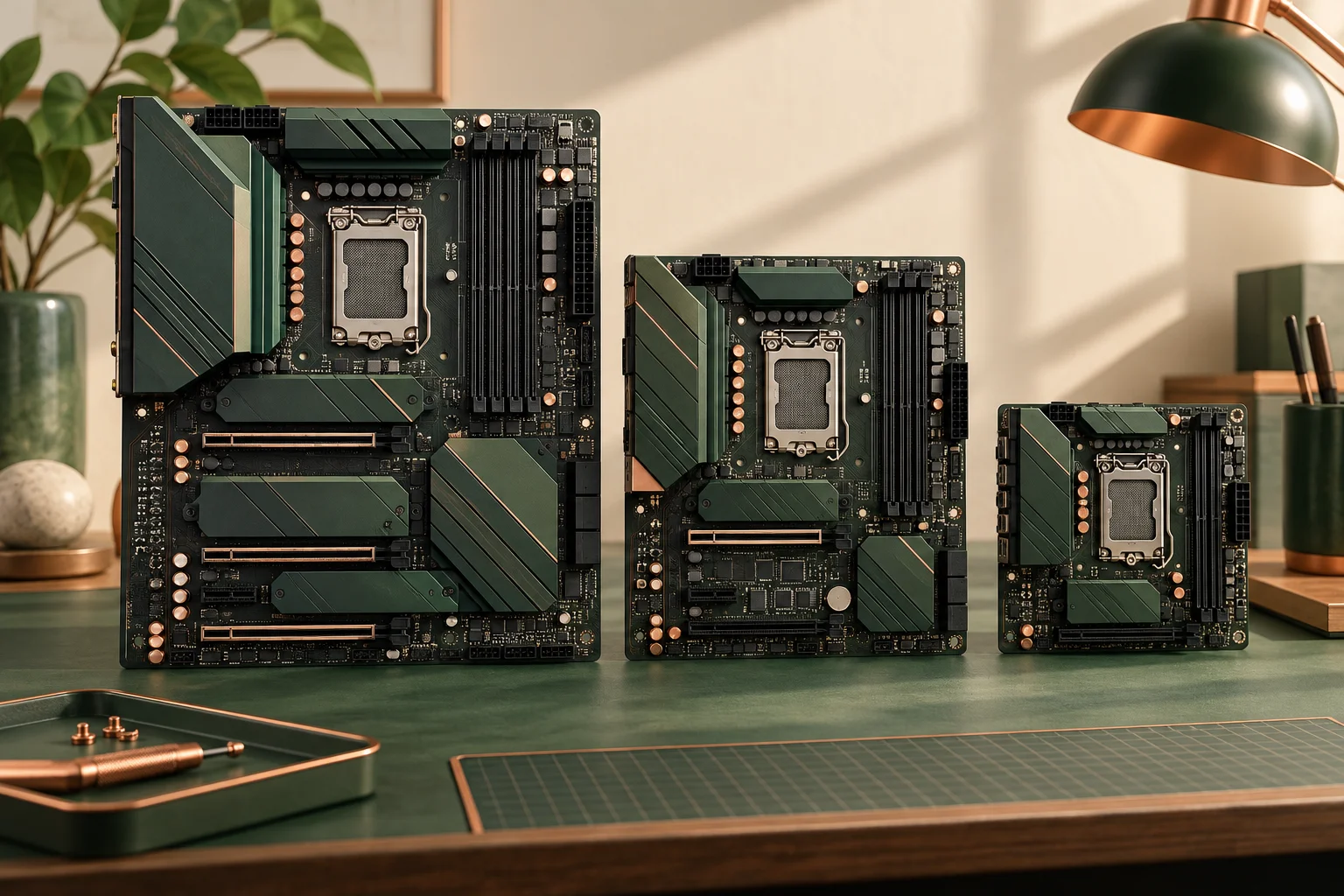
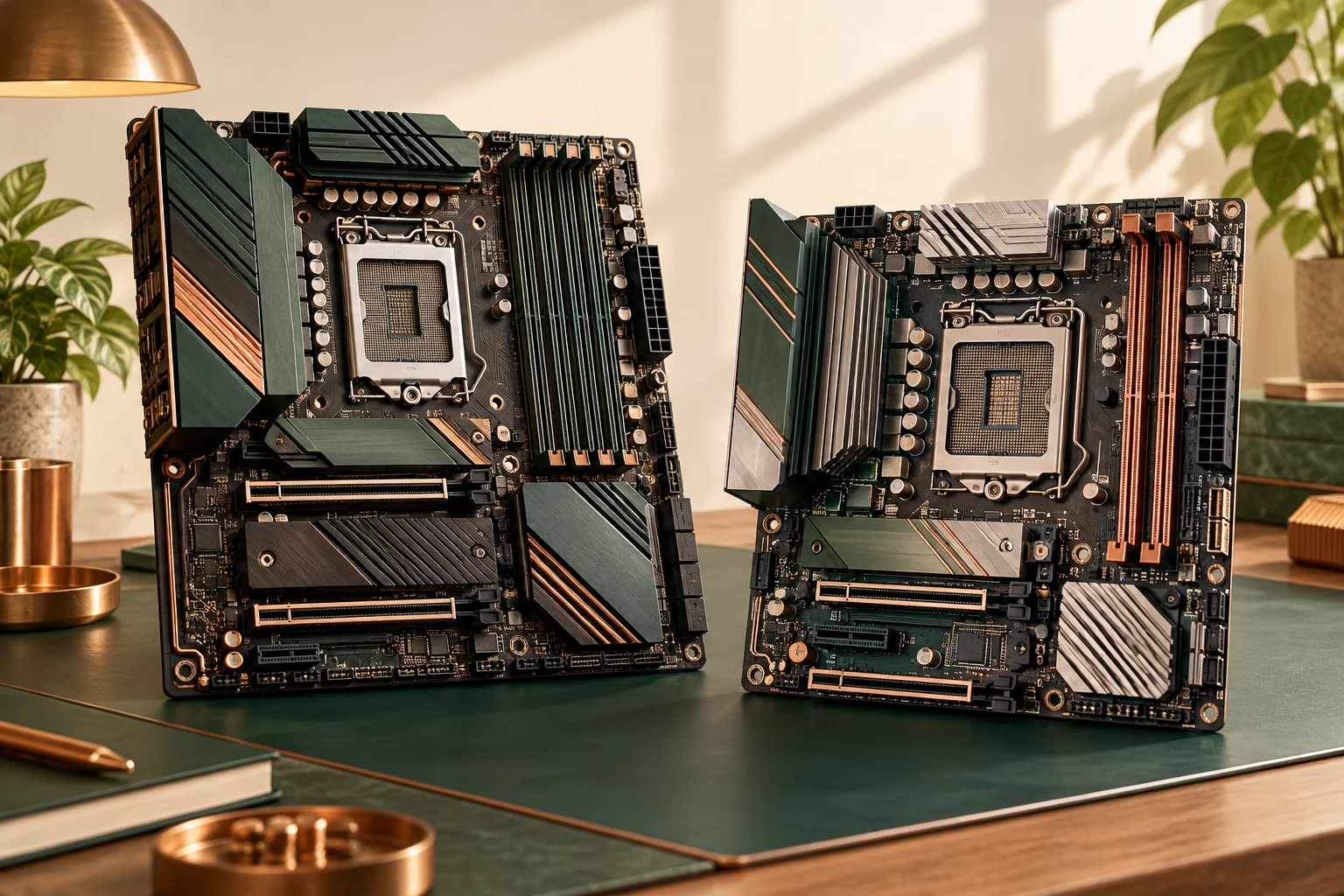
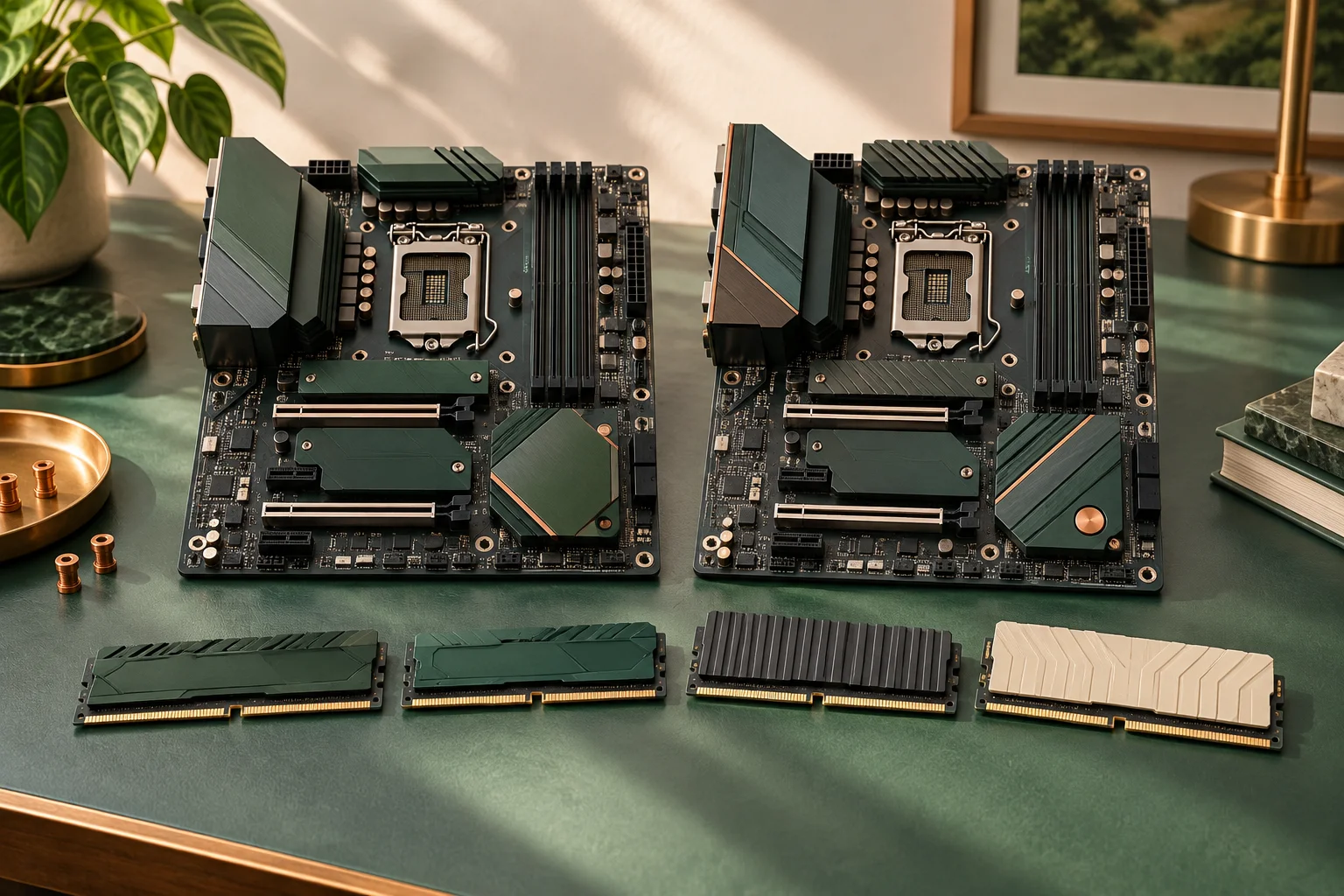
Choose PRIME Z790-P D4 for the documented DDR4 arrangement; choose PRIME Z790-P for its documented DDR5 arrangement. These similarly named ASUS motherboards are not interchangeable memory options. Both use an Intel LGA1700 socket and Z790 chipset, but neither shared label permits a DDR4 module on the DDR5 board or the reverse. Read the complete printed board model and the exact order line.
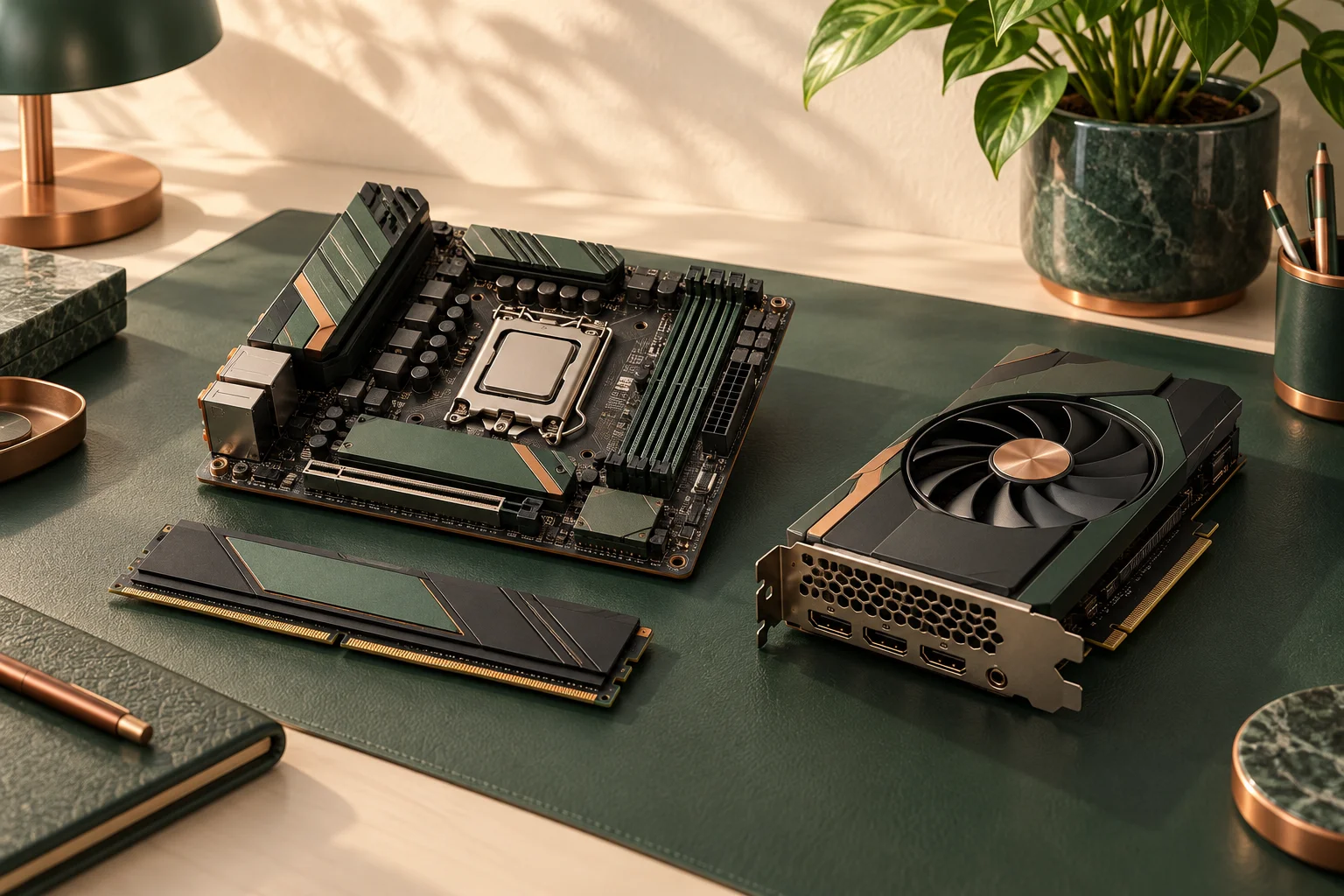
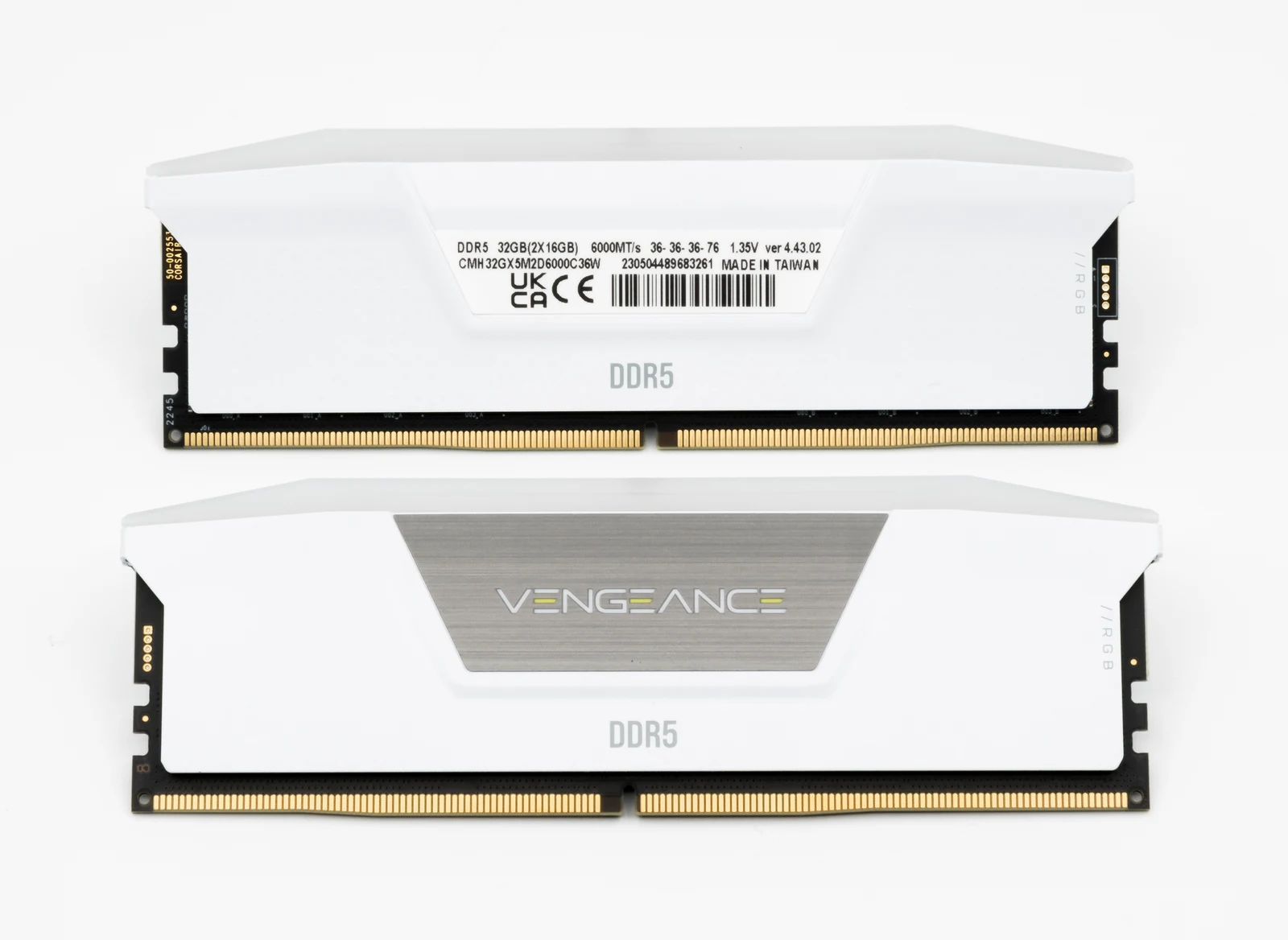
This matters when reusing an existing kit. A seller saying Z790 motherboard and 32 GB memory has not identified the configuration sufficiently. The separately photographed HyperX DDR4 and Corsair DDR5 modules provide directly related physical examples; their different generation labels do not identify either ASUS board or establish an approved configuration. The decisive evidence remains the complete board name and its model-specific UK specification.
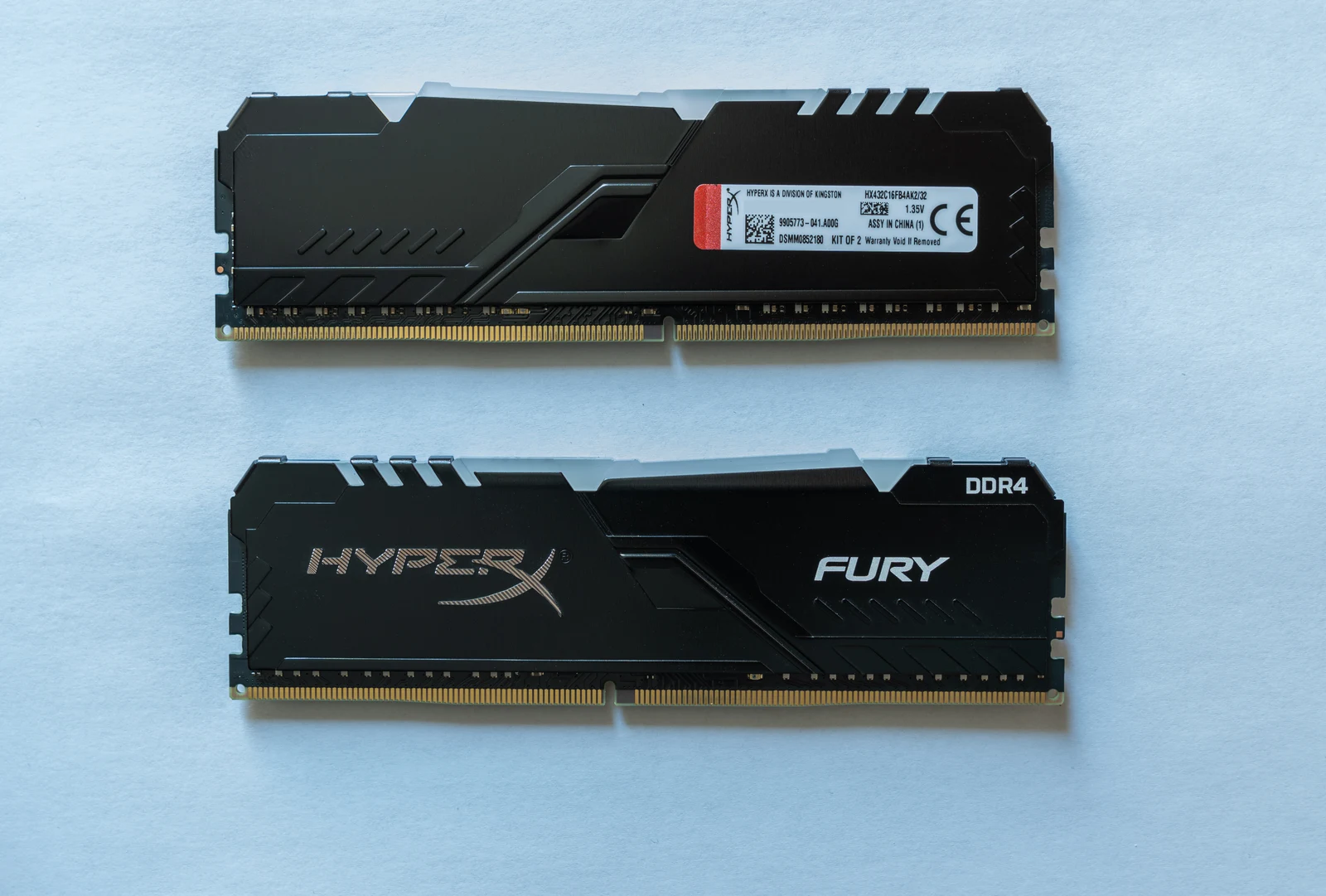
Compare the actual current UK specification rows
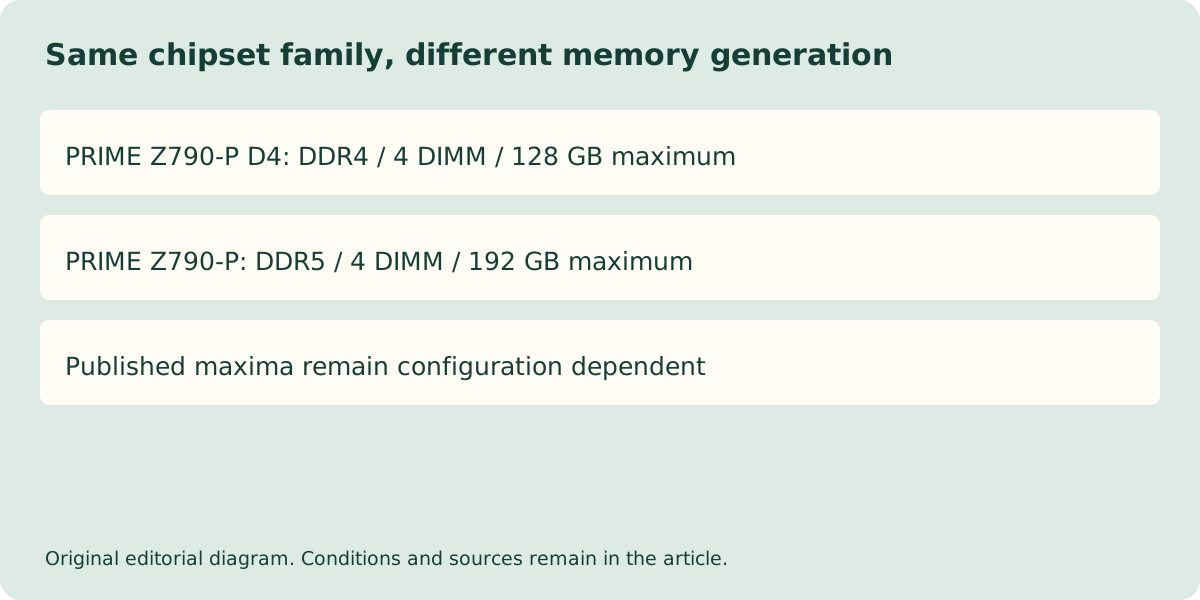
The checked PRIME Z790-P D4 page specifies four DIMM sockets and a maximum of 128 GB DDR4. PRIME Z790-P specifies four DIMM sockets and a maximum of 192 GB DDR5. Those are the published page limits on the stated check date. They must still be combined with the selected processor, module arrangement and memory support list; they are not approval for every kit that adds up to the capacity.
Both pages describe non-ECC unbuffered memory and dual-channel architecture. The DDR5 page separately states that non-ECC unbuffered DDR5 supports an on-die ECC function. That wording does not turn this consumer board into a registered-ECC server-memory platform. Keep module type, external system error correction and on-die functionality distinct.
| Checked ASUS UK row | PRIME Z790-P D4 | PRIME Z790-P |
|---|---|---|
| Chipset and CPU socket | Z790 / LGA1700 | Z790 / LGA1700 |
| Memory generation | DDR4 | DDR5 |
| Memory sockets | 4 DIMM | 4 DIMM |
| Published maximum | 128 GB | 192 GB |
| Memory type | Non-ECC, unbuffered | Non-ECC, unbuffered |
| Listed board size | 305 × 234 mm | 305 × 234 mm |
Profiles and CPU support remain conditional
The D4 page includes DDR4-3200 among its non-OC rates, with higher entries explicitly marked OC. The DDR5 page similarly distinguishes its rate entries and warns that supported memory types, rate and module count vary with CPU and memory configuration. Compare the exact kit rather than taking the largest number on either list as a guaranteed operating speed.
Both current pages list Intel Core generations 12, 13 and 14 while referring buyers to the CPU support list. A used board or unopened old stock does not necessarily arrive with firmware suitable for every listed generation. Ask for the exact processor support entry and delivered firmware condition before treating the configuration as ready. Do not attempt an undocumented update merely to resolve an ambiguous order.
Video connectors depend on the selected processor
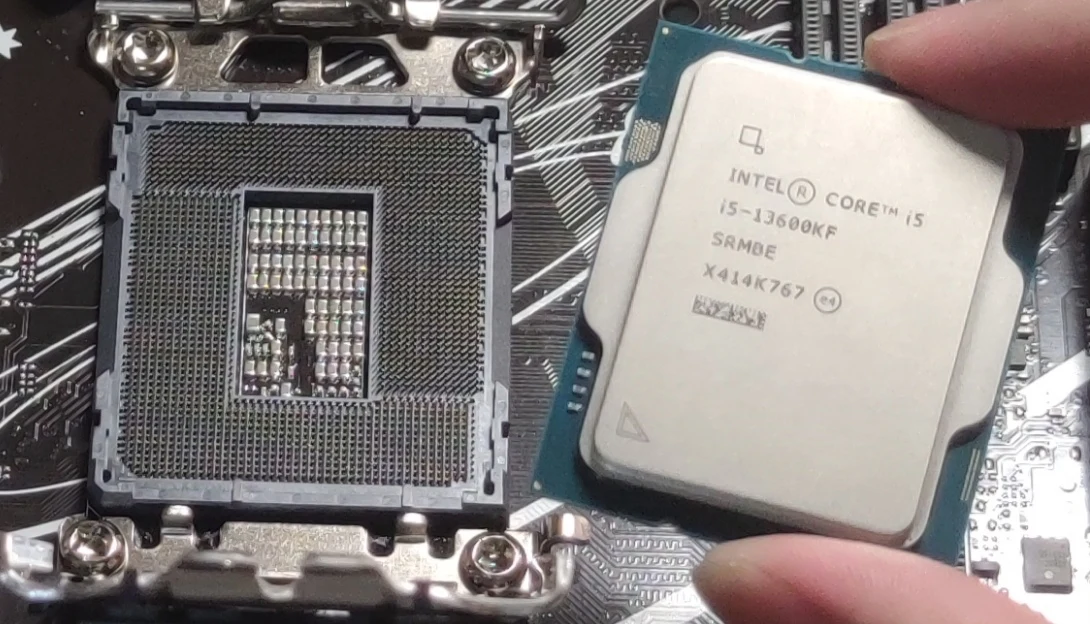
The specification includes HDMI and DisplayPort connections, but their graphics behaviour depends on the processor. The photographed Core i5-13600KF provides a concrete example: Intel lists this model among desktop processors without Intel Processor Graphics. A CPU without integrated graphics does not gain a working motherboard display path because the board has those physical connectors. Plan a separate graphics card and its display connections when that is the selected processor. The photograph identifies the CPU and socket only; the exact pictured motherboard model and its compatibility have not been verified.
There is also no reason to infer identical storage lane allocation or peripheral behaviour from matching board dimensions. If those details affect your build, compare the exact storage and expansion rows and their conditions. This article settles the memory-generation ambiguity; it does not declare every configuration of the two boards equivalent.
Make the order line complete before comparing offers
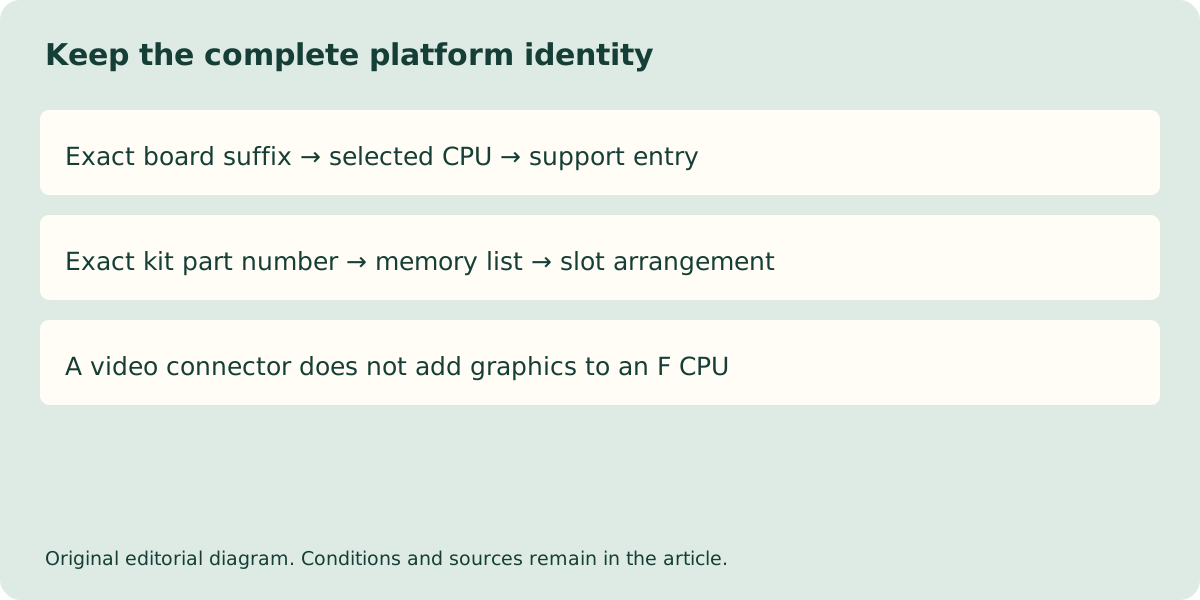
Record the full ASUS name, processor, firmware requirement, kit part number and populated slots. The separate DDR4 and DDR5 module photographs demonstrate real, identified memory examples, not an ASUS-approved kit list. If you already own memory, identify it from its own label and invoice before deciding whether retention is practical. Reusing the wrong generation is not a saving.
For a UK quotation, retain the exact bundle contents, VAT treatment, delivery and return conditions. This guide has no authorised live price or stock feed and makes no cheapest-board claim. The clear decision is narrower and useful: the D4 board belongs to a DDR4 plan, the unsuffixed model to a DDR5 plan, and the remaining CPU, firmware and kit conditions must still agree.