B550-A PRO versus B650 GAMING PLUS WIFI: platform and connectors
Compare two exact MSI boards: CPU socket, memory generation, SATA count, networking and storage-sharing conditions differ beyond the chipset number.
Updated:
These boards belong to different processor and memory platforms
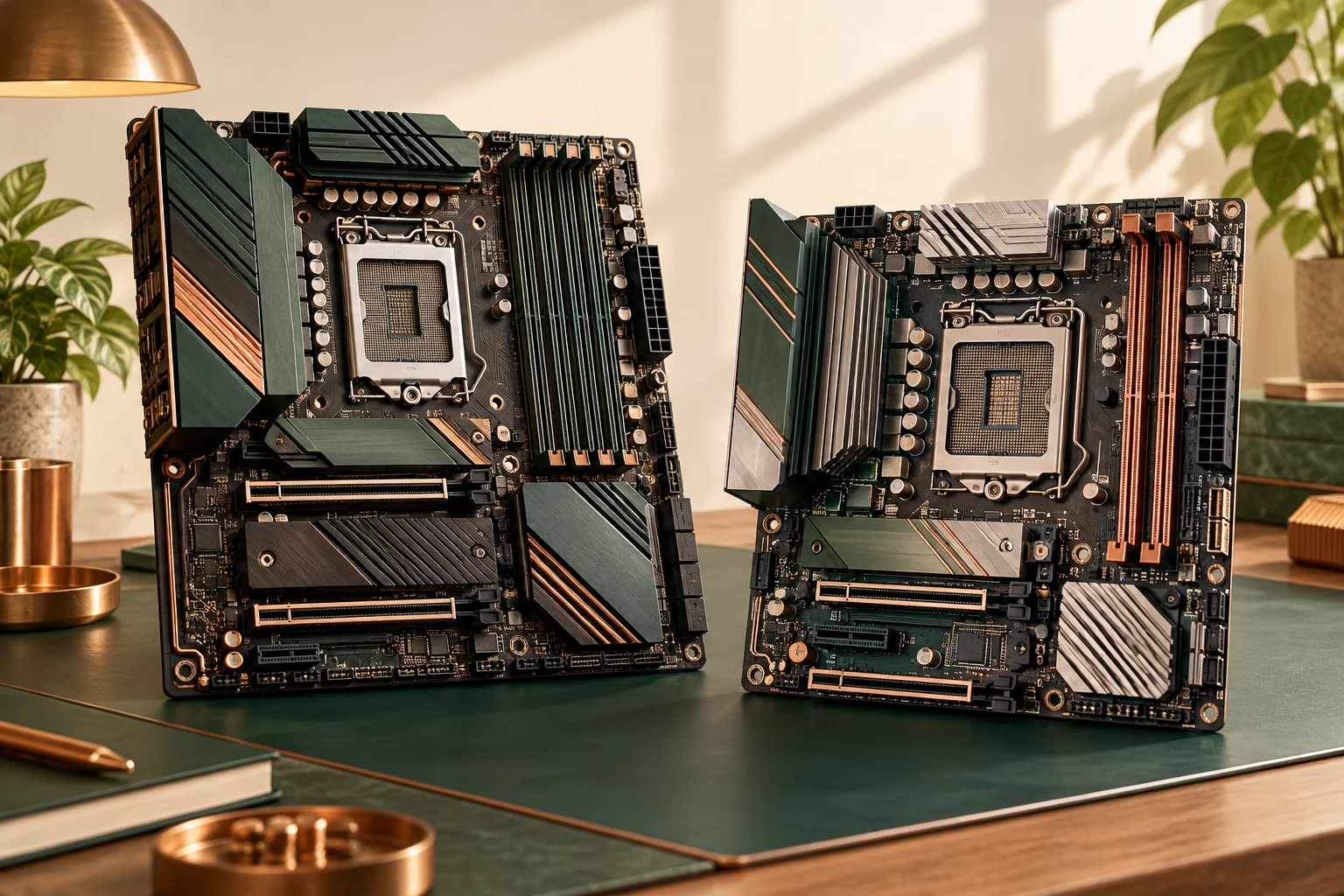
MSI B550-A PRO is an AM4 DDR4 board; B650 GAMING PLUS WIFI is an AM5 DDR5 board. They are not alternative motherboard replacements around an otherwise unchanged CPU and memory kit. If moving between them, account for the supported processor and memory generation as part of the entire platform decision. A larger chipset number does not by itself establish better value for your existing machine.
The useful comparison is between the exact named boards and your required connections. Someone retaining a supported AM4 processor has a different constraint from someone building a documented AM5 system. Neither this article nor the older board photographs establish that every AM4 or AM5 processor is supported by a particular delivered firmware version.
Compare actual connections, not a generic chipset promise
B550-A PRO lists four DDR4 sockets, six SATA connections, two M.2 positions and a Realtek Gigabit LAN controller. B650 GAMING PLUS WIFI lists four DDR5 sockets, four SATA connections, two M.2 positions and 2.5G LAN. The latter also explicitly includes wireless hardware. These are properties of these exact models; another B550 or B650 board can have a different layout.
More bandwidth on a network port does not create a faster internet subscription or make every network transfer reach the link’s label. Likewise, four SATA ports may be sufficient for one build and inadequate for an existing collection of drives. Count the actual planned connections instead of assuming the newer platform improves every count.
Physical format remains a separate comparison: B550-A PRO lists 30.5 × 24.4 cm, equivalent to 305 × 244 mm, while B650 GAMING PLUS WIFI lists 243.84 × 304.8 mm in its PCB row. Both are ATX. The differing published order and rounding do not establish a useful fit advantage; use the case mounting support and complete arrangement.
| Model-specific row | B550-A PRO | B650 GAMING PLUS WIFI |
|---|---|---|
| CPU socket | AM4 | AM5 |
| Memory generation / sockets | DDR4 / 4 | DDR5 / 4 |
| SATA connections | 6 | 4 |
| M.2 positions | 2 | 2 |
| Wired networking label | Gigabit LAN | 2.5G LAN |
| Platform identity | AMD B550 | AMD B650 |
| Published board dimensions | 30.5 × 24.4 cm (305 × 244 mm) | 243.84 × 304.8 mm, source order |
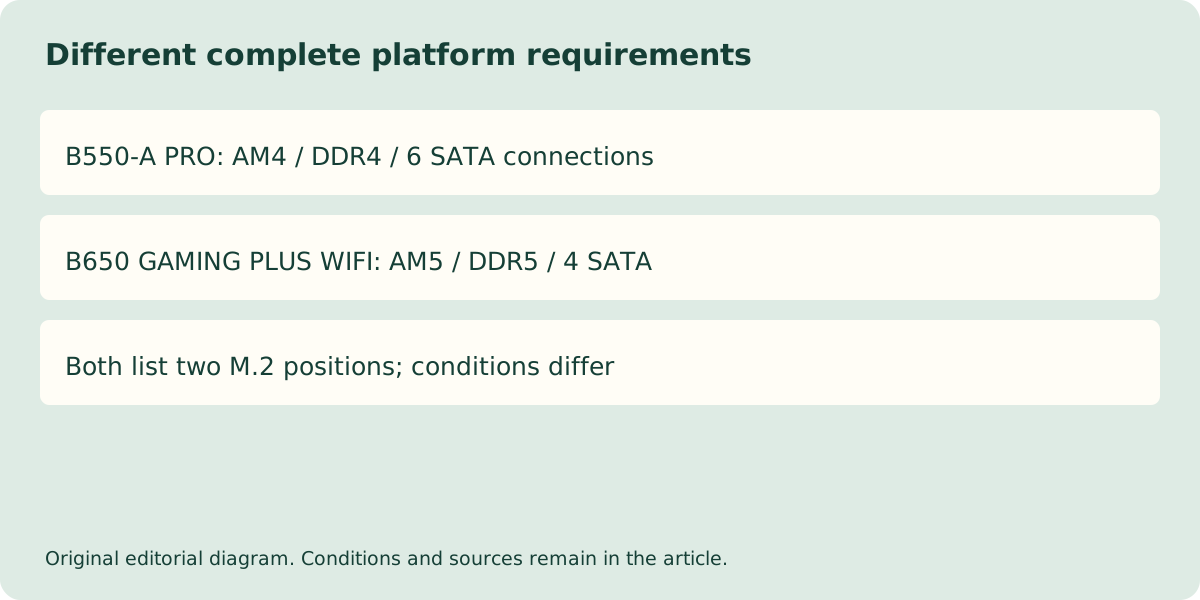
The second storage slot can change another resource
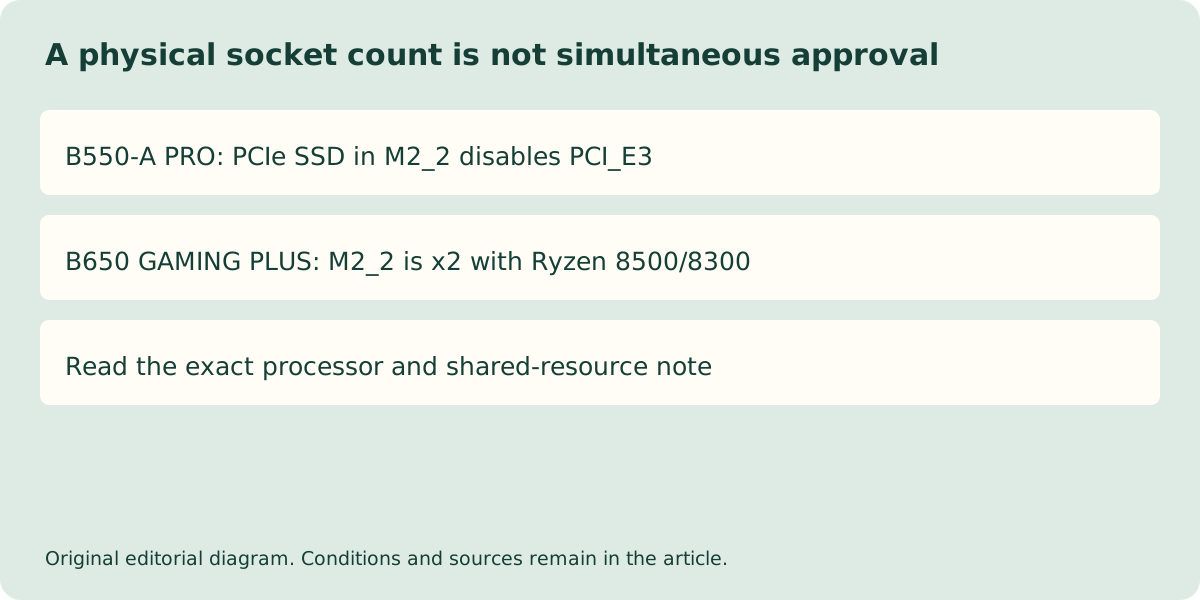
The B550-A PRO specification states that installing a PCIe SSD in M2_2 makes PCI_E3 unavailable. That is a concrete shared-resource condition: two physical sockets cannot necessarily be counted as simultaneous independent features. If your plan includes both a second SSD and a card in that expansion position, the conflict belongs in the selection decision before purchase.
The B650 GAMING PLUS WIFI page gives another conditional example: M2_2 supports PCIe 4.0 x2 with a Ryzen 8500/8300-series processor installed. Do not transfer an up-to-x4 storage row to every supported CPU. The source’s selected processor condition must travel with the bandwidth claim.
Keep the memory and drive identities separate
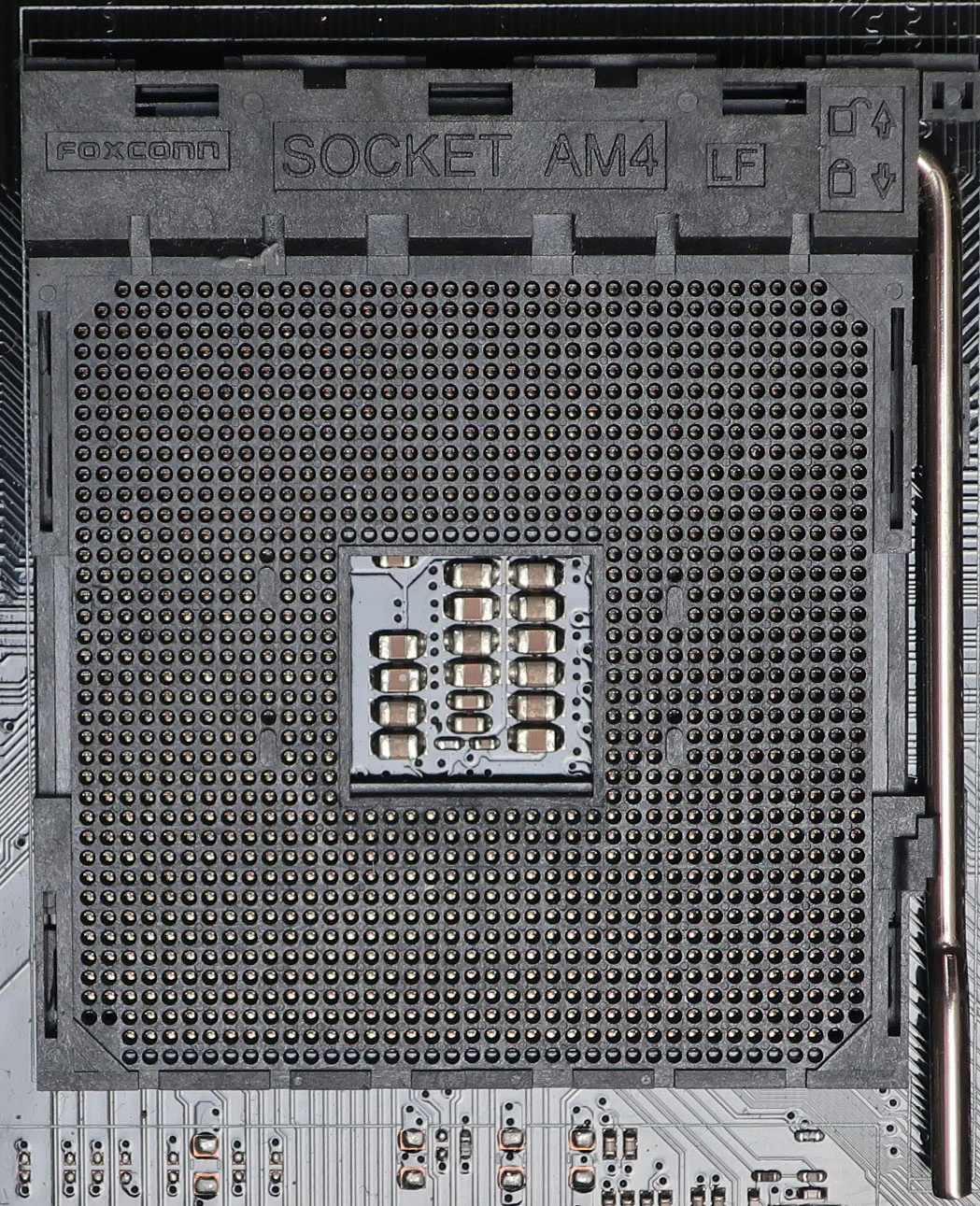
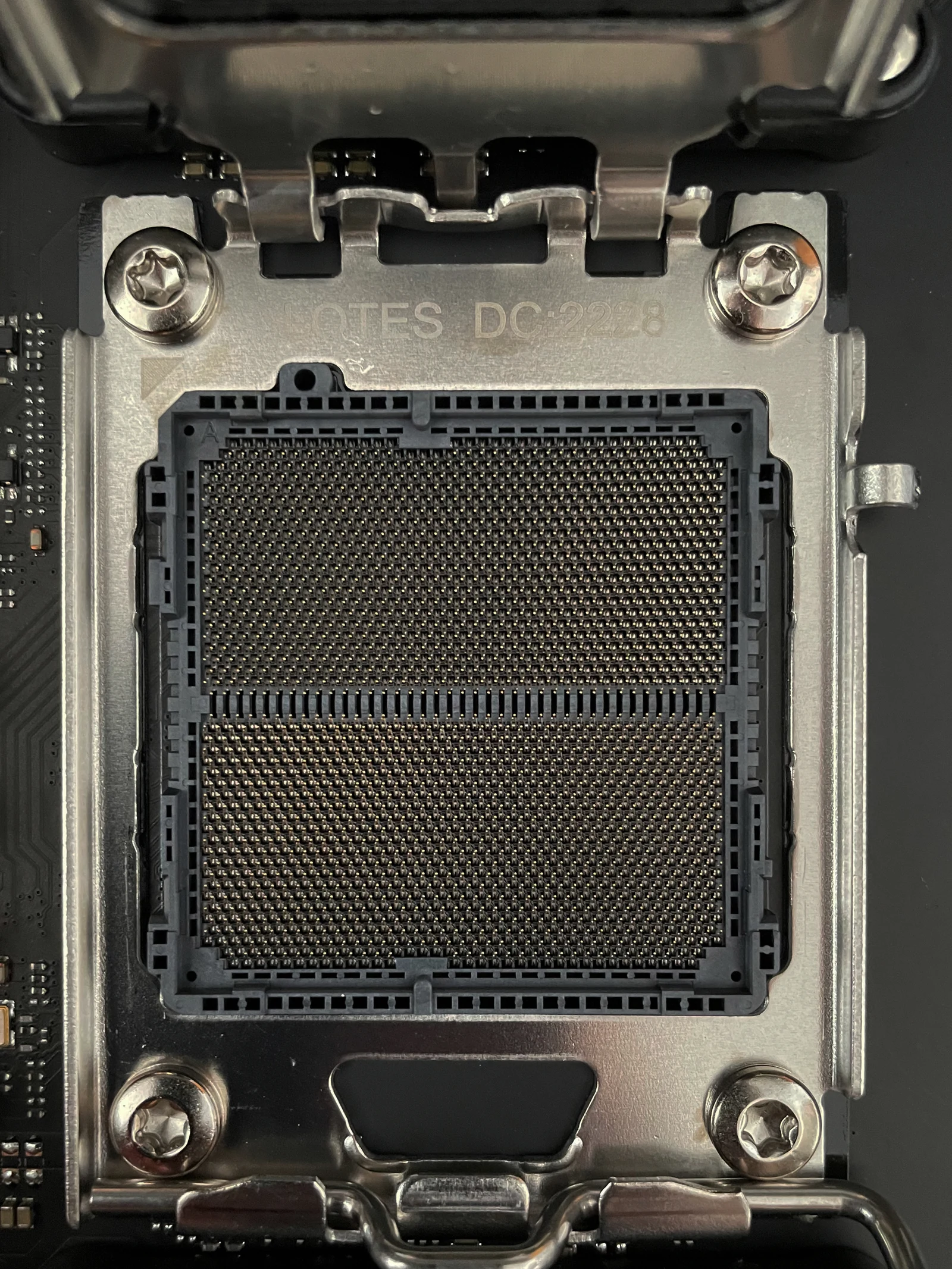
The AM4 and AM5 photographs show the different physical socket systems, not CPU approval for either exact MSI board. Processor support and the delivered BIOS remain a documented model-specific check. The DDR4 versus DDR5 generation in the table also requires a matching memory kit; spare sockets do not guarantee that separately packaged kits validate together.
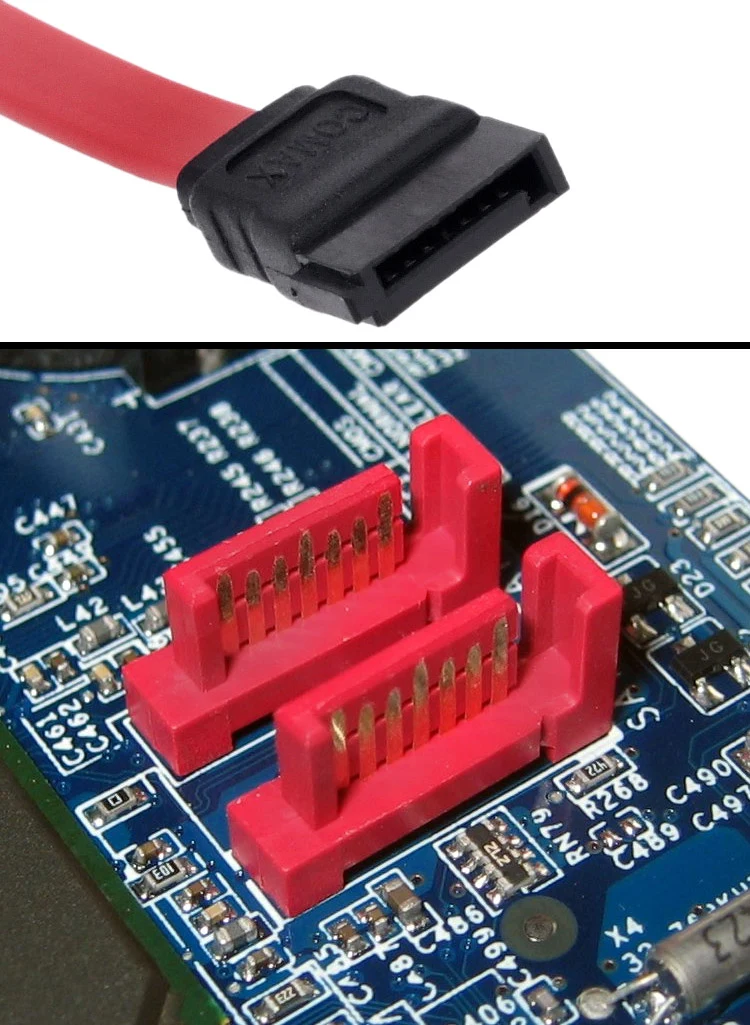
The SATA connector photograph makes the physical connection count concrete, but its two visible ports do not establish either MSI board count or simultaneous-resource support. For an M.2 drive, match the exact interface and supported length to the selected position, then apply the sharing and CPU conditions above. A familiar connector or outline does not prove SATA support or lane allocation.
Compare complete UK platform quotations only after the parts agree
List the processor, exact board, memory kit, all storage devices, expansion cards and network requirements together. A board-only quotation can conceal the cost of changing CPU and RAM, while retaining a platform can conceal a missing connection. Neither approach is automatically the cheaper or faster complete solution.
Ask the UK supplier to confirm the delivered model, support and firmware condition, included wireless accessories where applicable, VAT and return terms. No authorised current prices or independent benchmark have been verified here. The documented decision is still clear: this is an AM4/DDR4 versus AM5/DDR5 change with real connector-count and sharing differences, not a simple chipset-number upgrade.