Mini-ITX board comparison: memory slots and expansion trade-offs
Compare MPG B650I EDGE WIFI and B650 GAMING PLUS WIFI with actual DIMM counts, PCIe lane conditions and M.2 lengths.
Updated:
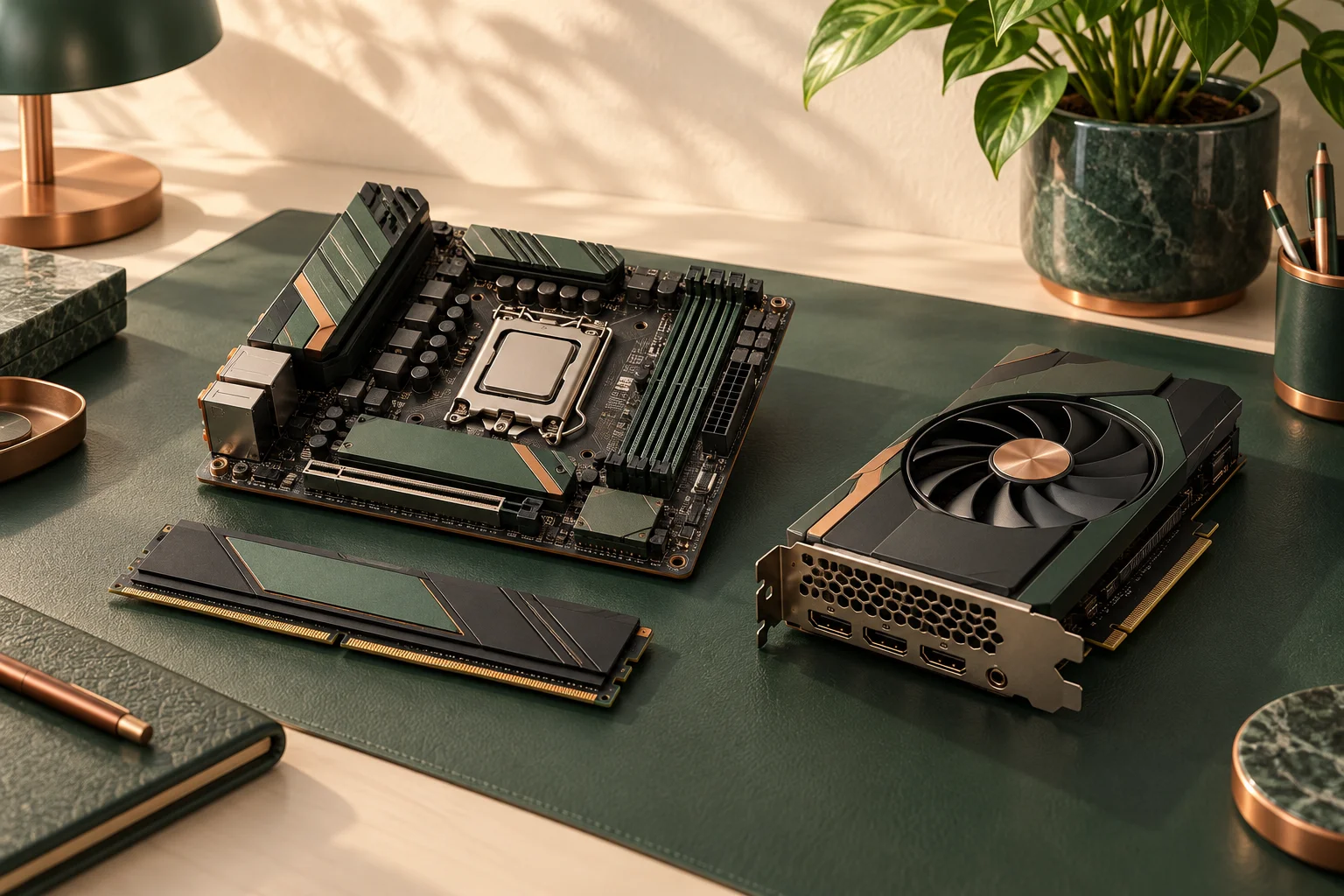
A compact AM5 board trades expansion layout for footprint
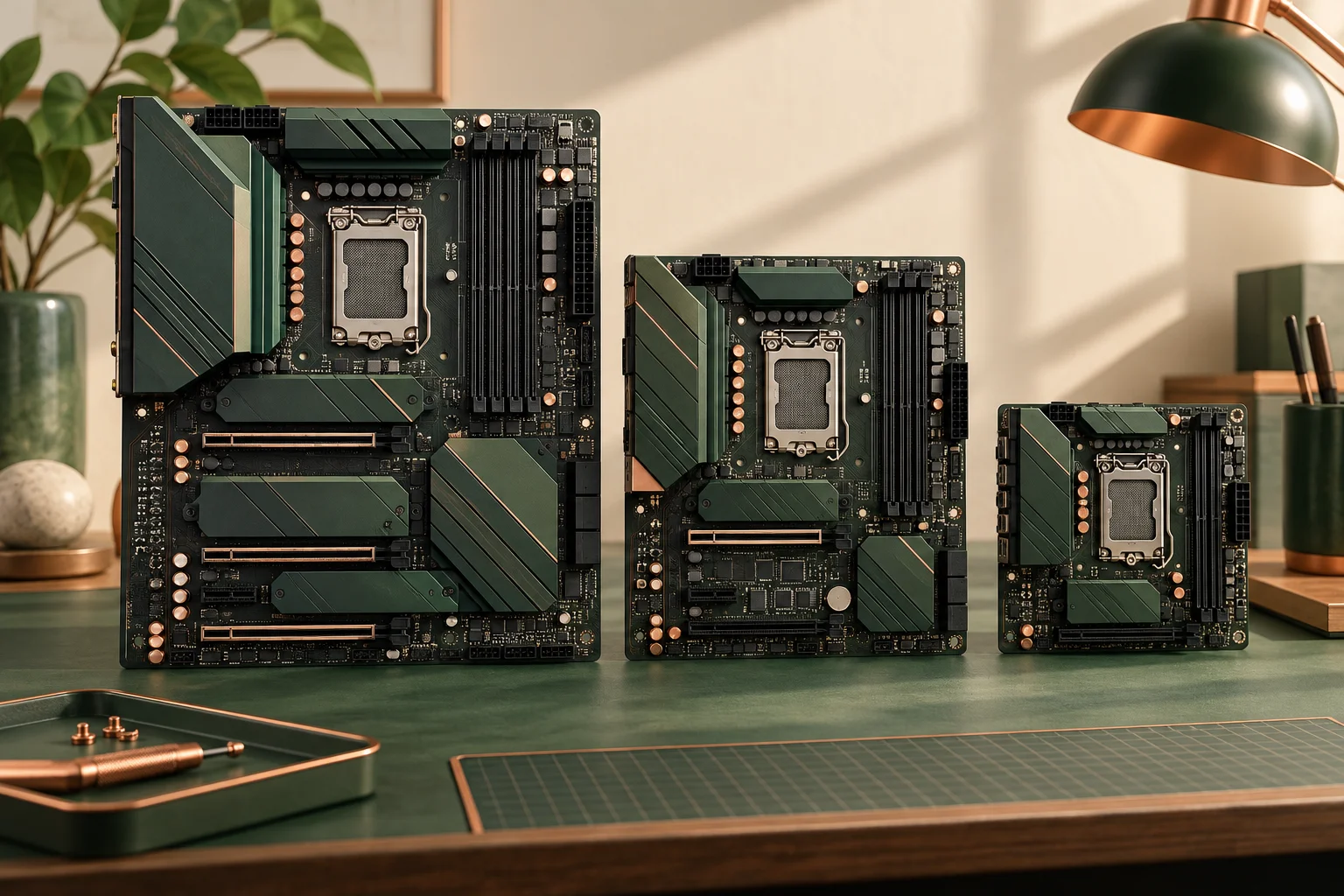
The MSI MPG B650I EDGE WIFI suits a documented Mini-ITX arrangement; the MSI B650 GAMING PLUS WIFI provides a larger ATX layout. Both are AM5 DDR5 boards, so a move between these exact models is not a DDR4-to-DDR5 migration. The deciding questions are the slots and connections you actually need, their processor-dependent behaviour, and the complete enclosure. Neither the B650 chipset name nor the smaller size establishes a performance winner.
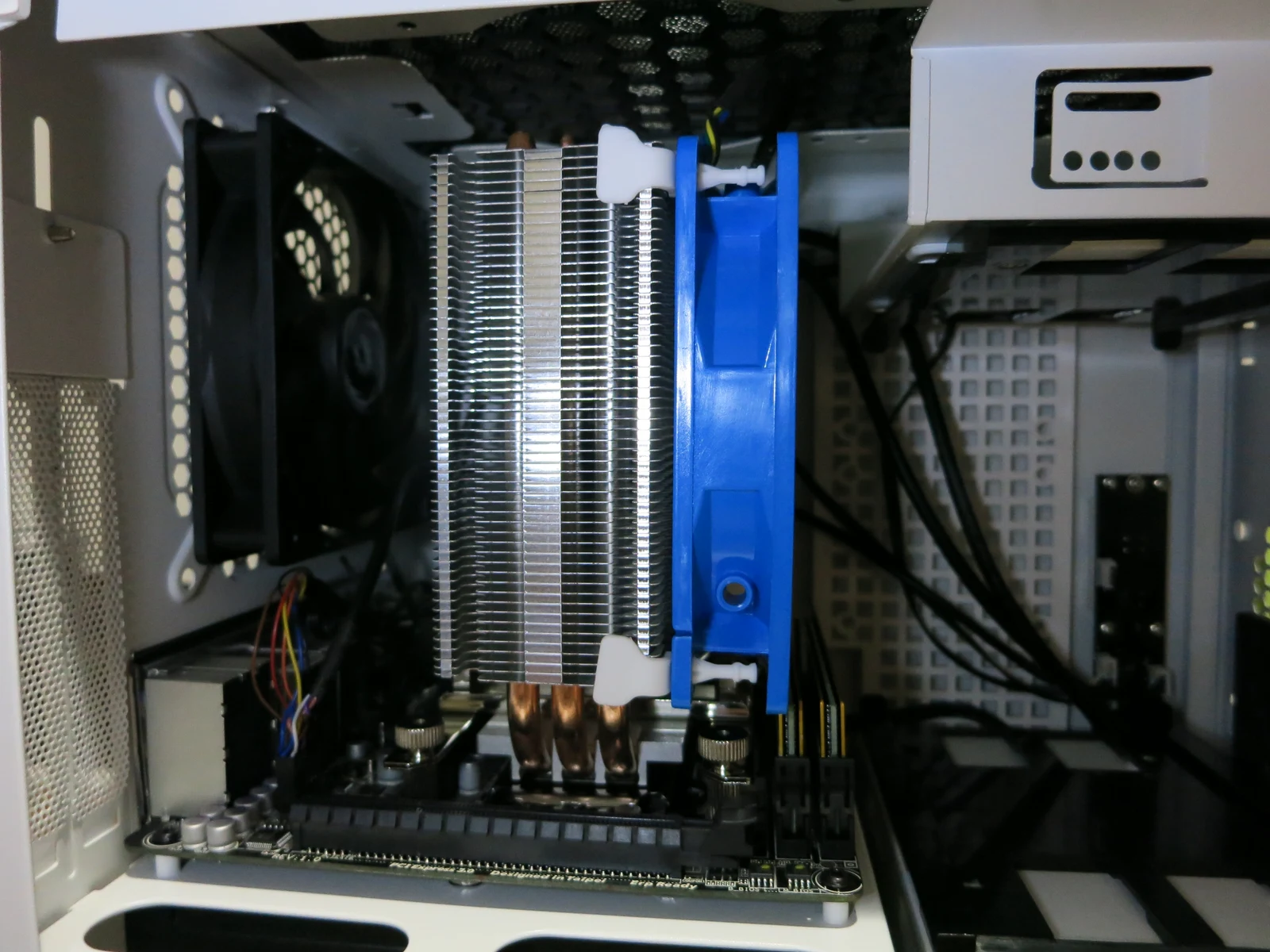
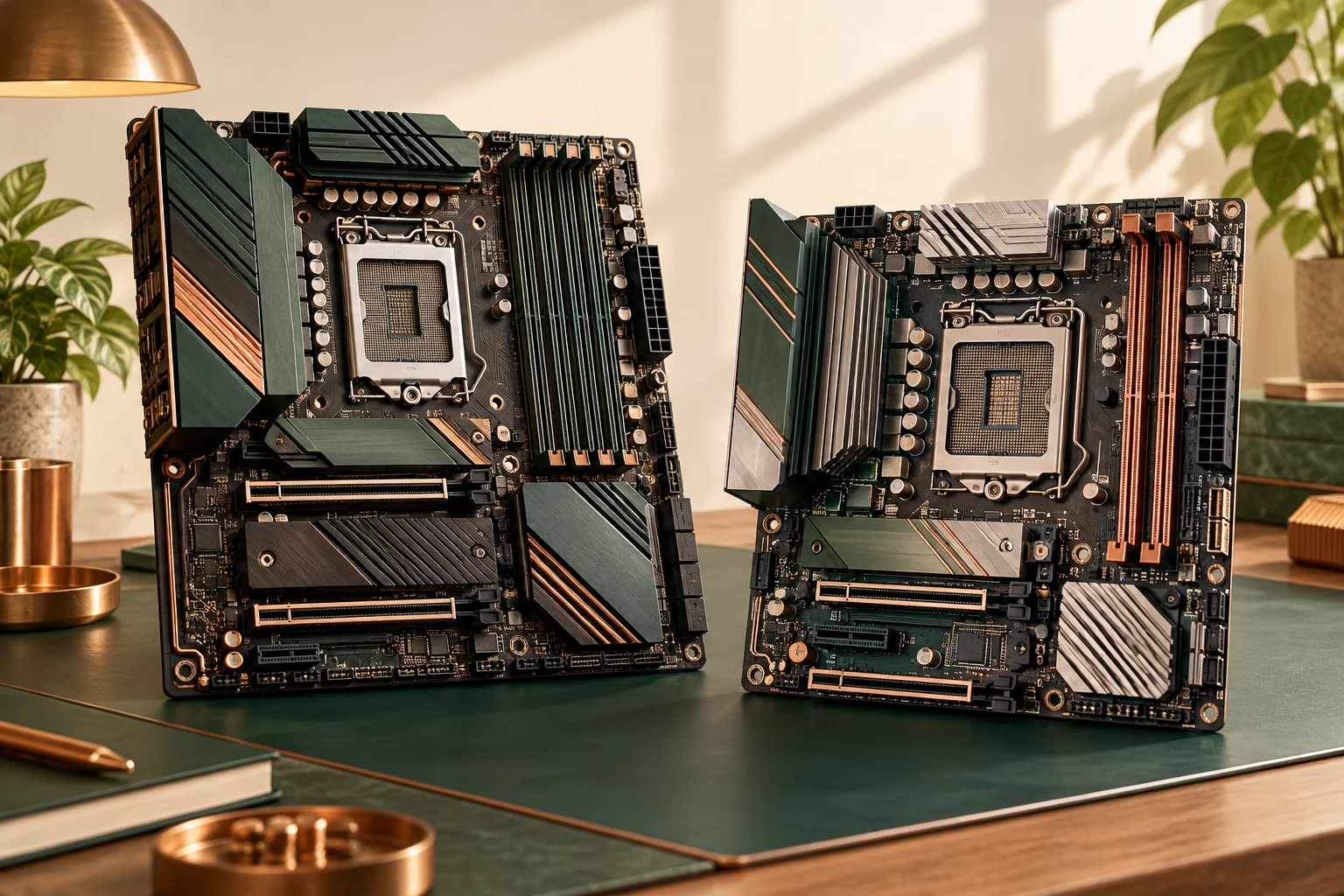
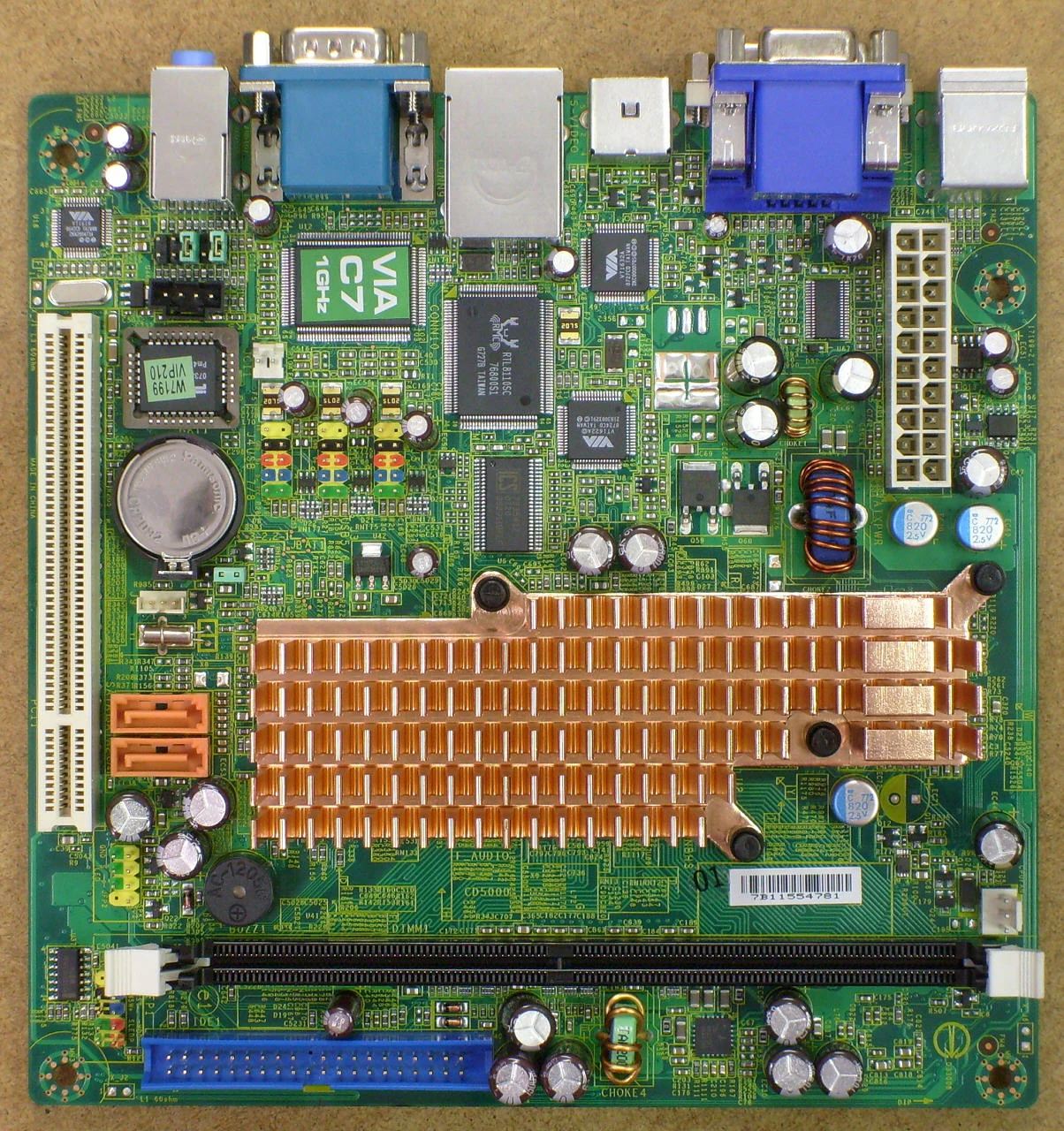
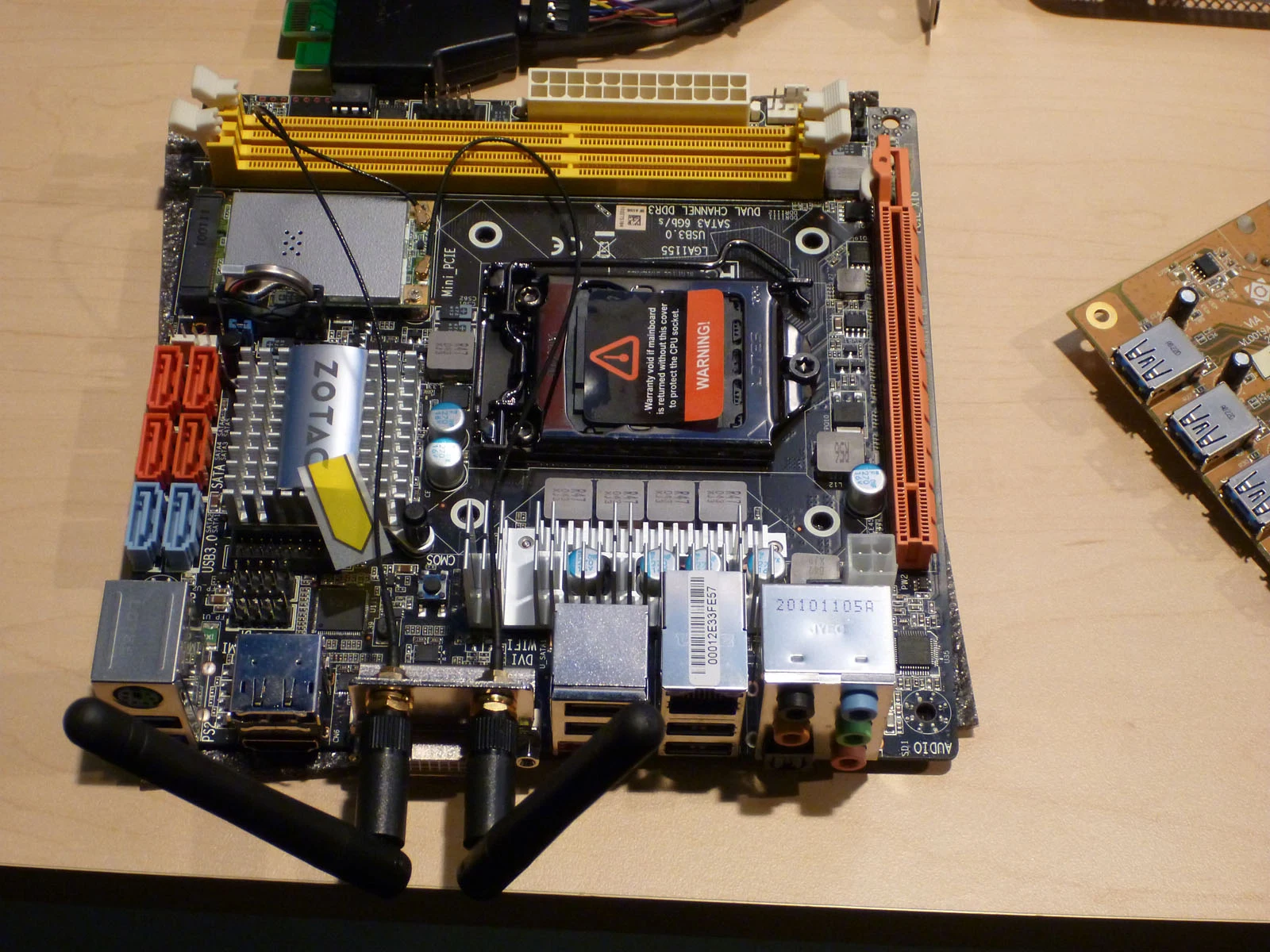
Start with the devices you will connect simultaneously. A graphics card, a second expansion card, two SSDs and several front-panel connections create different constraints from a simple desktop with one card and one drive. Record that equipment before comparing the attractive compact footprint. The separate historical Mini-ITX photographs identify compact board layouts and an assembled cooler arrangement. They are different physical boards from different photographic sessions, not either named MSI B650 model; no old connector, memory generation or fit condition is transferred to the comparison.
Two memory slots and four slots are different upgrade paths
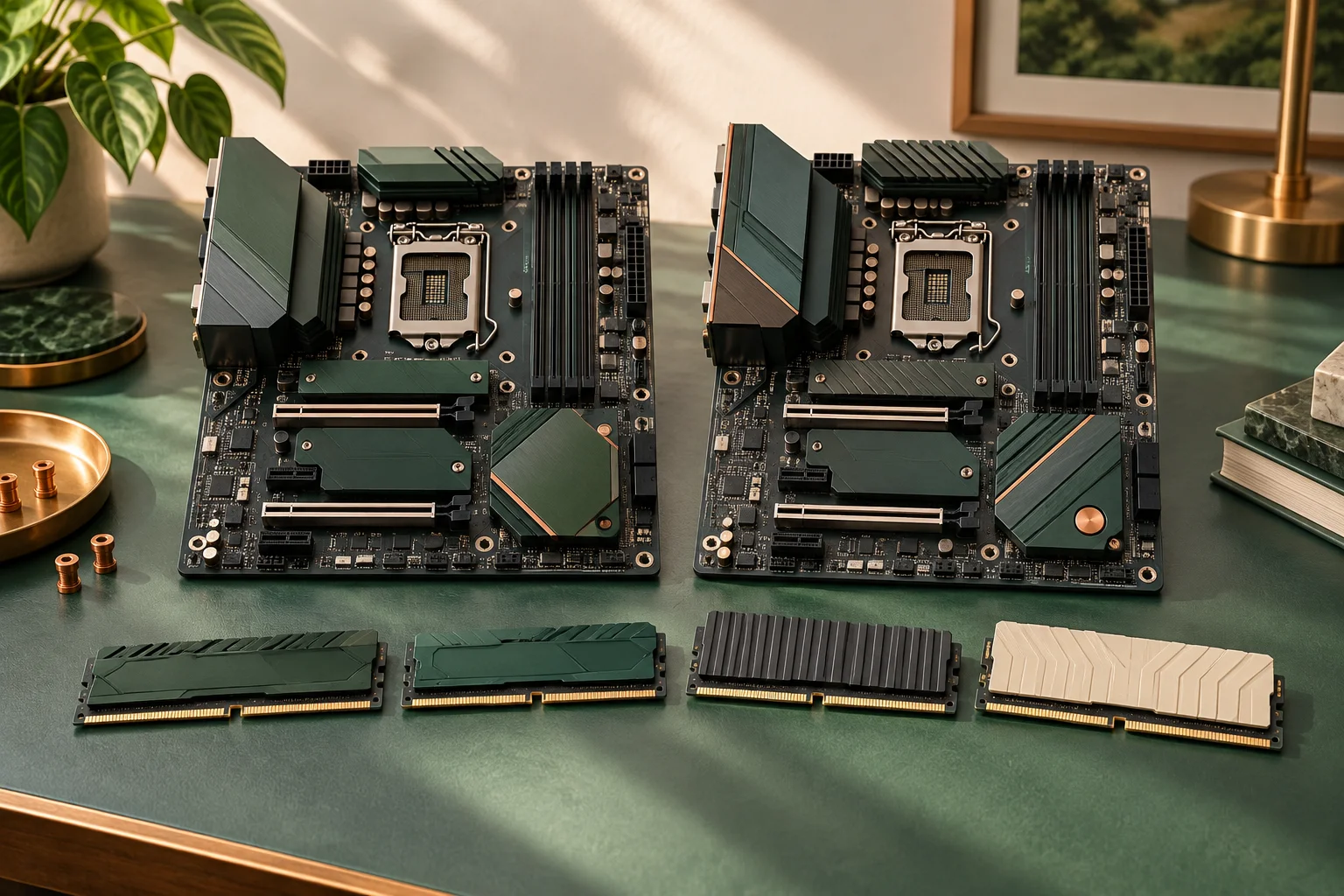
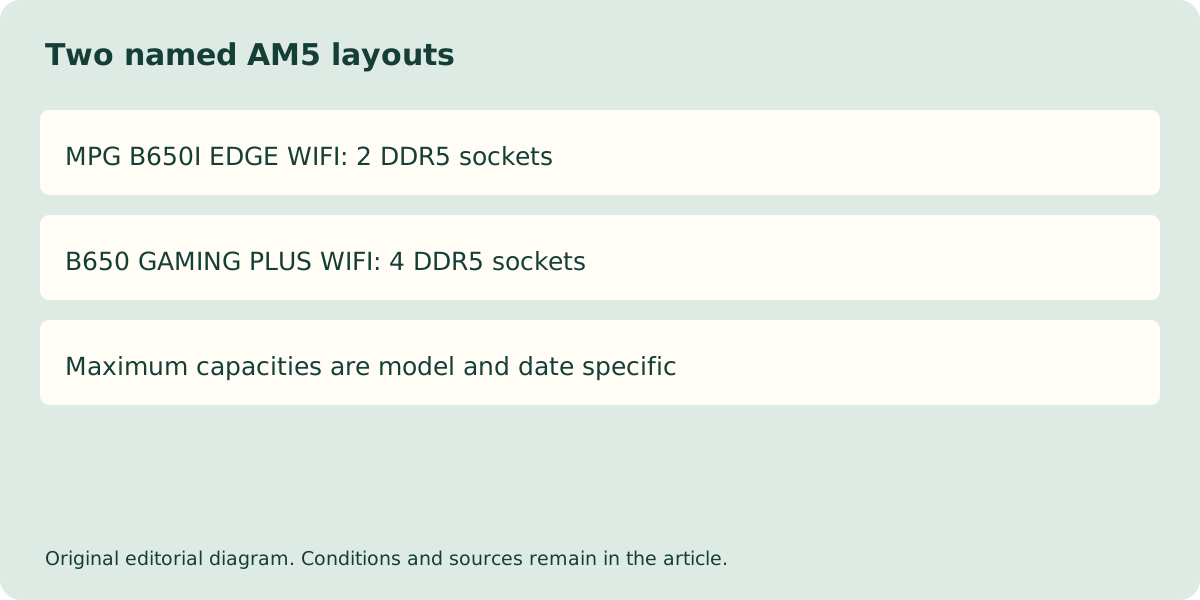
The current MPG B650I EDGE WIFI specification lists two DDR5 slots and a maximum capacity of 128 GB. B650 GAMING PLUS WIFI lists four slots and a maximum of 256 GB. These are dated manufacturer specification limits, not proof that every kit or processor reaches them. Both list dual-channel operation and non-ECC unbuffered memory support.
A two-module kit fills the Mini-ITX board but leaves two physical positions on the ATX board. That does not make a later second kit automatically validated. Check the exact kit, ranks, processor and population arrangement. Large OC transfer-rate labels in the page are not default promises; a different controller or module arrangement can change the supported setting.
| Current documented property | MPG B650I EDGE WIFI | B650 GAMING PLUS WIFI |
|---|---|---|
| Platform | AM5 / DDR5 | AM5 / DDR5 |
| Memory sockets | 2 | 4 |
| Published maximum capacity | 128 GB | 256 GB |
| Physical PCIe x16 sockets | 1 | 2 |
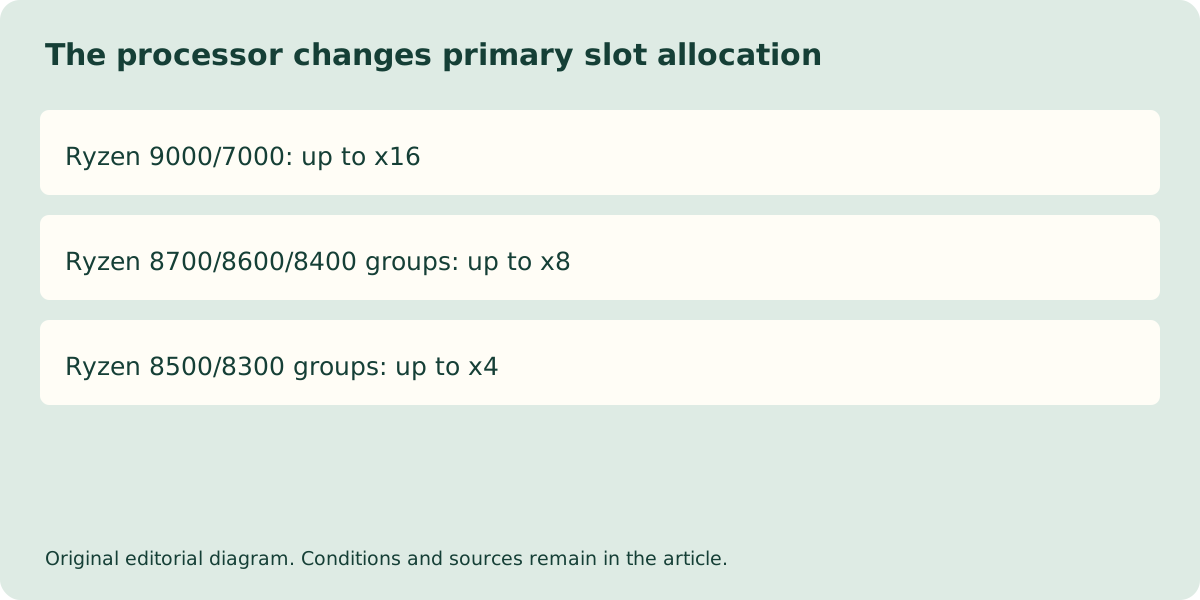
| Primary slot with Ryzen 9000/7000 | Up to x16 | Up to x16 |
| Primary slot with Ryzen 8500/8300 | Up to x4 | Up to x4 |
Read the processor-specific lane conditions
The Mini-ITX board lists one physical x16 expansion slot. Its electrical allocation changes with the processor: the page lists x16 for Ryzen 9000/7000, x8 for the 8700/8600/8400 groups and x4 for the 8500/8300 groups. The ATX board also documents processor-dependent primary allocation and a separate secondary path. A long socket is not a guarantee of the same bandwidth for every supported CPU.
Combine the selected processor row with the exact GPU specification and the actual case clearance. For B650 GAMING PLUS WIFI, the second physical x16 socket has a separate chipset-sourced PCIe4.0 path up to x4; it is not another CPU x16 link. A compact board photograph cannot establish that a modern card obtains its maximum width, fits beside another card, or reaches a stated frame rate. Those remain separate documented configuration questions.
Storage count does not settle storage fit
MPG B650I EDGE WIFI lists two M.2 positions supporting PCIe 4.0 x4 and 2280/2260 devices. It is therefore unsafe to assume that any short 2230 module is approved merely because it is an M.2 SSD. Check the mounting and supported length in the exact board document rather than improvising a retaining arrangement.
The two boards also differ in the source and supported length of individual M.2 positions. On B650 GAMING PLUS WIFI, M.2_1 is CPU-sourced and lists 2280/22110; M.2_2 is also CPU-sourced and lists 2260/2280, but MSI explicitly limits M2_2 to PCIe 4.0 x2 when a Ryzen 8500/8300-series processor is installed. On MPG B650I EDGE WIFI, M.2_1 is CPU-sourced and M.2_2 is chipset-sourced; both list 2260/2280 and a PCIe 4.0 x4 ceiling. Do not transfer one model’s source, mounting length or processor exception to the other. These are manufacturer specification limits, not measured drive throughput.
| Storage position or condition | MPG B650I EDGE WIFI | B650 GAMING PLUS WIFI |
|---|---|---|
| M.2_1 source; ceiling; supported lengths | CPU; PCIe 4.0 x4; 2260/2280 | CPU; PCIe 4.0 x4; 2280/22110 |
| M.2_2 source; ceiling; supported lengths | Chipset; PCIe 4.0 x4; 2260/2280 | CPU; PCIe 4.0 x4; 2260/2280 |
| M.2_2 with Ryzen 8500/8300 | No x2 limit is stated for this chipset slot in the checked specification; verify the exact CPU configuration | MSI explicitly lists PCIe 4.0 x2 for M2_2 |
Choose the platform that leaves a usable system
For a small UK desktop, confirm that the case accepts Mini-ITX and that the cooler, graphics card, PSU and cables can coexist. If a second expansion card is essential, the single-slot Mini-ITX arrangement may be unsuitable even when the primary graphics card fits. An external device is a separate purchase decision, not free equivalent expansion.
Ask the supplier for the exact board and processor identity, current firmware support and a confirmed memory configuration. A UK invoice and supported local configuration matter more than a generic global family picture. No price or stock feed has been verified here, so this guide resolves the documented layout trade-off without claiming the cheapest complete build or a measured performance advantage.