XMP, EXPO and default speed: read two actual Kingston kit files
Compare the stored default and profile rows of two named Kingston kits. A profile family and advertised transfer rate are conditional specifications.
Updated:
The printed speed can describe a profile rather than startup behaviour
If a memory kit starts below the transfer rate on its packaging, first compare the default and profile rows in its exact datasheet. That difference alone does not establish a faulty module. Kingston KF432C16BBK2/32 and KF556C36BBEK2-32 provide clear examples: both contain two 16 GB modules, but their generations, default settings and profile families differ. A system’s actual operating configuration remains dependent on the processor, board, firmware and populated slots.
This is a document-reading guide, not instructions to enable an overclock or adjust voltage. Preserve any stable configuration and consult the exact system support material before changing settings. A seller’s description of 32 GB performance memory does not identify which stored profile, if any, the supplied machine supports. Ask for the full kit part number and documented configuration.
Compare each stored row instead of mixing the headline numbers
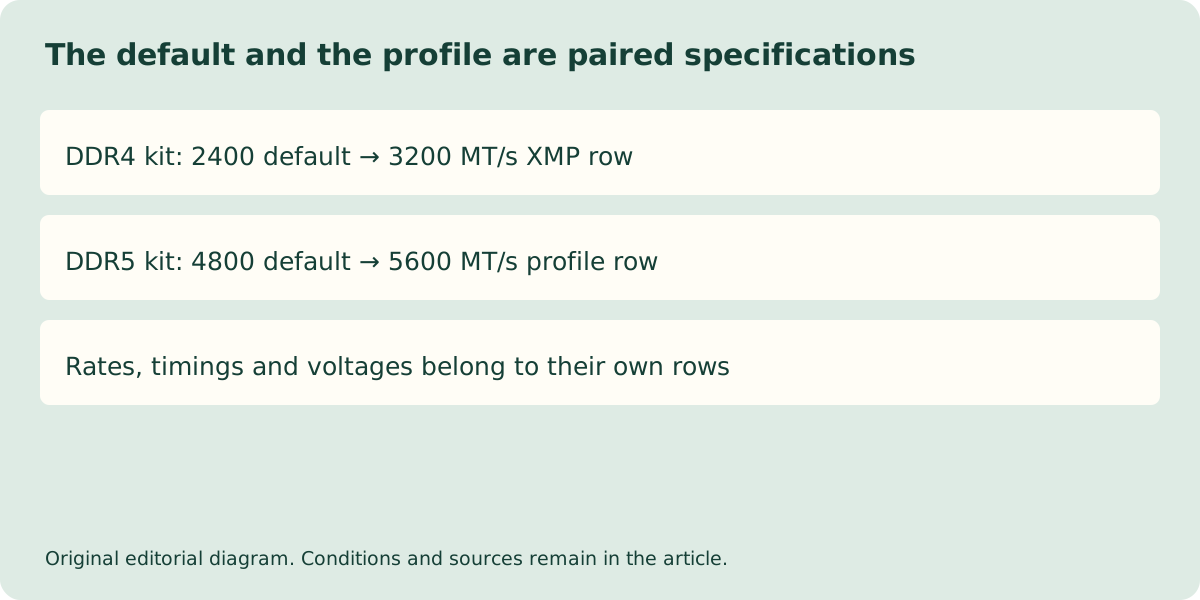
The DDR4 kit supports XMP 2.0. Its datasheet lists a JEDEC default of 2400 MT/s CL17-17-17 at 1.2 V, an XMP profile of 3200 CL16-20-20 at 1.35 V, and another of 3000 CL16-19-19 at 1.35 V. These are complete paired conditions: the listed voltage and timing belong to that row, not to a rate borrowed from another kit.
The DDR5 kit supports AMD EXPO 1.0 and Intel XMP 3.0. Its default is 4800 MT/s CL40-39-39 at 1.1 V. The file lists 5600 CL36-38-38 and 5200 CL40-40-40 profiles at 1.25 V in both profile families. The presence of both families does not make the kit a DDR4 product or guarantee every Intel or AMD board accepts each profile.
| Exact kit | Default row | Higher listed profile | Profile families |
|---|---|---|---|
| KF432C16BBK2/32 | 2400 MT/s; CL17-17-17; 1.2 V | 3200 MT/s; CL16-20-20; 1.35 V | XMP 2.0 |
| KF556C36BBEK2-32 | 4800 MT/s; CL40-39-39; 1.1 V | 5600 MT/s; CL36-38-38; 1.25 V | EXPO 1.0 / XMP 3.0 |
A profile is not a universal compatibility statement
Kingston explicitly warns that some boards or system configurations may not operate at the published FURY speed and timing. A profile is a stored set of intended conditions, not a certificate for every memory controller. Compare the board’s memory support entry and its tested population arrangement with the exact processor specification.
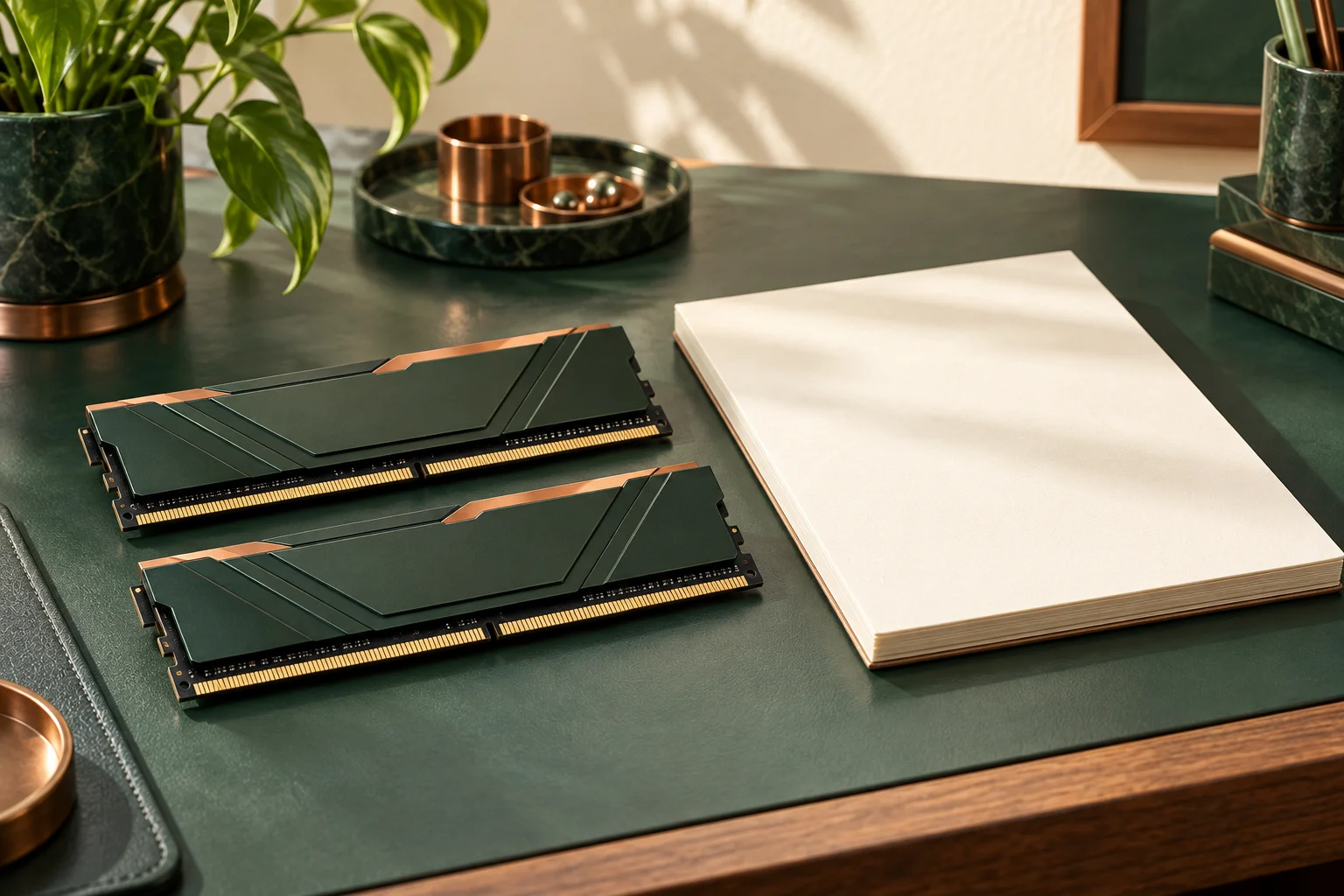
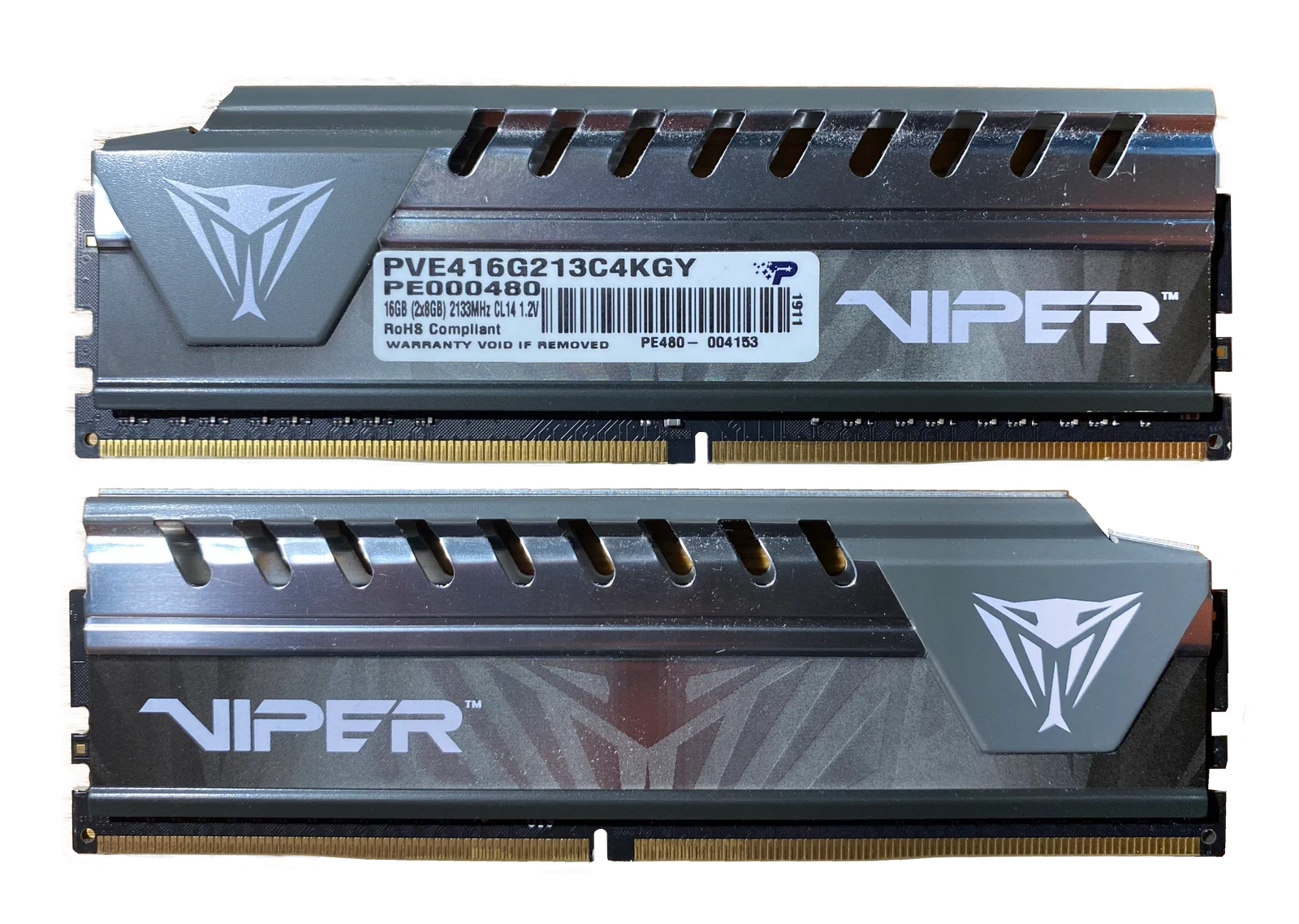
The independently photographed Viper DDR4 pair demonstrates that two modules can be handled as a pair; it does not establish that a second separately packaged pair has been tested as one four-module kit. Similarly, a picture cannot determine the installed module’s profile tables. Use the manufacturer part identity and documentation instead of appearance.
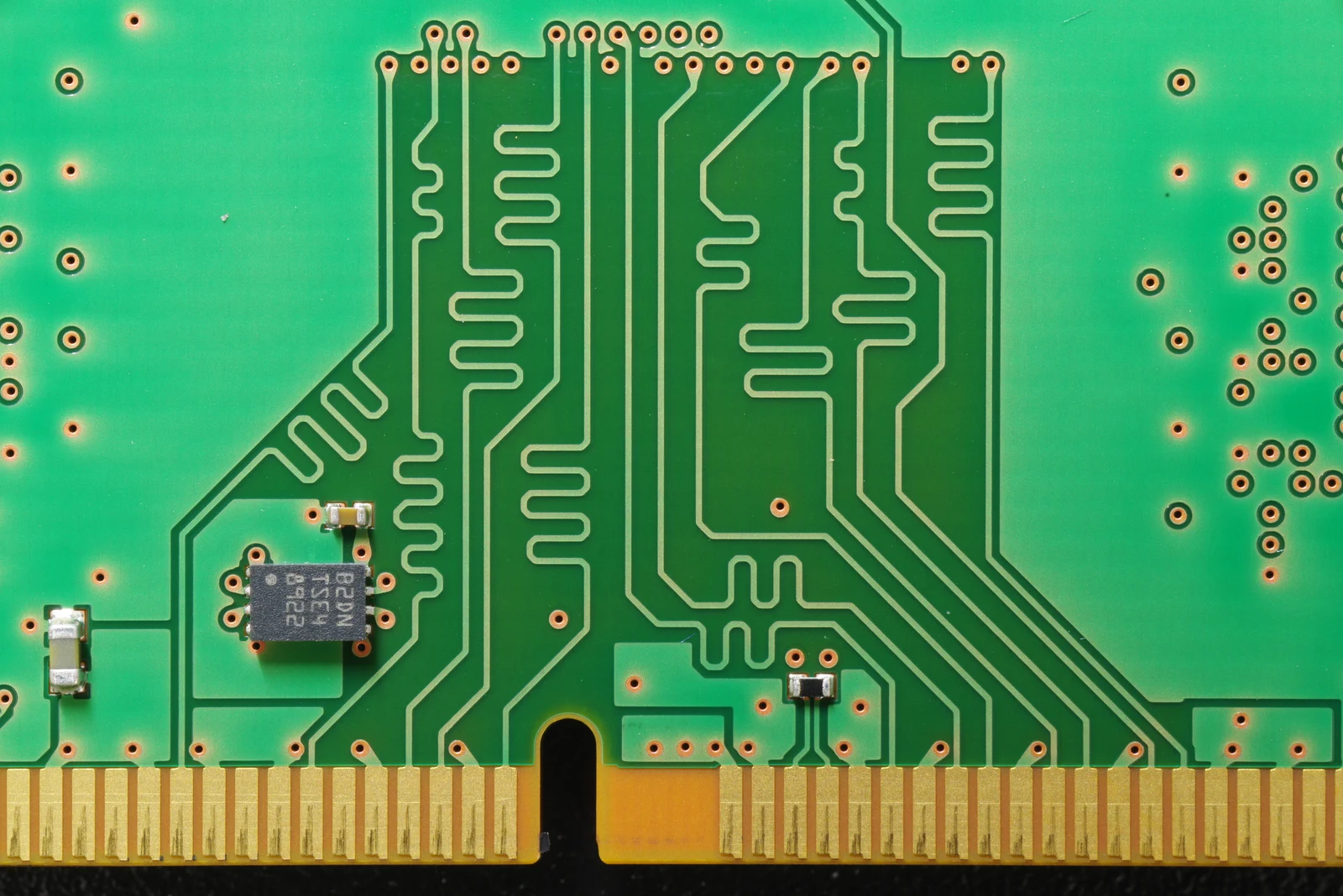
Stored data has a physical home on a memory module. The separate DDR4 macro identifies an STTS2004 package by its TSE4 marking. STMicroelectronics documents its SPD EEPROM as storing configuration information such as access speed, size and organisation. This is a concrete example of stored module information, not a reading of either Kingston kit: the photo does not reveal the EEPROM contents or show which profile a particular system selects.
Keep generation, module format and rate units straight
MT/s describes transfers per second, while clock frequency is a different quantity. Do not relabel 5600 MT/s as a measured 5600 MHz clock. CAS latency labels also need the corresponding transfer rate: CL16 and CL36 cannot be ranked in isolation. The simplified CAS component uses 2000 × CL divided by MT/s, not just the lower CL number.
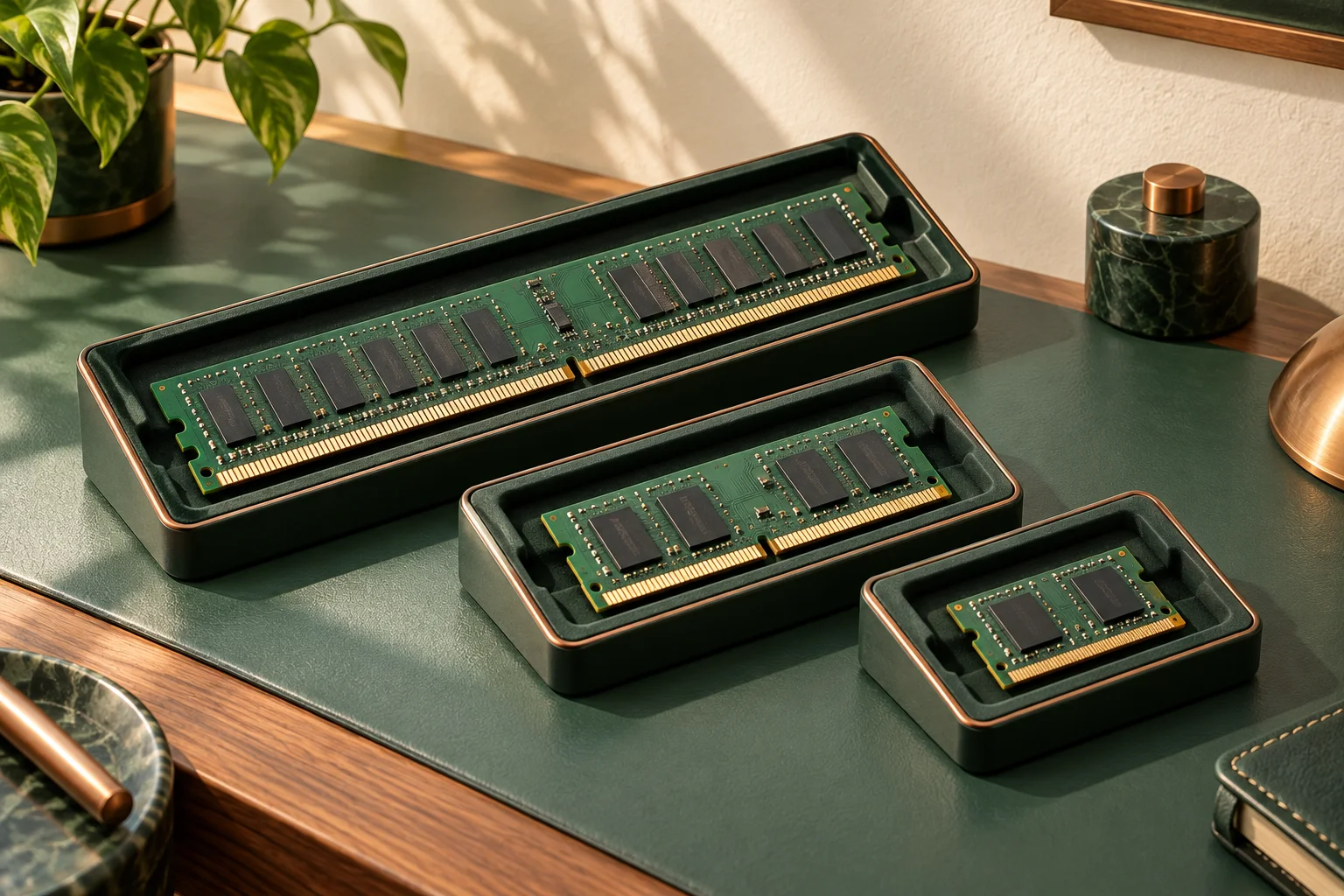
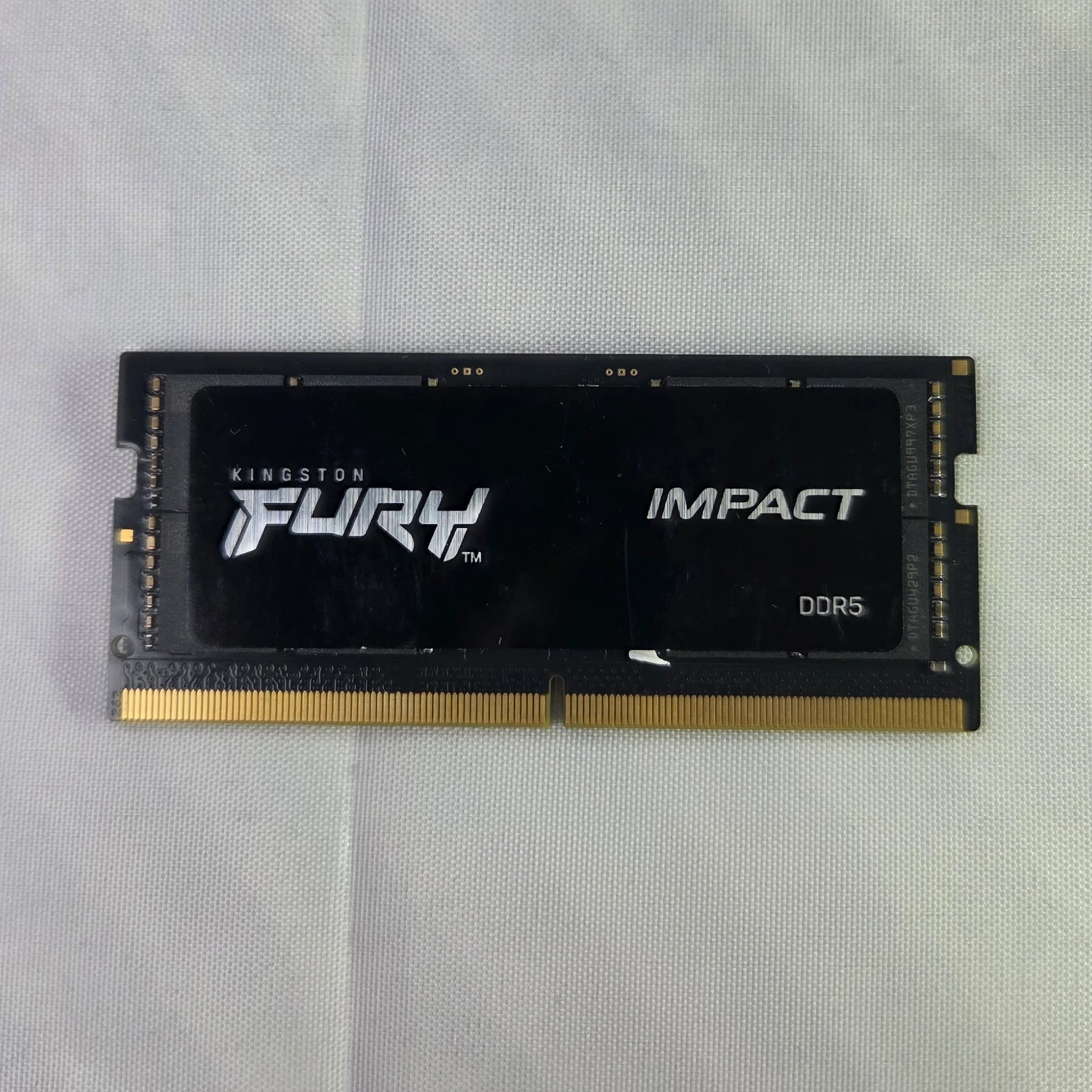
The Kingston FURY Impact SO-DIMM photograph illustrates a smaller physical format. Registered ECC RDIMMs are another module class. Neither is a replacement for these desktop kits. DDR5 on-die error-correction wording also does not establish complete platform-level ECC support. The full module type remains relevant even when profile marketing sounds similar.
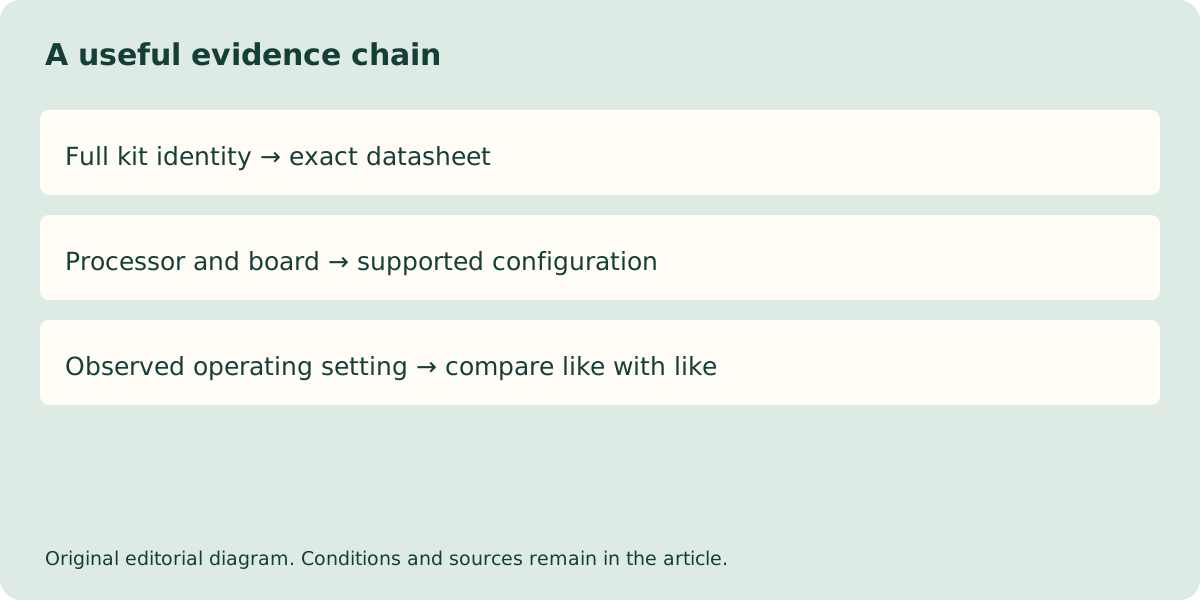
Ask for the supported configuration, not a promised benchmark
For a UK prebuilt order, ask which exact kit is supplied, which supported setting the seller documents, and whether that configuration is part of the delivered specification. Retain the written answer with the invoice. If the seller can only repeat the packaging rate, the actual system-level condition remains unresolved.
No current price feed or independent workload benchmark has been verified for this comparison. A higher advertised profile is not a proven value or gaming-speed winner. The practical answer is to distinguish startup defaults, stored profiles and the complete system’s supported configuration, then investigate a mismatch against those exact records before assuming the hardware is defective.