DDR4 versus DDR5: compare two actual kits and the platform change
Compare named 32 GB Kingston kits, their default and profile settings, and two ASUS boards. Choose the right generation before comparing speed labels.
Updated:
Choose the motherboard generation first
DDR5 is not a drop-in replacement for DDR4. For a UK desktop upgrade, keep a supported DDR4 kit on a DDR4 board; move to DDR5 only with a motherboard and processor combination that supports it. The useful comparison is a complete platform decision, followed by capacity and documented settings. A larger transfer-rate label alone does not answer whether your existing computer accepts the module or whether your applications will become faster.
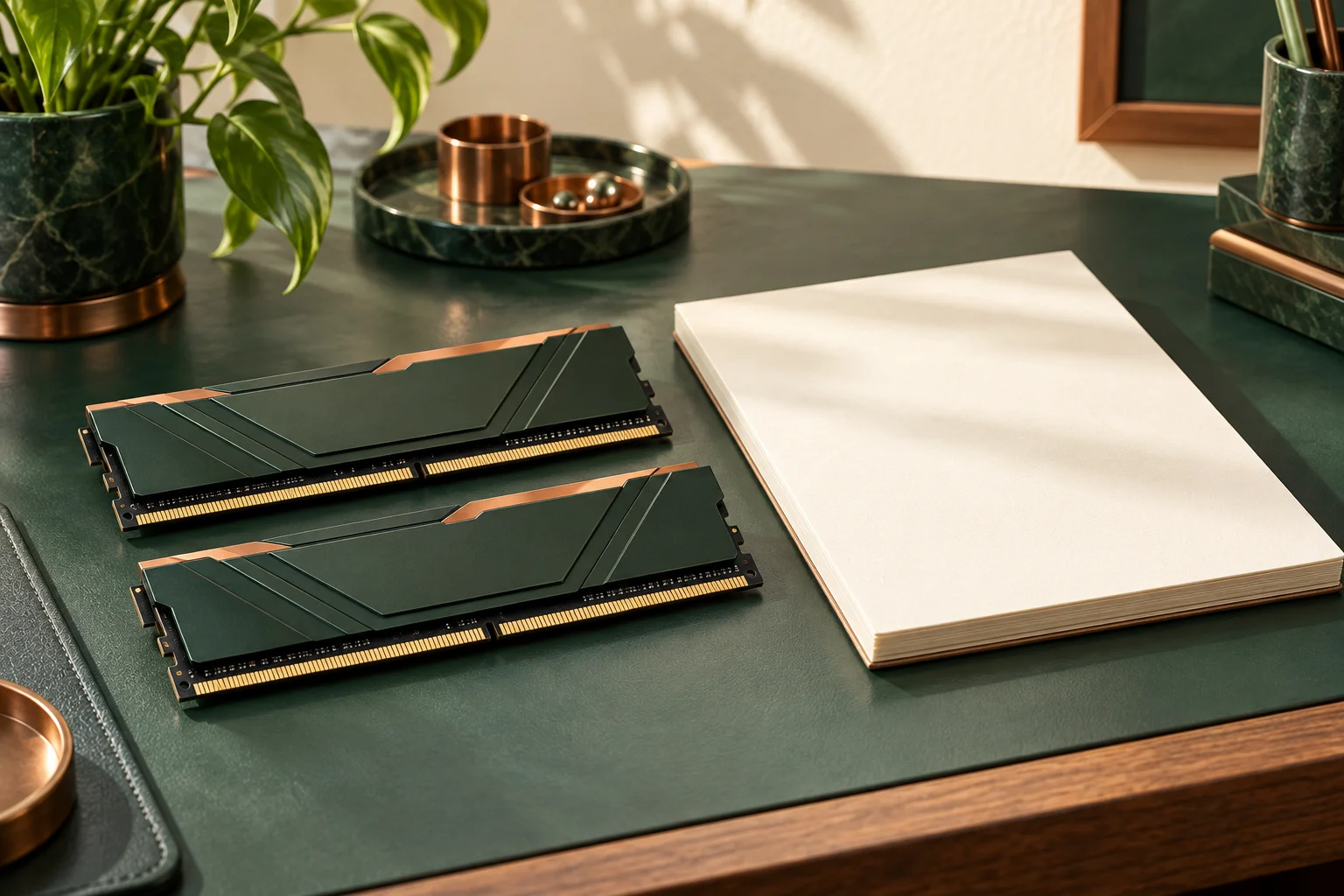
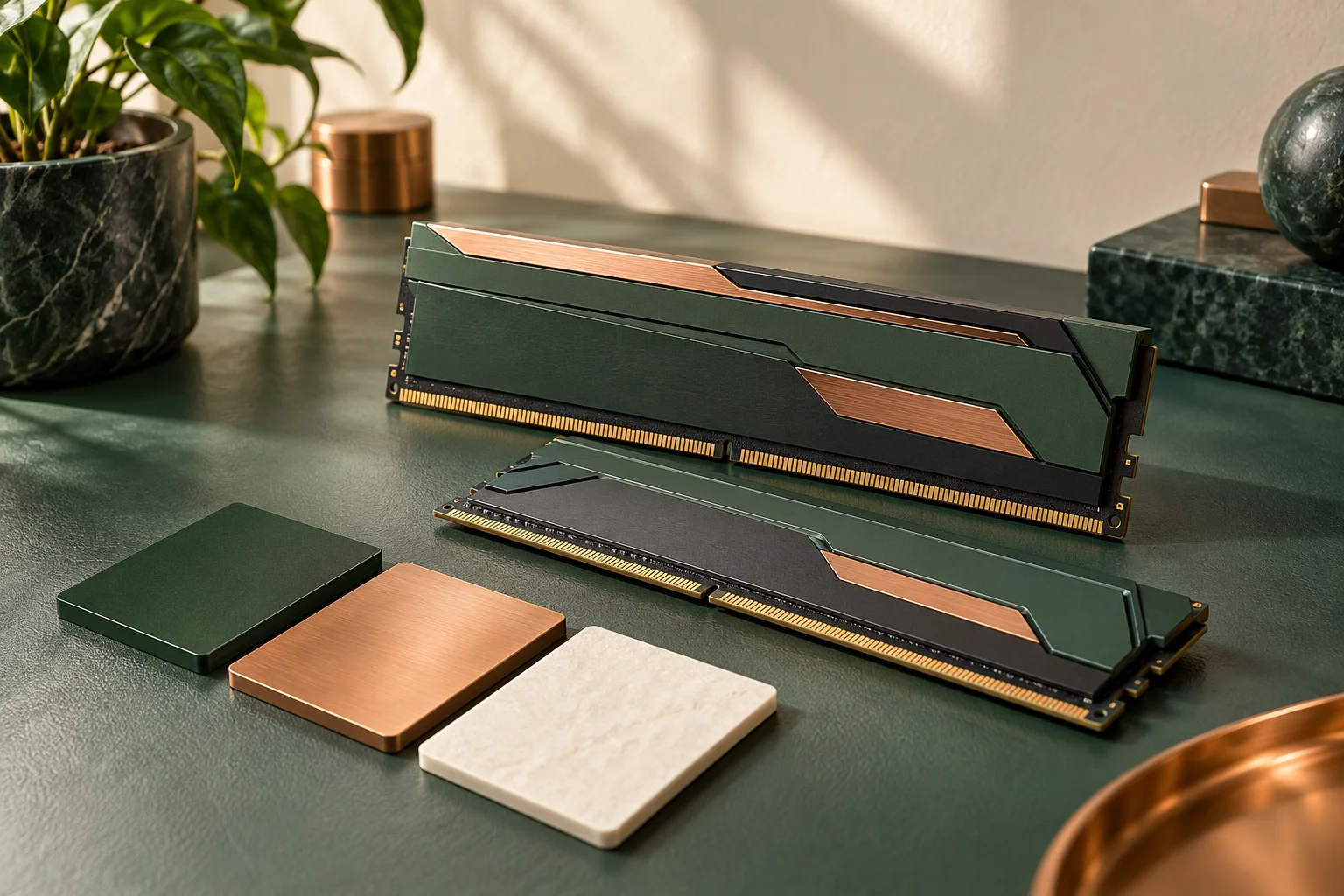
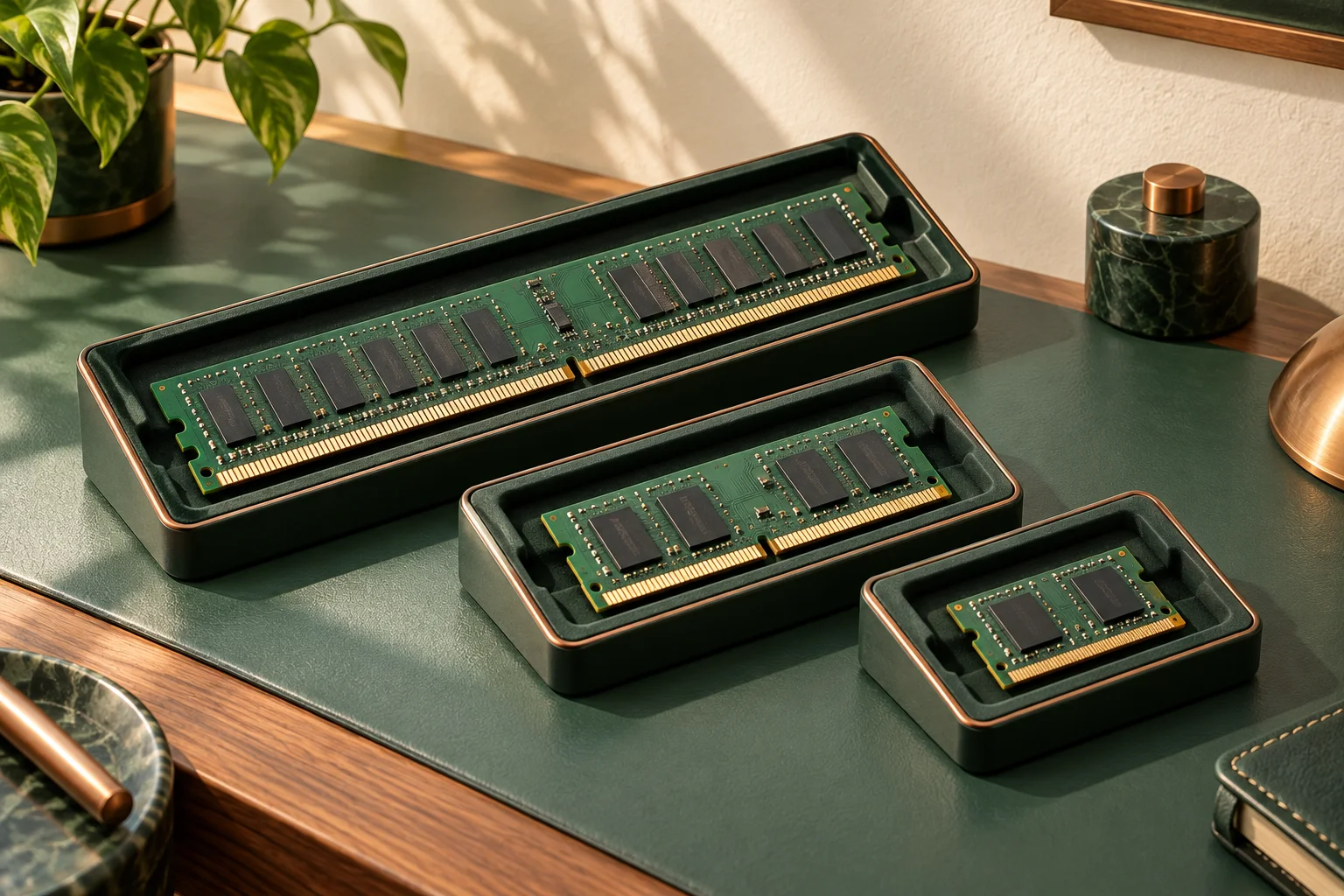
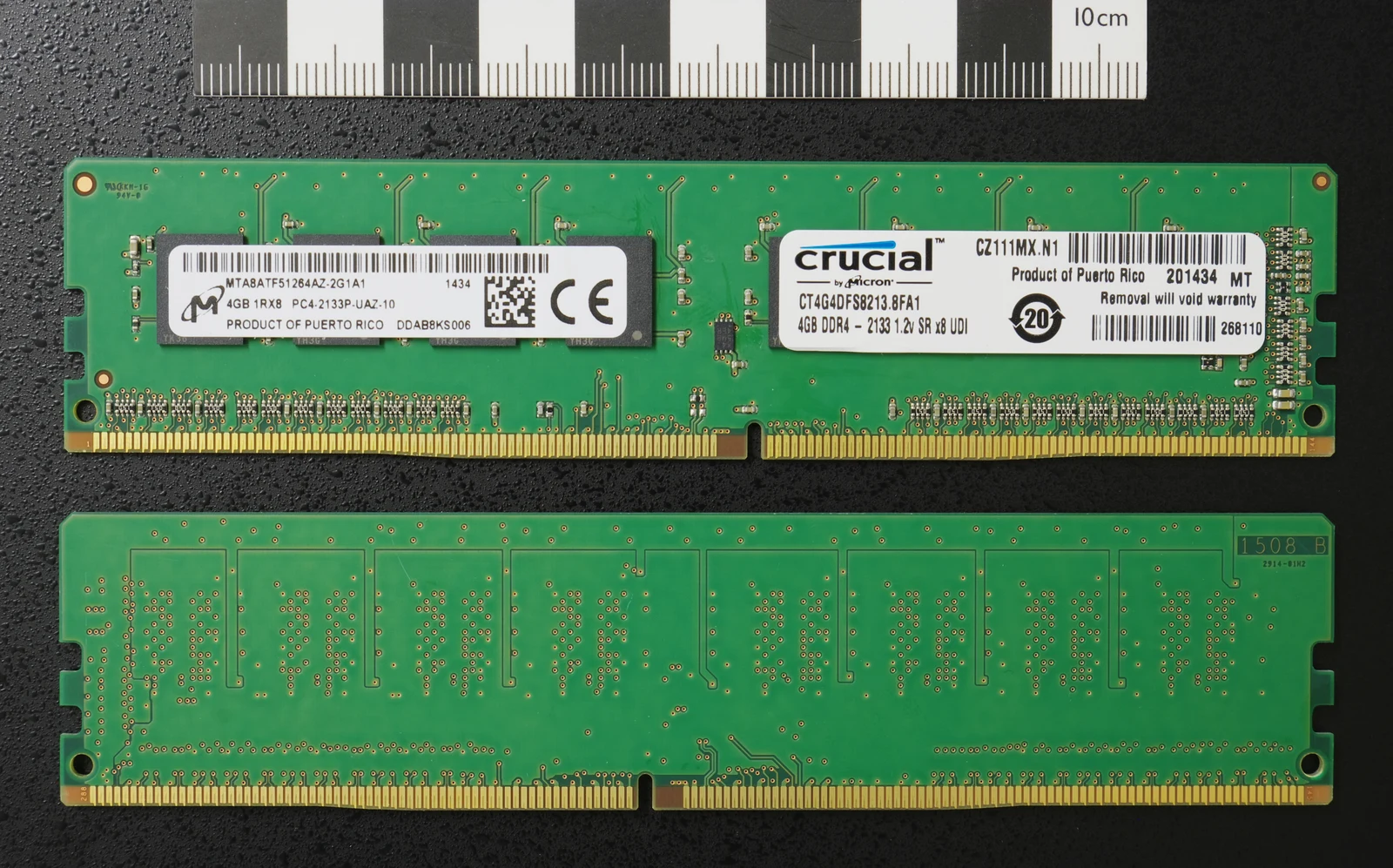
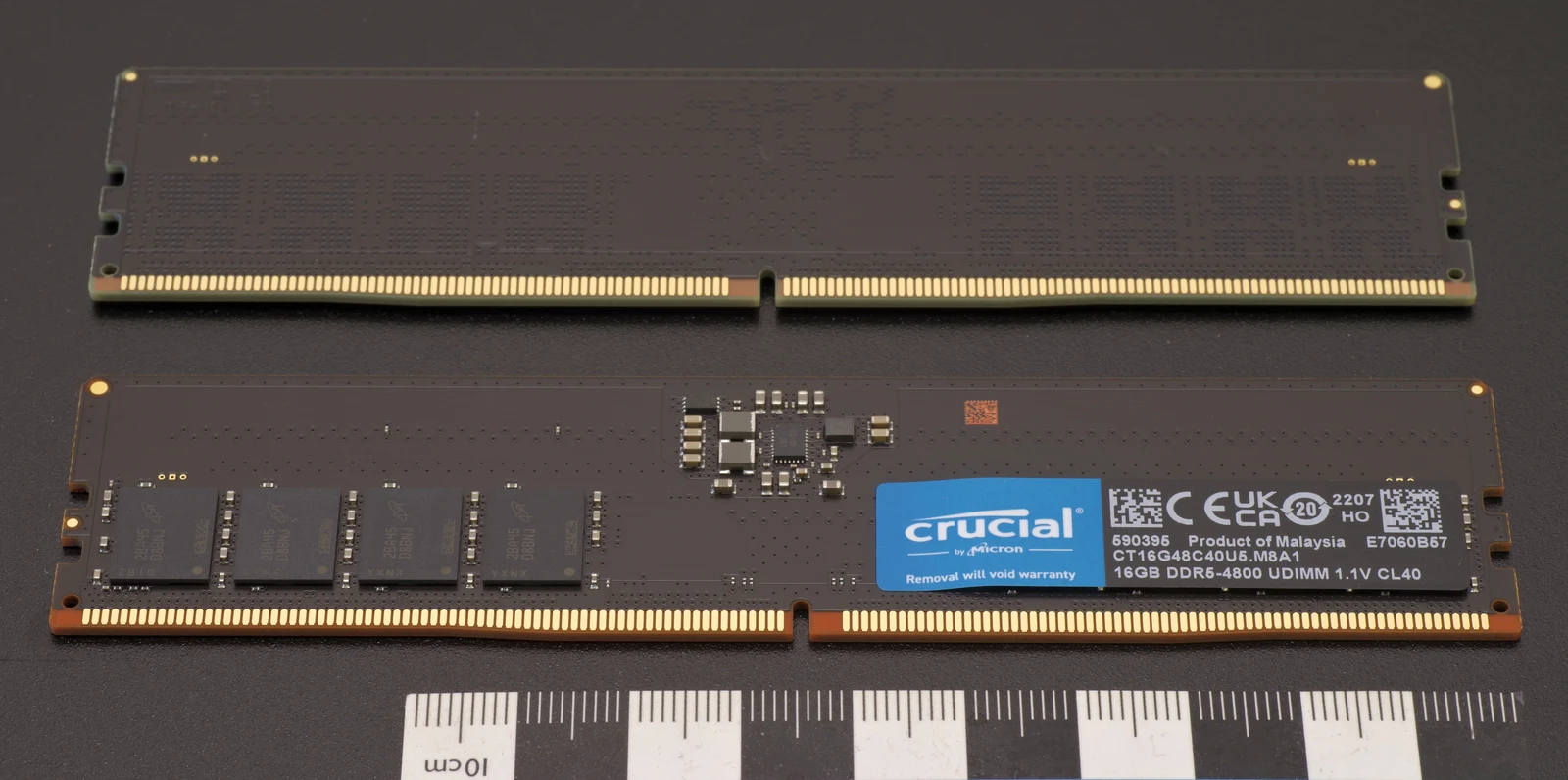
Consider two actual 32 GB Kingston FURY kits: KF432C16BBK2/32 contains two 16 GB DDR4 modules, while KF556C36BBEK2-32 contains two 16 GB DDR5 modules. Their identical total capacity and 288-pin description do not make them interchangeable. Their electrical requirements, generation and profile systems differ. The photographed Crucial DDR4 and DDR5 modules directly show the two generations. They are separate objects photographed in different years, not either Kingston kit or evidence of a tested combination. Each source combines two views and counts as one photograph.
Read default settings separately from the headline profile
The DDR4 datasheet lists a default DDR4-2400 CL17-17-17 setting at 1.2 V, alongside an XMP 2.0 profile of DDR4-3200 CL16-20-20 at 1.35 V. The DDR5 kit defaults to DDR5-4800 CL40-39-39 at 1.1 V, with EXPO and XMP profiles including DDR5-5600 CL36-38-38 at 1.25 V. These are manufacturer-listed settings, not measurements from this site. A computer can start at its supported default instead of the advertised profile.
The DDR5 datasheet explicitly cautions that some motherboard or system configurations may not operate at the published FURY settings. Check the exact kit part number, installed processor and board memory list together. A supported profile is still distinct from an unconditional promise for every populated-slot arrangement. Do not raise voltages or change firmware simply because a comparison table contains a higher number.
| Documented property | KF432C16BBK2/32 | KF556C36BBEK2-32 |
|---|---|---|
| Generation and kit | DDR4; 2 × 16 GB | DDR5; 2 × 16 GB |
| Default | 2400 MT/s; CL17; 1.2 V | 4800 MT/s; CL40; 1.1 V |
| Listed higher profile | 3200 MT/s; CL16; 1.35 V | 5600 MT/s; CL36; 1.25 V |
| Profile families | Intel XMP 2.0 | AMD EXPO 1.0 and Intel XMP 3.0 |
| Listed height with spreader | 34 mm | 34.9 mm |
A matching processor socket does not settle the memory question
ASUS provides a concrete counterexample: PRIME Z790-P D4 specifies DDR4, while PRIME Z790-P specifies DDR5. Both belong to the LGA1700 Z790 family, but the D4 suffix changes the memory decision. Read the complete model printed on the board or order record, not just Z790. The manufacturer also refers buyers to CPU and memory support information, so a family name does not replace the exact processor and firmware checks.
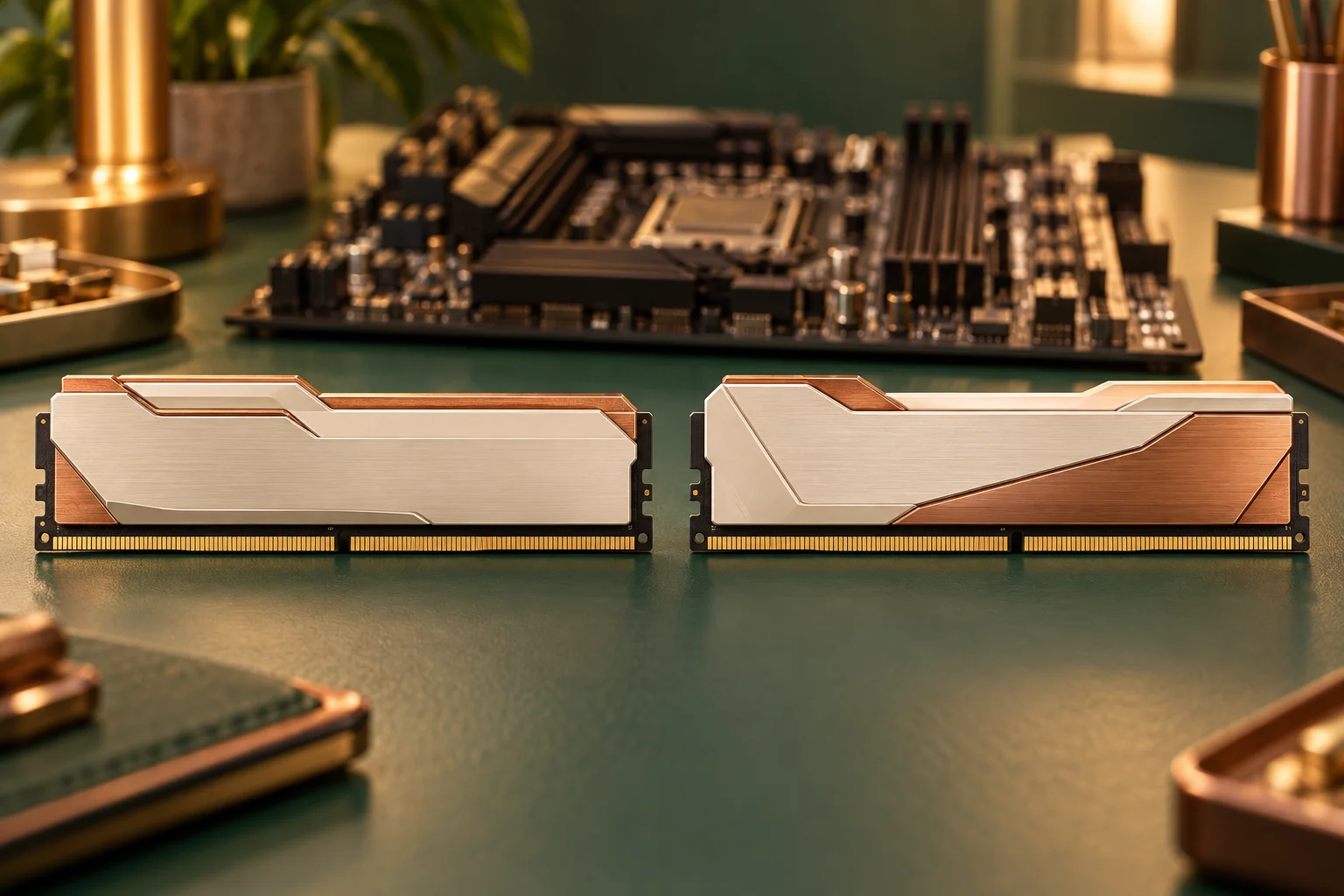
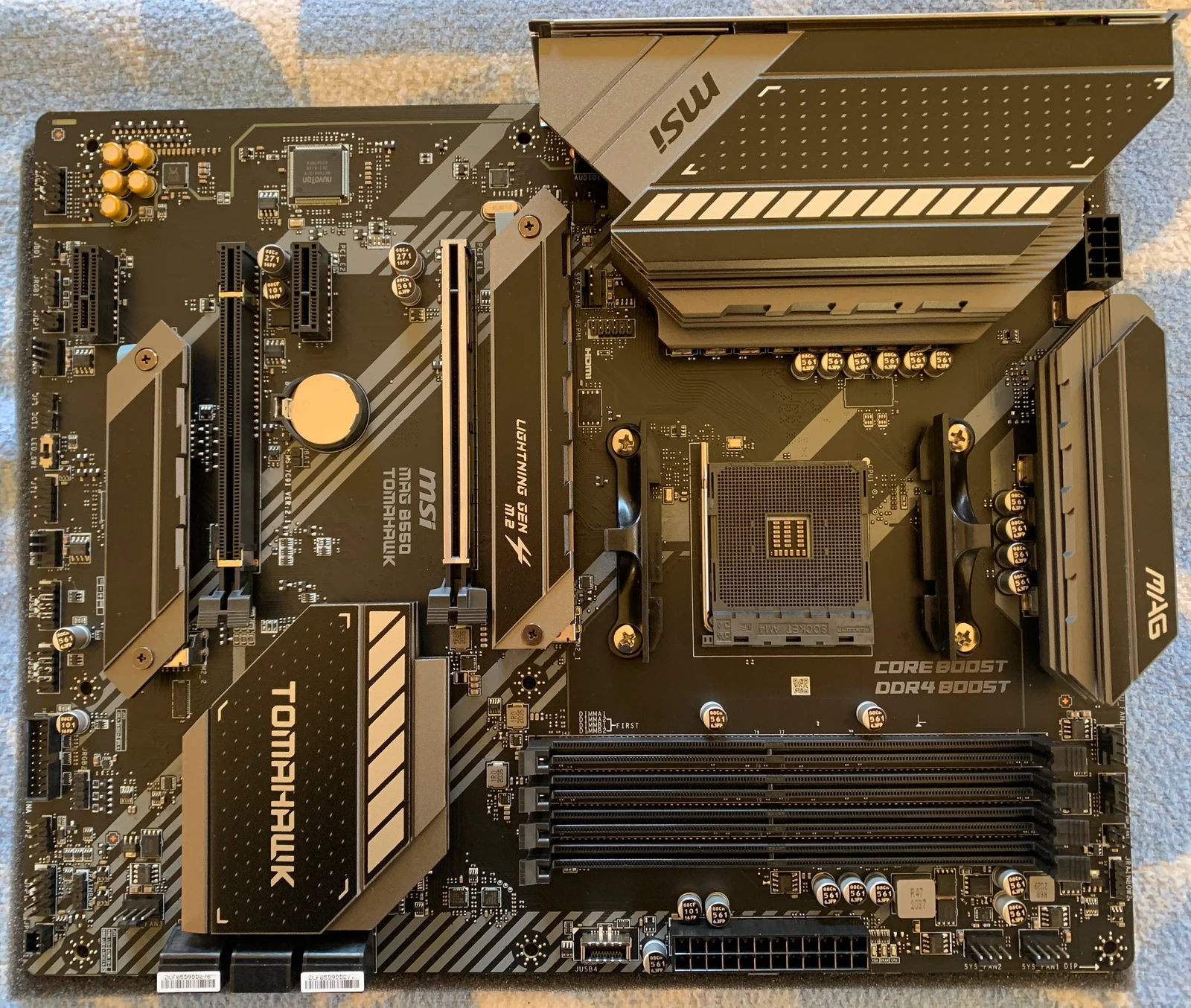
The third photograph shows an independently identified MSI MAG B550 TOMAHAWK motherboard. MSI specifies four DDR4 memory slots for that model, making it a concrete example of a board that requires the matching memory generation. It is not either ASUS comparison board. Module format and registered versus unbuffered memory remain separate compatibility checks; neither a shared DDR label nor a photograph approves a replacement.
Interpret the performance numbers without inventing a winner
At a simplified single 64-bit data-path level, 3200 million transfers per second multiplied by 8 bytes gives 25.6 GB/s of theoretical transfer bandwidth; 5600 gives 44.8 GB/s. Those are illustrative arithmetic ceilings, not measured application throughput. They omit controller behaviour, populated channels, timings and workload limits. They cannot establish a percentage improvement in games or an overall value ranking.
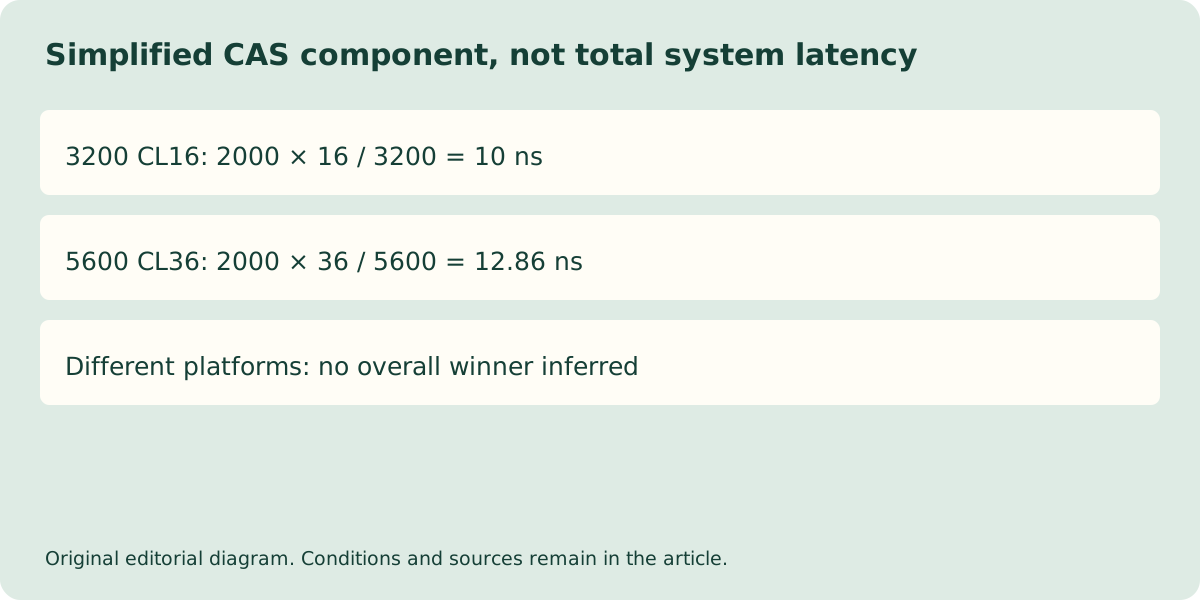
Even CAS labels need their associated rate. The simplified CAS component is 2000 × CL divided by MT/s: the listed 3200 CL16 profile gives 10 ns, while 5600 CL36 gives about 12.86 ns. That isolated component does not mean the DDR4 system is universally quicker. It demonstrates why comparing CL16 against CL36 without the transfer rate is misleading. No independent benchmark or current UK price feed has been verified for a performance-per-pound verdict.
Make a complete, identifiable purchase
For an existing DDR4 desktop, first establish the supported kit and capacity without changing generations. For a new DDR5 platform, record the full board model, processor, kit part number, slot arrangement and available cooler clearance. The two listed kit heights differ by 0.9 mm, but neither number alone approves a cooler arrangement. Ask the seller to confirm the supplied kit identity, not merely that the machine has 32 GB of gaming memory.
Keep any UK quotation, VAT treatment, delivery amount and return conditions attached to that exact configuration. This page publishes no current price or stock claim. If the decision depends on a specific game or professional workload, obtain comparable independent testing of the complete candidate platforms before paying extra for a speed label. The immediate answer remains practical: match the generation first, distinguish defaults from profiles, and only then evaluate an evidenced performance and cost difference.