Two or four RAM sticks: compare the documented Ryzen memory populations
Ryzen 5 7600 and 7600X list different memory-rate limits for two and four modules. Read the actual population conditions before filling the remaining slots.
Updated:
Four sockets do not promise the two-module rate
For the AMD Ryzen 5 7600 and 7600X, the checked specification lists DDR5-5200 for two-module configurations and DDR5-3600 for four-module configurations, with separate single-rank and dual-rank rows. Filling four sockets therefore changes the documented condition even before considering an overclocking profile. Do not assume a second two-module kit retains the first kit’s advertised setting.
That is a memory-controller specification comparison, not a prediction that every four-module system runs at exactly 3600 MT/s or that every two-module kit runs at 5200. The board, firmware, exact modules and configuration still matter. If capacity is the priority, compare a documented larger two-module arrangement with a documented four-module arrangement rather than treating spare sockets as free equivalent expansion.
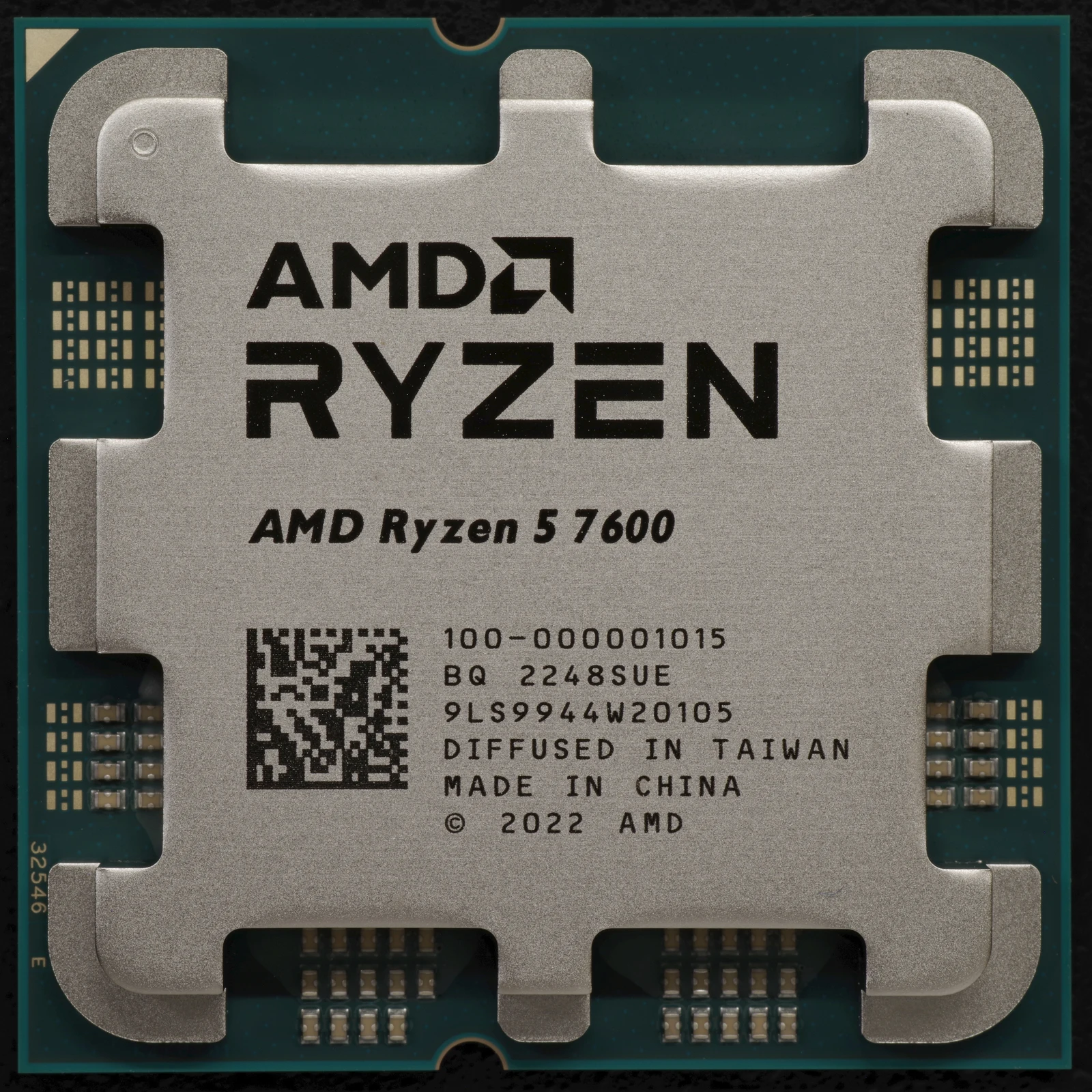
Read the actual rows for both processors
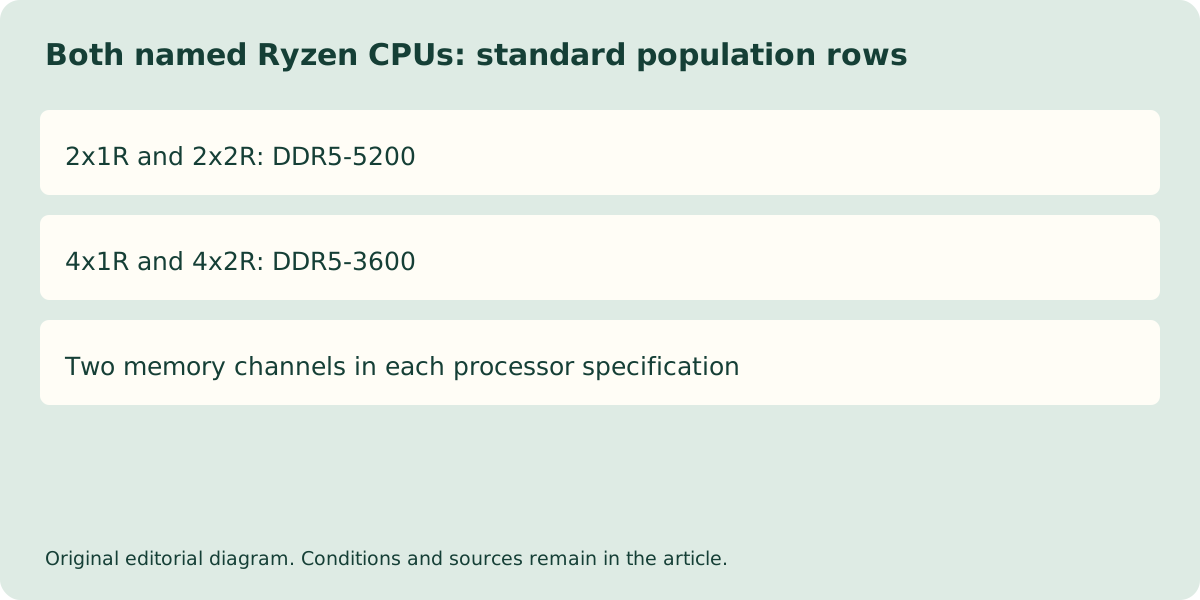
Both named processors currently show the same four population rows. The 2x1R and 2x2R rows specify DDR5-5200, while 4x1R and 4x2R specify DDR5-3600. Here the first number identifies the module population in AMD’s table and R identifies rank organisation. Rank is not simply the number of visible sides populated with chips, so obtain it from the module documentation.
Both processors list two memory channels, a 128 GB maximum and DDR5 UDIMM memory. That processor maximum is a separate constraint from a motherboard’s advertised maximum. If a current board page lists more capacity, do not assume that number overrides the selected CPU’s documented limit. Resolve the exact supported combination before ordering.
| AMD population row | Ryzen 5 7600 | Ryzen 5 7600X |
|---|---|---|
| 2x1R | DDR5-5200 | DDR5-5200 |
| 2x2R | DDR5-5200 | DDR5-5200 |
| 4x1R | DDR5-3600 | DDR5-3600 |
| 4x2R | DDR5-3600 | DDR5-3600 |
| Memory channels | 2 | 2 |
| Published maximum capacity | 128 GB | 128 GB |
A kit specification is another conditional document
Kingston KF556C36BBEK2-32 is a concrete two-module example: two 16 GB DDR5 modules, described as 1Rx8, with a DDR5-4800 default and higher EXPO/XMP profiles including 5600 MT/s. The kit’s profile is not the same statement as AMD’s standard population table. The Kingston sheet warns that some systems may not operate at the published FURY settings.
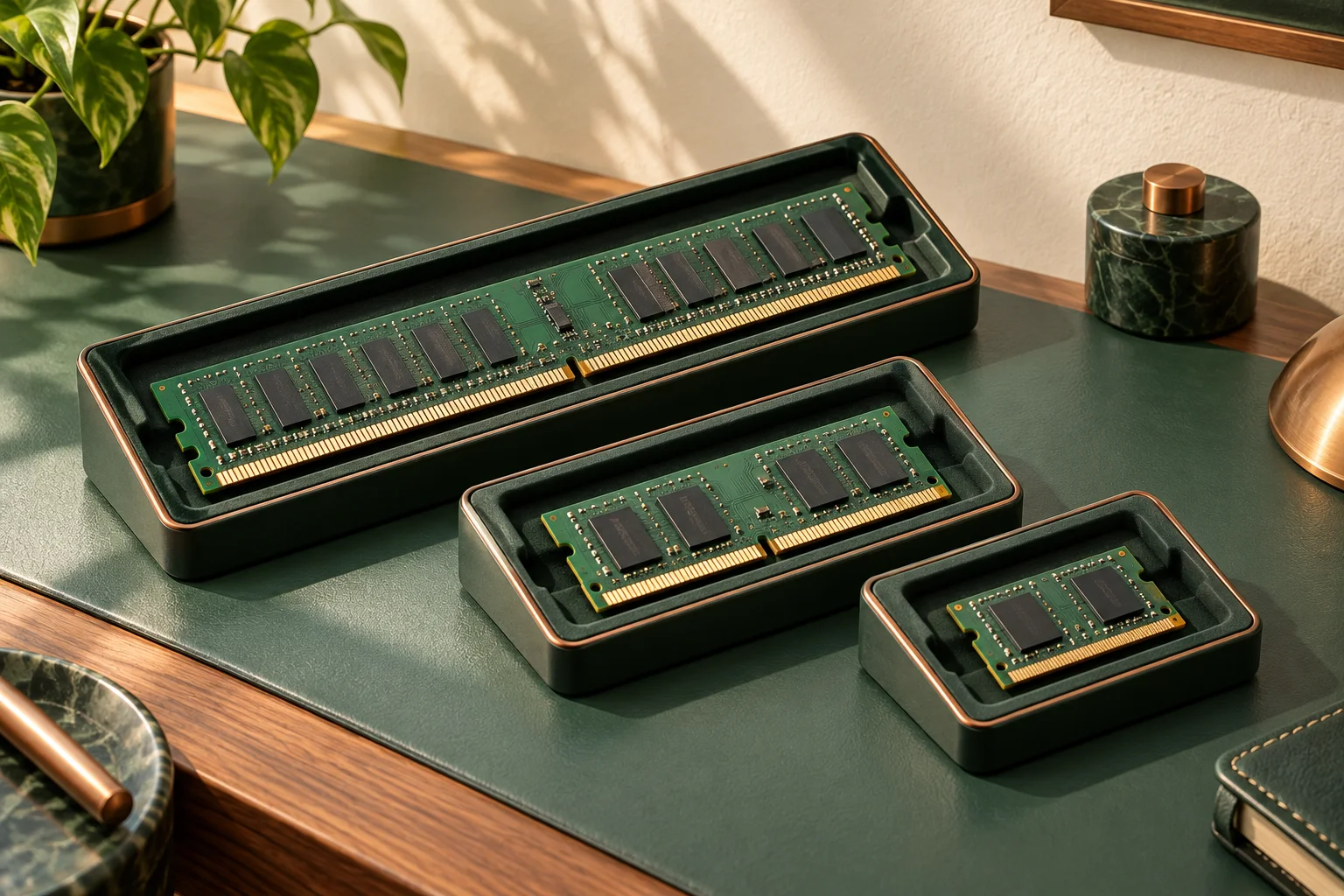
Buying two separately packaged kits bearing the same part number does not create a manufacturer-documented four-module kit in this comparison. We have not verified such a combined configuration or a matching QVL entry. Keep that absence explicit rather than suggesting that identical labels guarantee shared validation. The photographed SK hynix DDR5 UDIMM provides a real example of the required desktop module class, not this Kingston kit. No photograph here establishes a combined four-module kit or an approved configuration.
The Kingston example also shows why the CPU maximum is not a startup prediction. Its documented 1Rx8 organisation makes the two supplied modules a two-module, single-rank example, but the kit still stores a DDR5-4800 default. AMD’s 2x1R DDR5-5200 row does not promise that this kit starts at 5200 MT/s. Kingston separately lists 5200 and 5600 profiles; using either remains a complete-system support question, not a consequence of the CPU table alone.
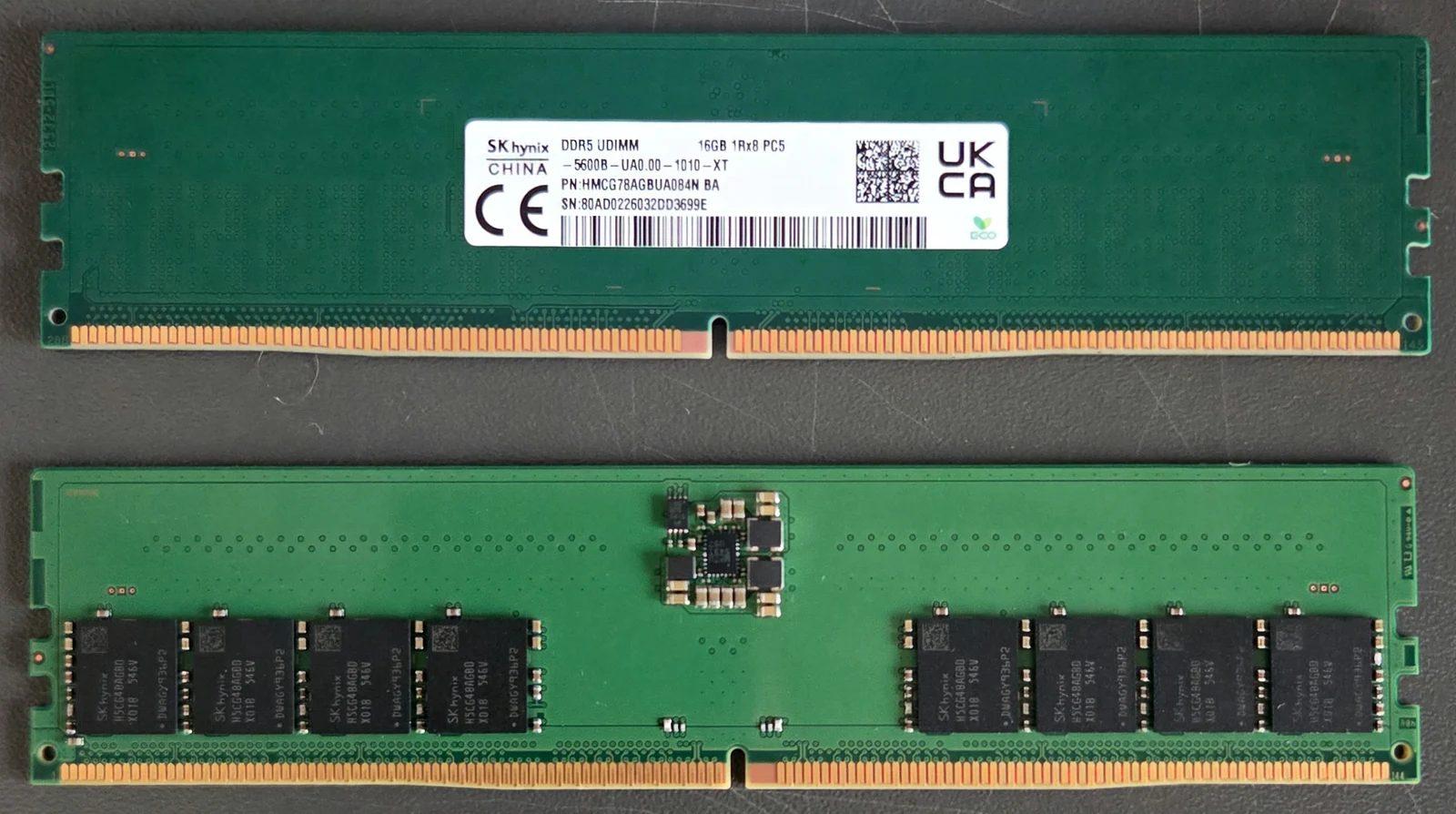
Capacity, channels and physical format are separate
Two modules are not inherently single-channel and four are not automatically quad-channel. The named processors list two memory channels regardless of the population rows. Slot placement must follow the exact motherboard manual; this article does not prescribe a universal slot order or a firmware setting.
Registered ECC RDIMMs are a different memory class, and the separately photographed DDR5 SO-DIMM illustrates a smaller physical format. Neither is an alternative to the documented desktop DDR5 UDIMM requirement. A capacity label such as 16 GB is insufficient identification. Keep generation, buffering, error-correction type, rank organisation and complete part number in the same record.
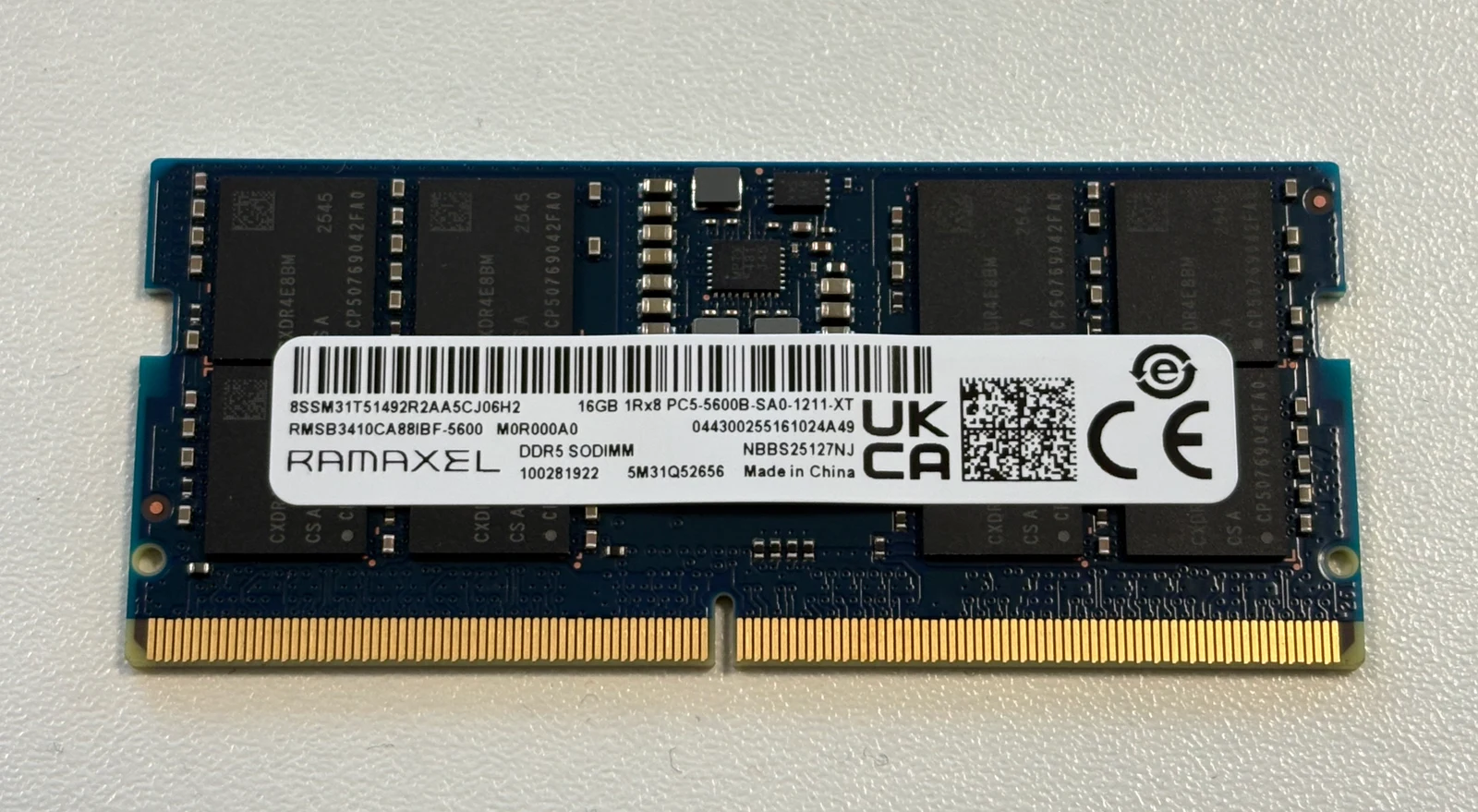
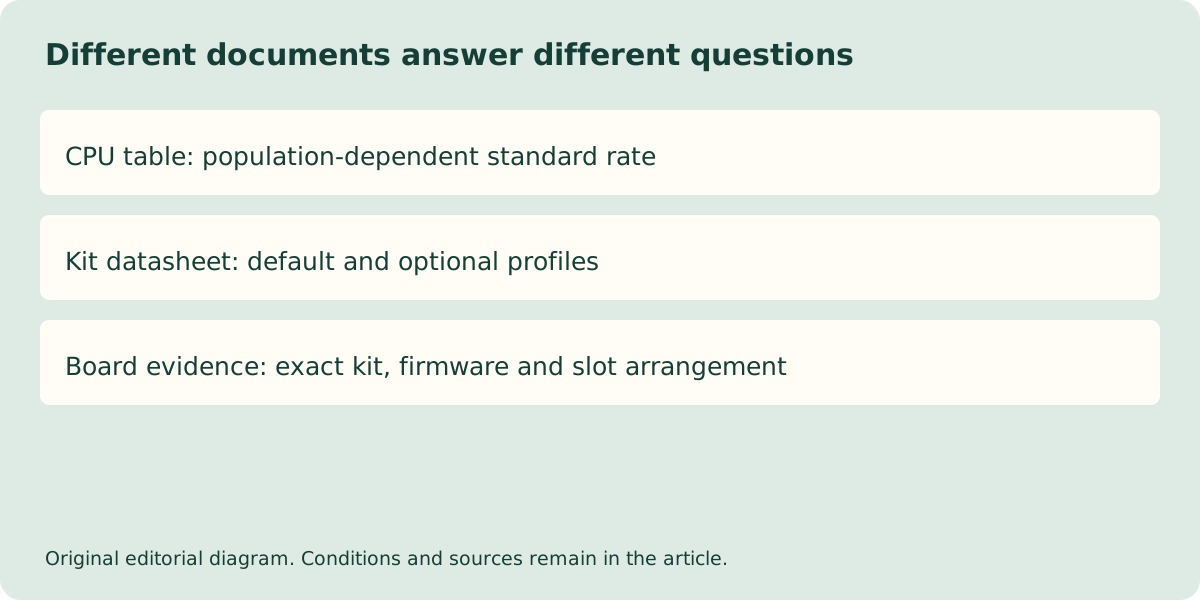
Choose a supported capacity plan before buying more modules
If two modules already provide sufficient capacity, a second kit may add complexity without solving the actual workload problem. If more capacity is required, ask the UK supplier for a documented kit and population arrangement supported by the exact processor and board. Confirm the delivered firmware condition and retain the written configuration rather than relying on an informal assurance that the modules look identical.
This guide does not offer a universal RAM compatibility checker or claim measured application speed differences. No current UK prices are published. It directly resolves the population question: the actual AMD standard-rate rows change between two and four modules, and higher kit profiles remain a separate conditional claim. Verify the complete combination before paying for an upgrade.