Core i5-12400 or 12400F: plan the actual display-output path
The F suffix changes the graphics requirement even when core counts and listed turbo frequency match. Check processor, board output and display path together.
Updated:
The 12400 has UHD Graphics 730; 12400F requires a discrete graphics path
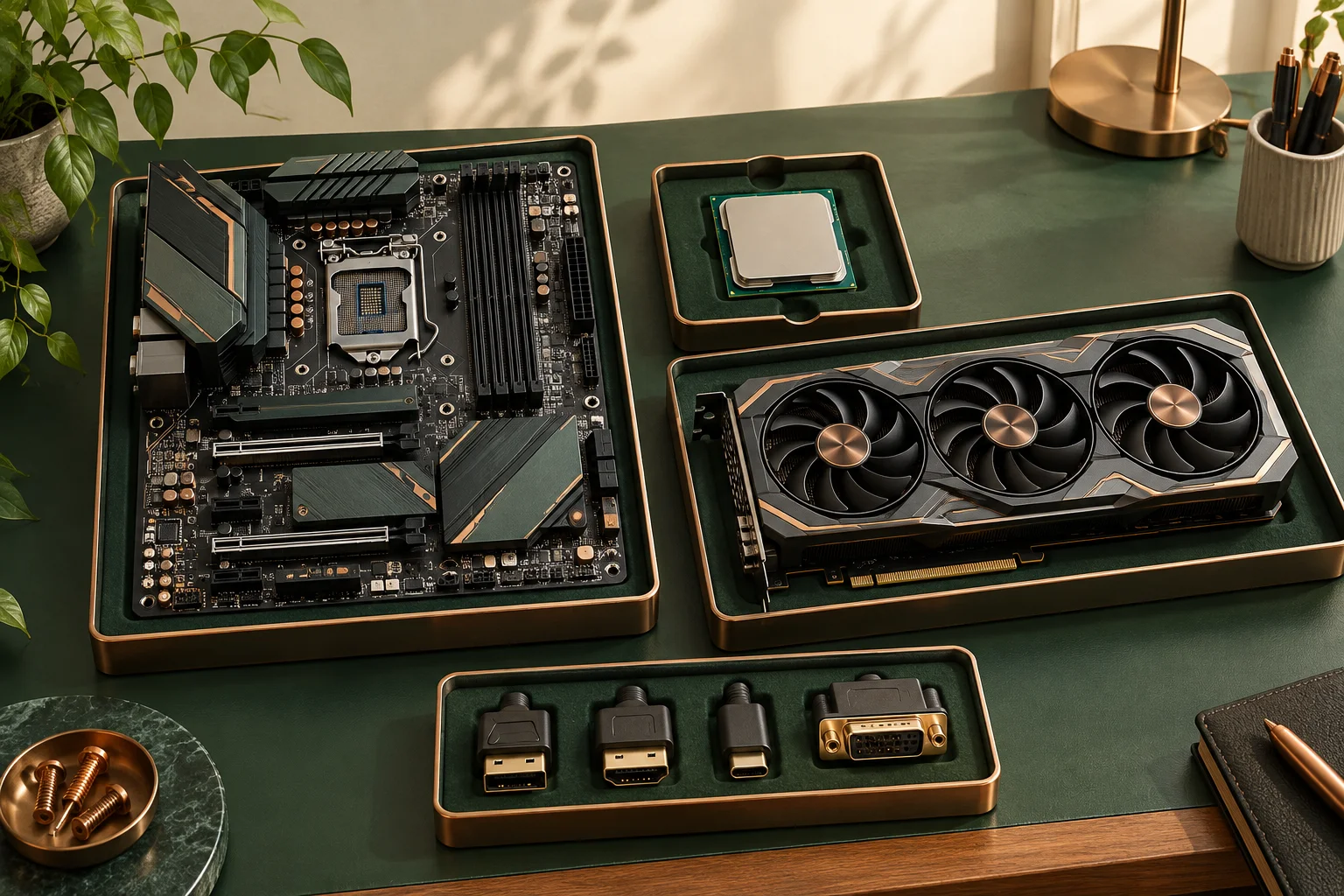
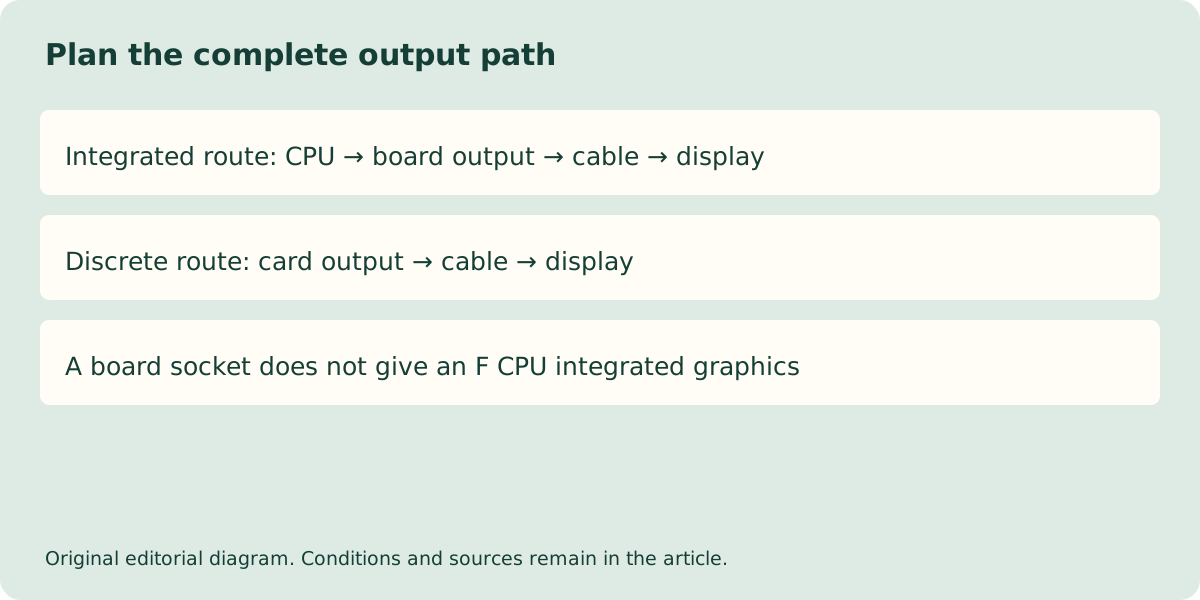
Choose the Intel Core i5-12400 if the plan relies on its documented integrated graphics, subject to the selected board and display connections. The i5-12400F does not provide that integrated path and requires a suitable discrete graphics solution for an ordinary local display. A motherboard HDMI or DisplayPort socket does not add graphics capability to a processor that lacks it.
The complete suffix matters. These two CPUs share many headline specifications, so a listing shortened to Core i5-12400 family can conceal a decisive difference. The actual bracket photograph shows physical sockets only: their presence on a motherboard would not supply graphics capability missing from the installed CPU. Confirm the full processor name before applying the graphics row.
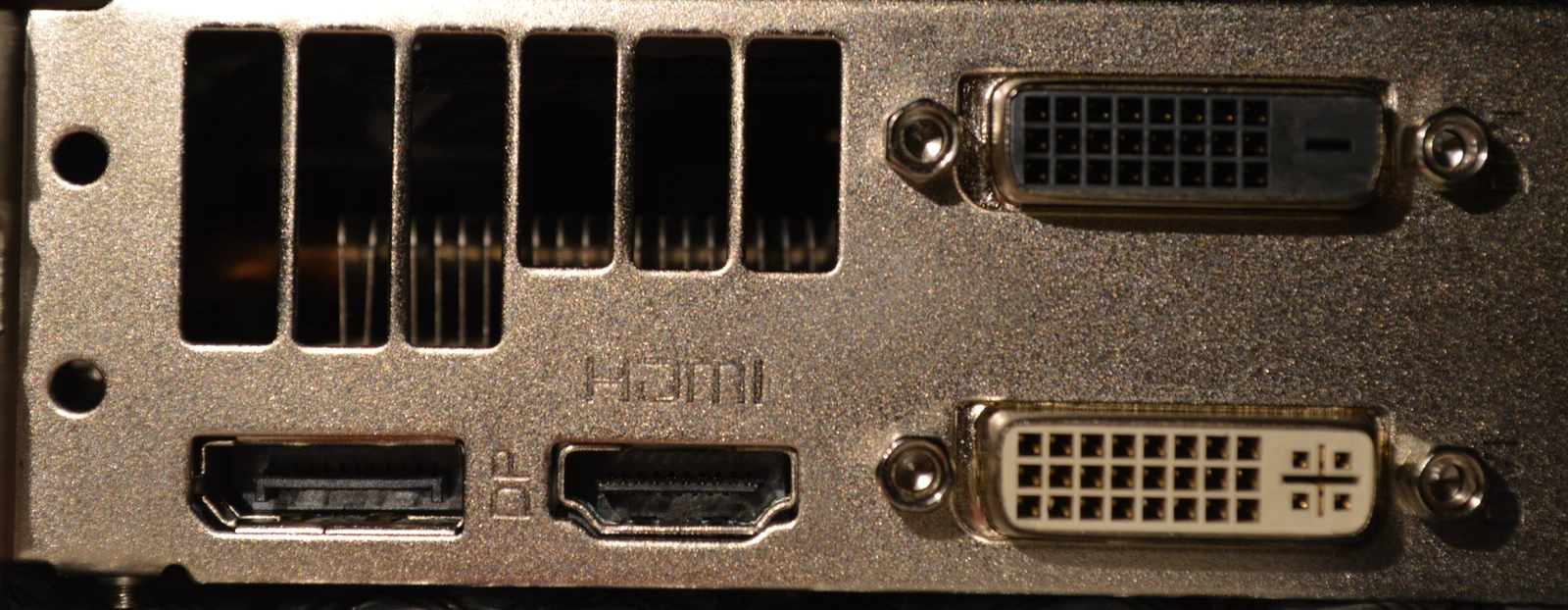
Compare the actual shared rows and the decisive difference
Intel lists six performance cores, twelve threads and maximum turbo frequency of 4.40 GHz for both processors. Both also list 65 W processor base power, 117 W maximum turbo power and FCLGA1700. Shared rows do not make the complete systems identical: the non-F model’s GPU specification lists UHD Graphics 730, while Intel’s support guidance identifies F desktop models as requiring discrete graphics.
The processor memory rows include DDR4 up to 3200 MT/s and DDR5 up to 4800 MT/s. A motherboard chooses the actual supported generation; the processor’s two entries do not approve putting either type into the same board. Check the exact board model, CPU support and firmware condition independently.
| Intel specification | Core i5-12400 | Core i5-12400F |
|---|---|---|
| Cores / threads | 6 / 12 | 6 / 12 |
| Maximum turbo frequency | 4.40 GHz | 4.40 GHz |
| Processor base / maximum turbo power | 65 / 117 W | 65 / 117 W |
| Socket | FCLGA1700 | FCLGA1700 |
| Integrated graphics path | UHD Graphics 730 listed | Discrete graphics required |
| Memory families listed | DDR4 or DDR5, board dependent | DDR4 or DDR5, board dependent |
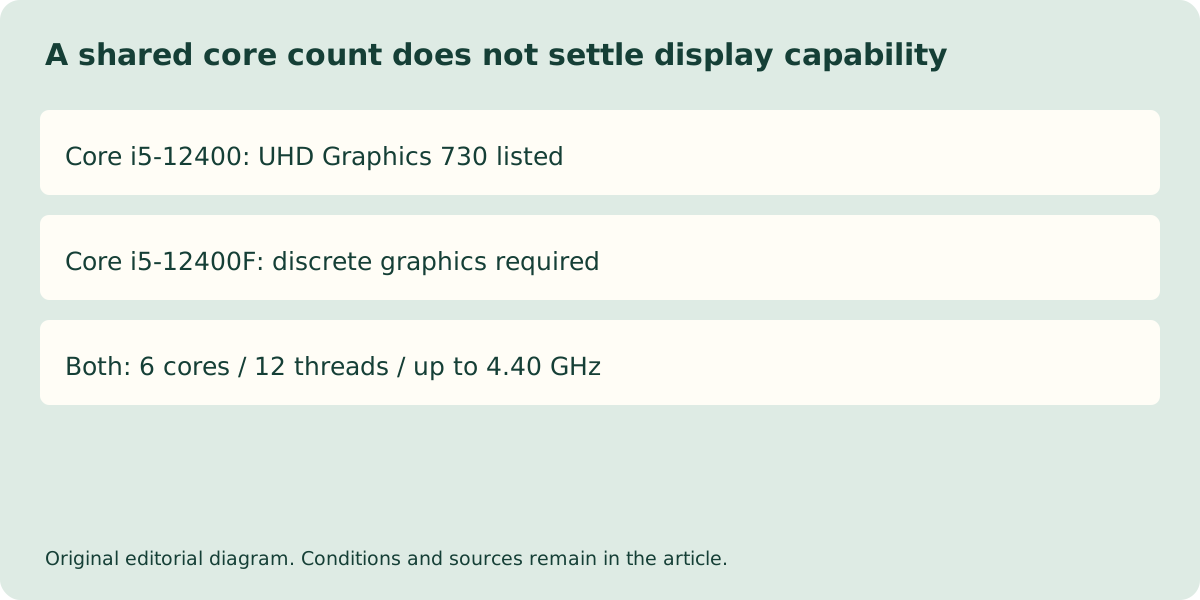
Follow the whole path to the actual monitor
For a 12400 integrated-graphics plan, compare the processor capability with the motherboard’s physical outputs and its documented limits, then the cable and display input. A processor-level maximum resolution is not a promise that every motherboard exposes that mode. Adapters can add their own direction and mode restrictions; a connector shape alone does not settle the complete path.
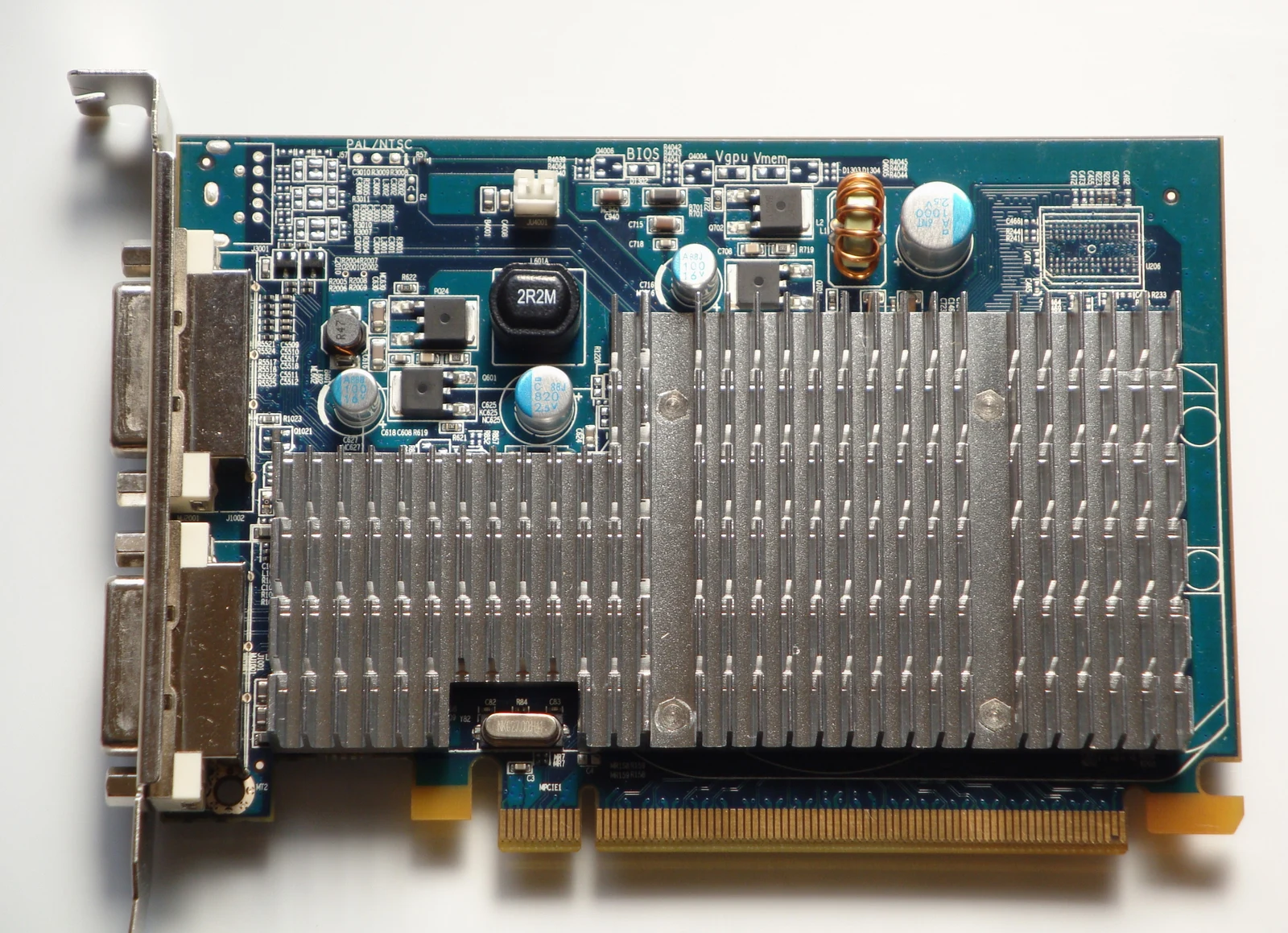
For a 12400F plan, use the selected discrete card output and supported configuration from its documentation. A cable connected to a motherboard socket is not automatically rerouted through the card. The actual older Radeon HD3450 photograph makes the separate card and its bracket visible; it is not a current gaming recommendation, tested 12400F configuration or the source of your proposed output modes.
A black screen does not justify an unverified parts purchase
If an existing system has no picture, first establish the exact processor, graphics card if any, intended output and documented connection. The fact that a system contains an F CPU can explain why a motherboard-only display plan is incomplete, but it does not diagnose every black screen. Firmware, power, display selection and hardware faults remain separate possibilities.
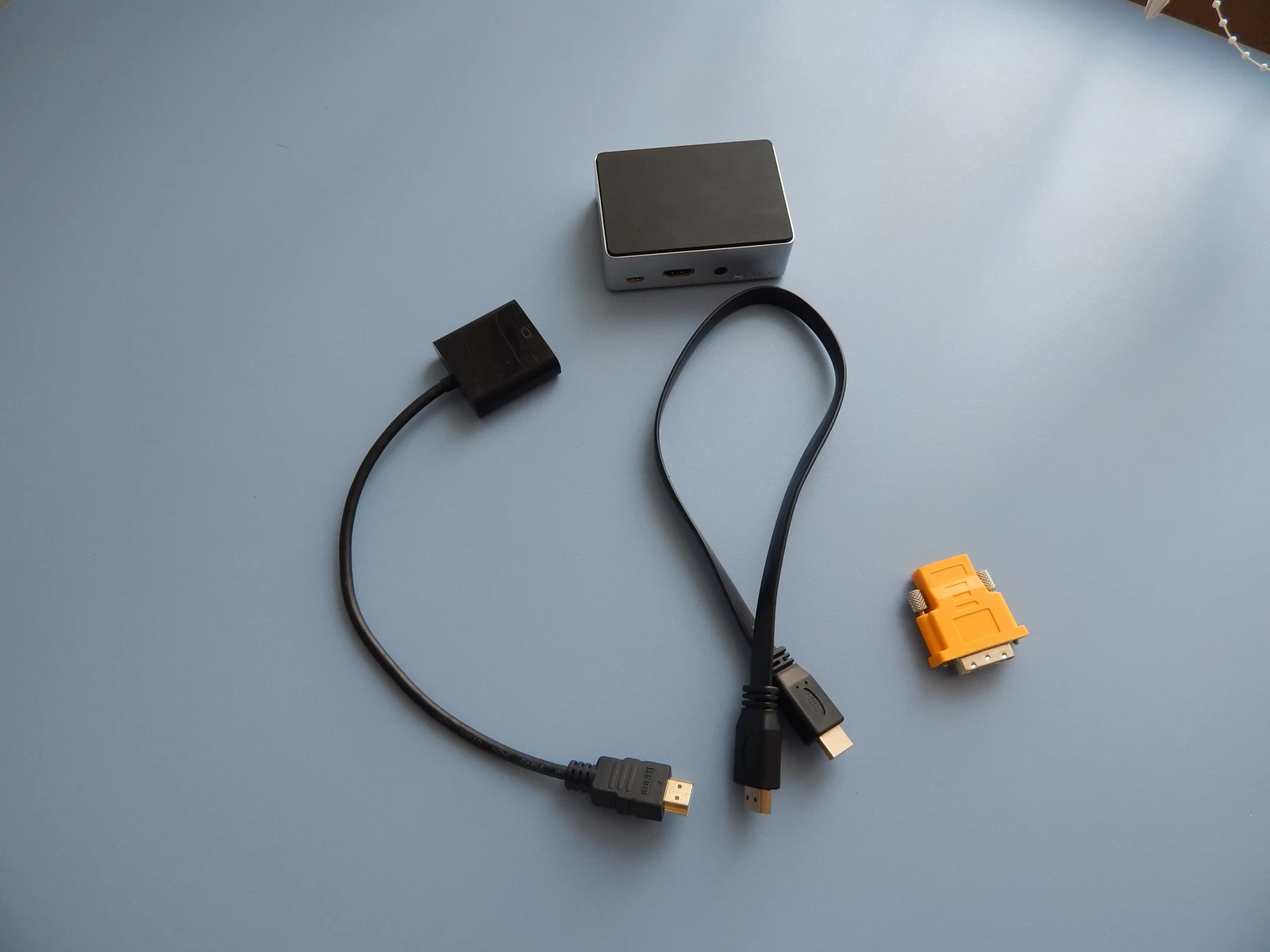
The loose HDMI cable and adapters in the separate Raspberry Pi photograph illustrate why the physical connection is another part of the path. They do not demonstrate conversion direction or a working Intel configuration. Establish the exact board support and firmware separately, and follow the system maker diagnostic route rather than opening a PSU, improvising electrical connections or buying a board based on a familiar connector.
Specify the full configuration in a UK order
Ask the supplier to retain the full CPU name including F, the exact motherboard and its delivered firmware support, and the complete display path. If a discrete card is required, its physical fit, power and outputs belong in the order specification. An apparently small CPU-price difference cannot be assessed without those additional components.
No current UK prices or measured application results are published here. The specification comparison does not prove the two CPUs have identical performance in every task. It resolves the display decision directly: the 12400 lists an integrated GPU, while the 12400F needs a supported discrete path; motherboard sockets and matching core counts do not erase that difference.