NVMe or SATA: compare actual SSD interfaces before choosing
The WD_BLACK SN770 and current WD Blue SA510 show why interface, physical format and exact model generation must be checked separately.
Updated:
Choose the interface your host actually supports
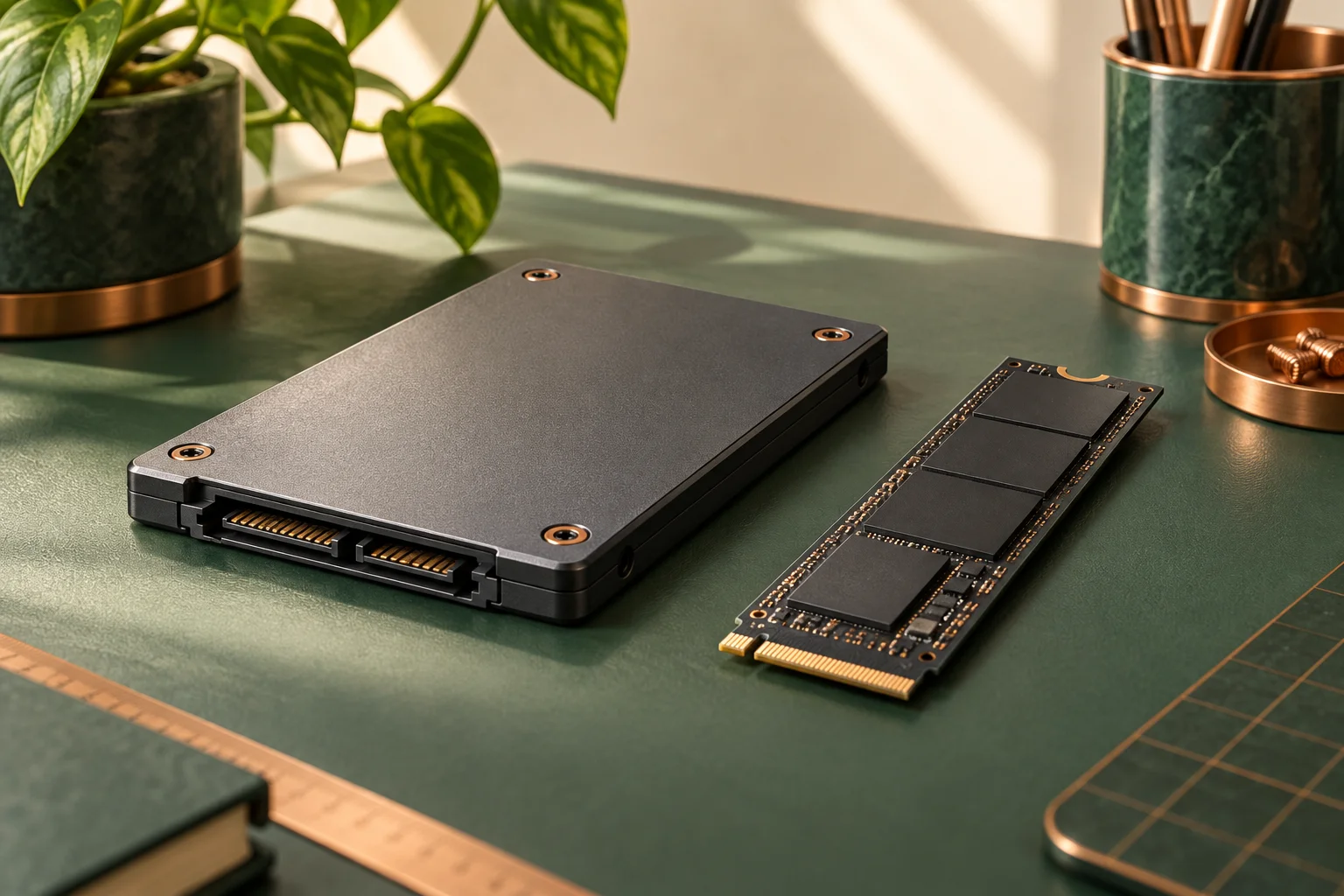
Choose an NVMe drive for a documented compatible PCIe/NVMe path, and a SATA drive for a documented SATA path. M.2 is a physical format label, not another word for NVMe. A drive that fits the outline of a socket can still have an unsupported interface. The exact motherboard or system manual must identify the permitted interface and length before a purchase.
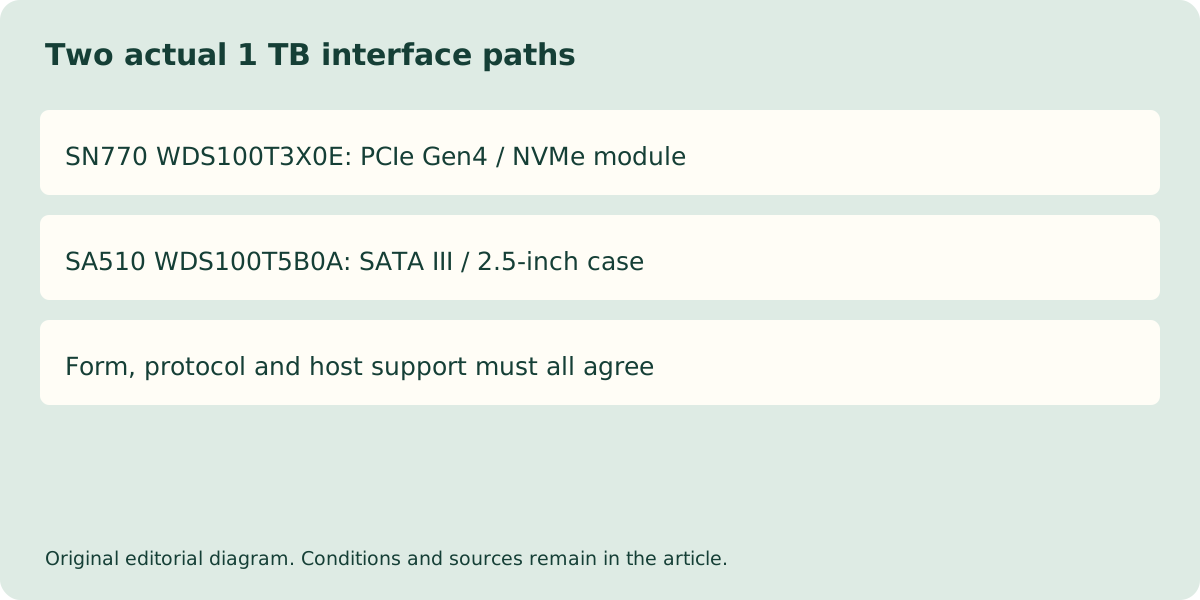
The WD_BLACK SN770 and the current WD Blue SA510 provide two concrete examples. Here we compare the 1 TB SN770 WDS100T3X0E with the January 2026 SA510 WDS100T5B0A. The model suffix matters: older SA510 specifications and different physical variants must not be silently transferred to this current document. No current UK price or stock claim has been verified.
Compare the complete documented products
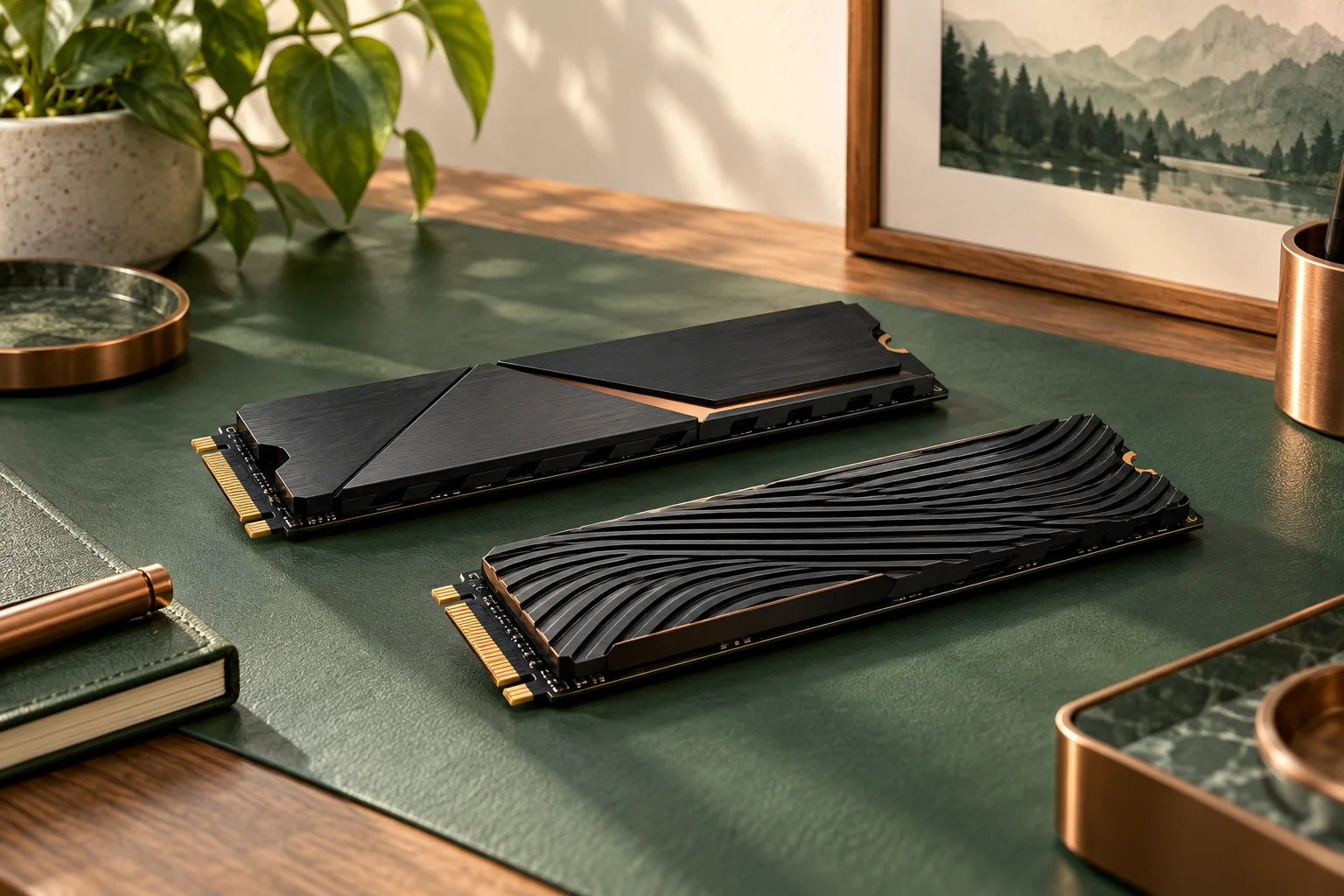
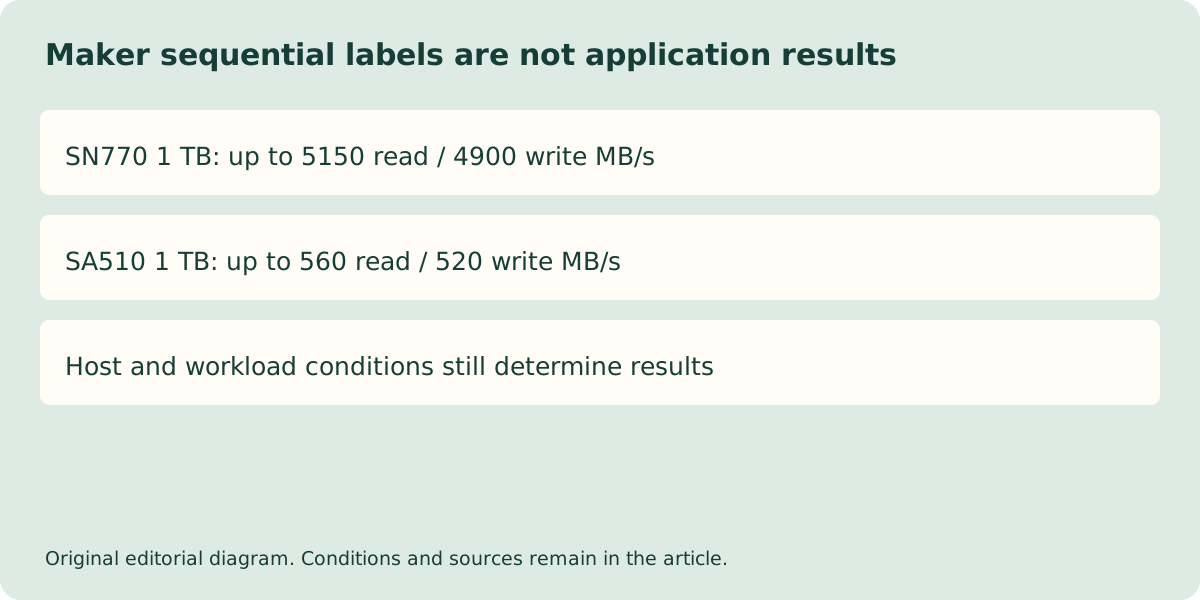
The SN770 sheet specifies PCIe Gen4 with up to four lanes, a nominal 80 × 22 mm module outline and 2.38 mm height. Its 1 TB row lists sequential read up to 5150 MB/s and write up to 4900 MB/s. These are manufacturer test claims under stated conditions, not results from this library or a promise for every host.
The current SA510 sheet specifies SATA III 6 Gb/s in a 2.5-inch, 7 mm cased format. Its 1 TB model lists sequential read up to 560 MB/s and write up to 520 MB/s. A SATA case requires the documented physical bay and connections; it is not a module to insert into an M.2 slot.
| Exact 1 TB model | WD_BLACK SN770 WDS100T3X0E | WD Blue SA510 WDS100T5B0A |
|---|---|---|
| Documented interface | PCIe Gen4, up to 4 lanes / NVMe | SATA III 6 Gb/s |
| Documented form | 80 × 22 × 2.38 mm module | 100.25 × 69.9 × 7 mm case |
| Sequential read, maker up to | 5150 MB/s | 560 MB/s |
| Sequential write, maker up to | 4900 MB/s | 520 MB/s |
| Listed write endurance | 600 TBW | 400 TBW |
| Documented limited period | 5 years or TBW limit first | 5 years or TBW limit first |
Do not confuse the interface rate with file-copy speed
The 6 Gb/s SATA interface label is in bits per second, while 560 MB/s is a manufacturer transfer-rate claim in bytes per second. They are not contradictory measurements of the same quantity. Likewise, a PCIe generation and lane count describe an interface path rather than guaranteeing a constant application transfer rate.
The SN770 document lists backward-compatible PCIe paths, including Gen3 configurations. That does not make it a SATA drive: a slower compatible PCIe link remains a PCIe link. Actual performance also depends on capacity, host hardware, operating conditions and workload. Do not predict a game’s loading-time ratio by dividing the two sequential-read labels.
Identify the actual module before looking up support
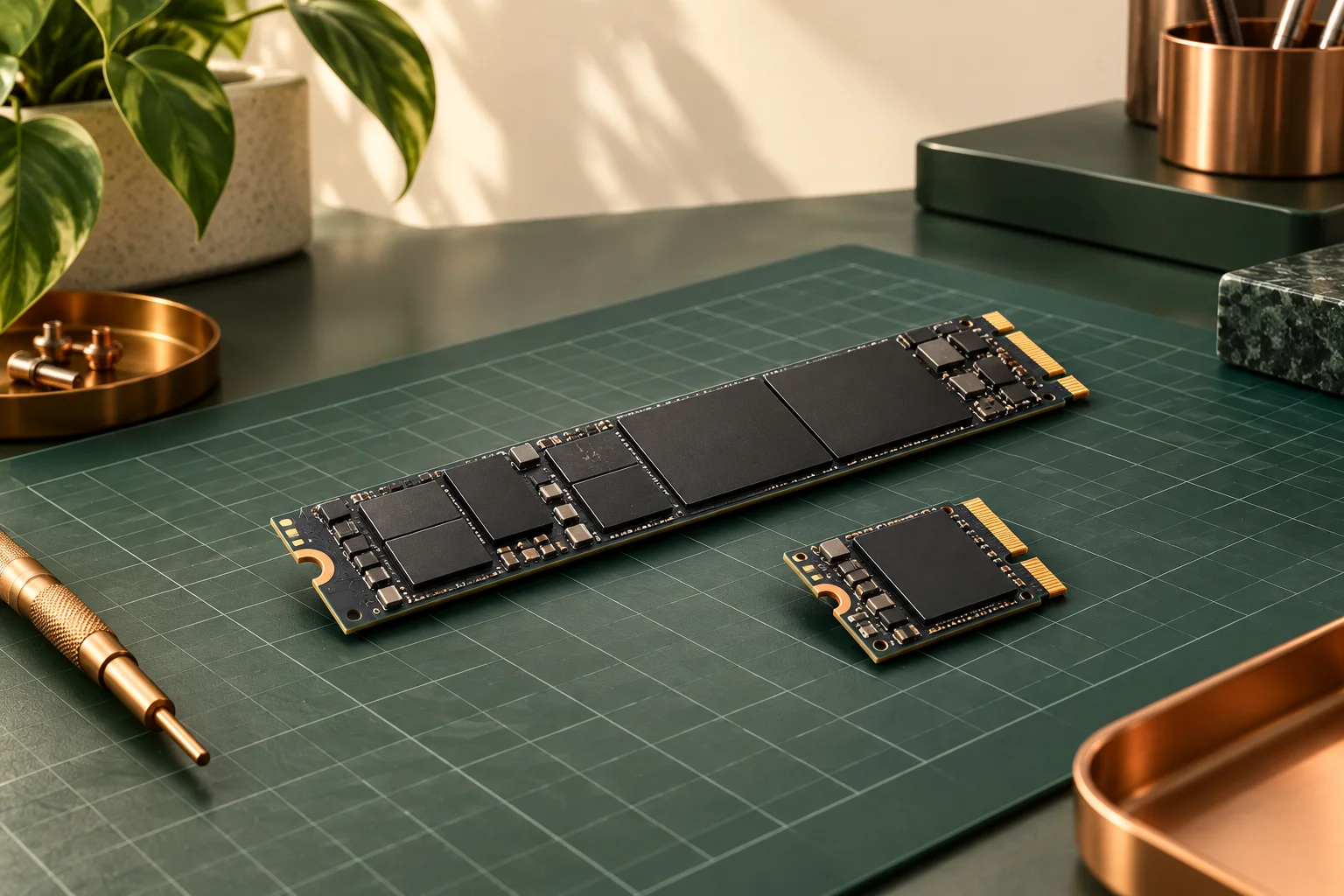
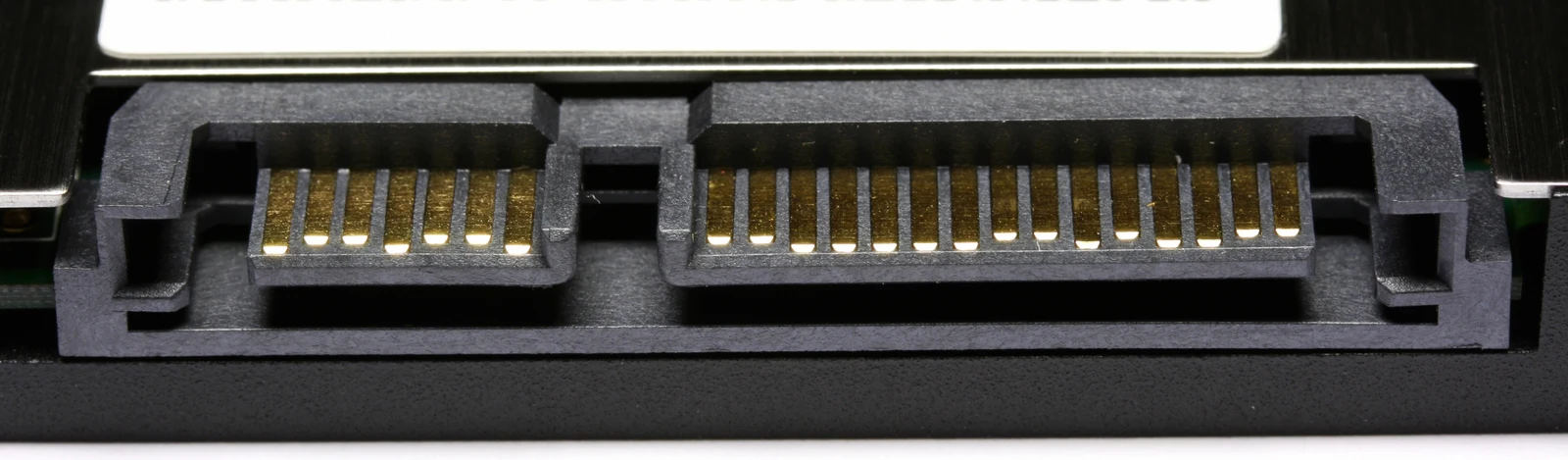
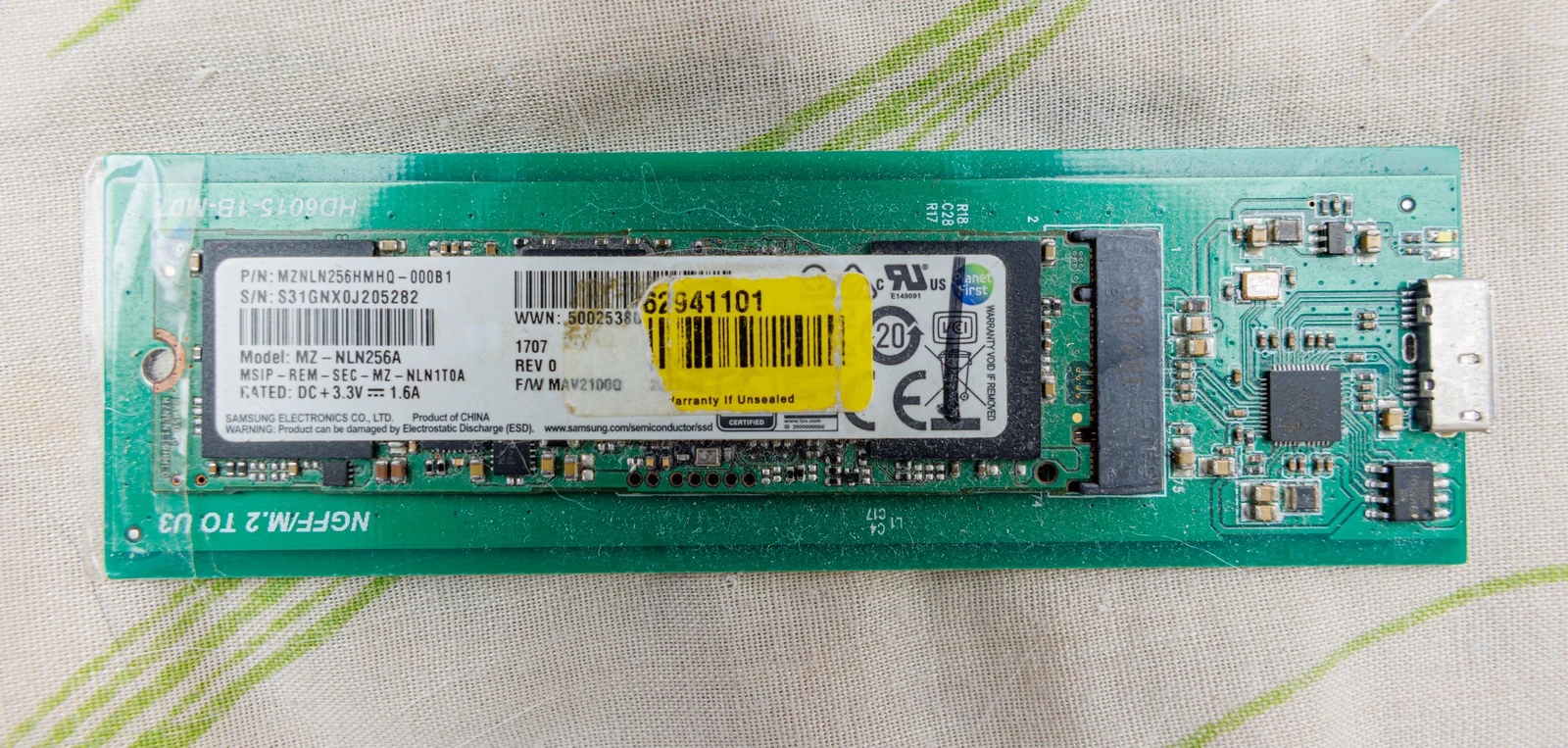
The historical OCZ photograph makes separate SATA data and power connections visible. The independently photographed Samsung PM871a module is identified by the source as an M.2 SATA drive; its full model label and the adapter board marked NGFF M.2 TO USB illustrate why a small module does not automatically mean NVMe. Neither is a photograph of the two named WD 1 TB products, and no adapter speed or compatibility has been tested by this library.
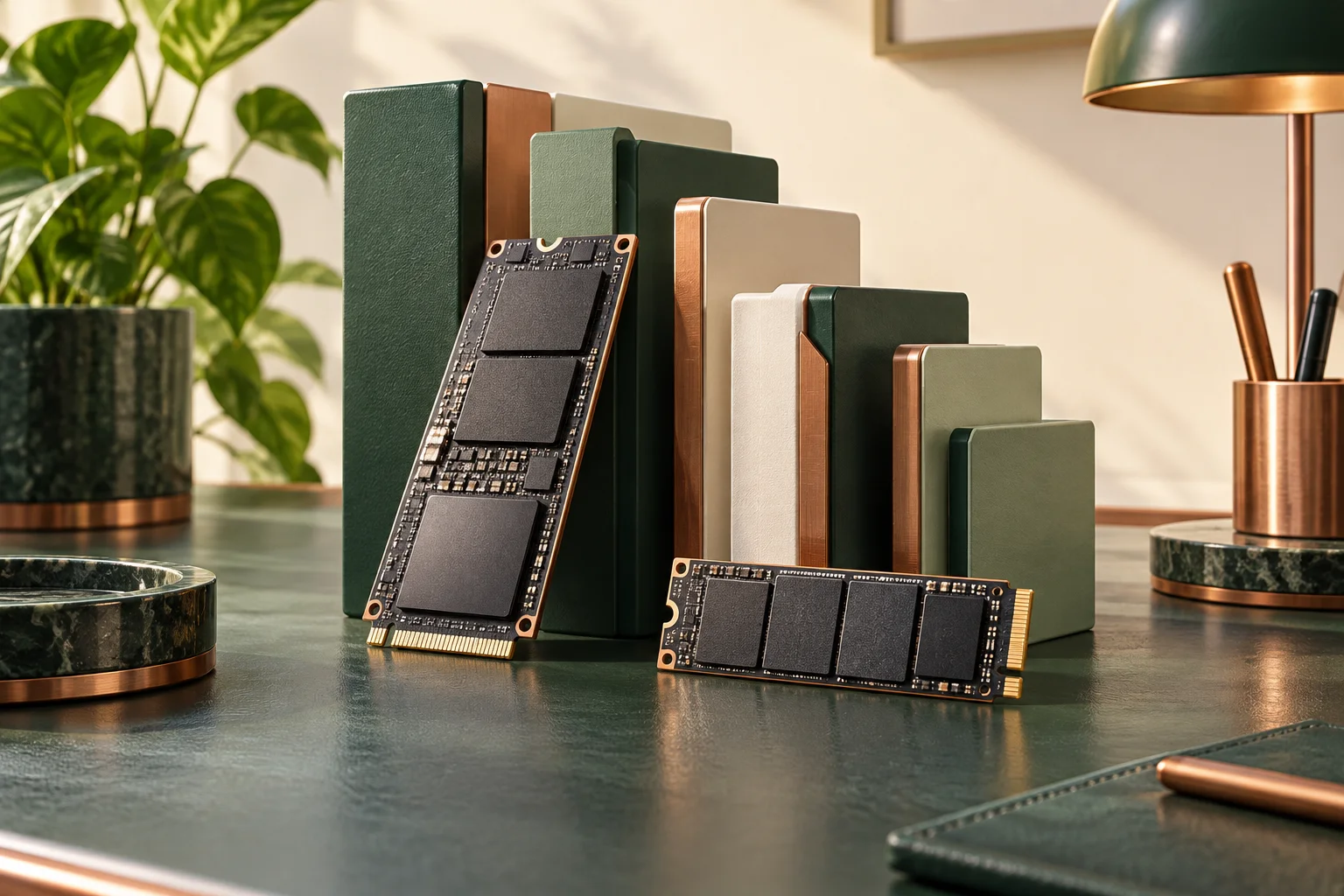
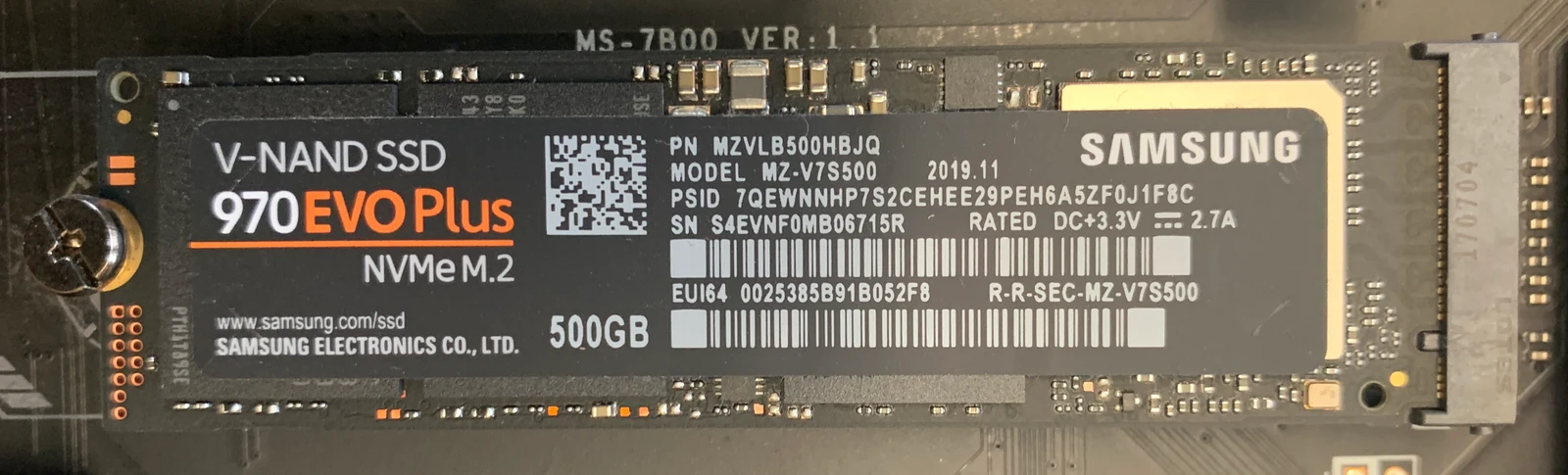
The separate installed Samsung 970 EVO Plus photograph shows NVMe M.2, 500 GB and the complete model identity on its label. That is a real NVMe example, not the SN770 or the current MSI board discussed below. Read the complete identity from your own drive or invoice, then use the host manual to establish interface, supported length, mounting and any shared-port restrictions. Do not assume an enclosure or adapter translates between protocols merely because both ends use a familiar-looking connector.
A concrete host-side check is MSI B650 GAMING PLUS WIFI. MSI lists both M.2 slots as CPU-connected PCIe 4.0 paths, but qualifies M2_2 to PCIe 4.0 x2 with Ryzen 8500/8300 processors. M.2_1 accepts 22110/2280 devices and M.2_2 accepts 2280/2260 devices. The compared 80 mm SN770 matches the listed 2280 length, while its maximum drive specification does not override that CPU-dependent lane limit. These storage rows do not establish SATA-protocol support in either M.2 socket; the separately listed SATA connectors provide the documented SATA path.
Order the documented path and retain the warranty conditions
If the existing system provides only a suitable SATA bay, the faster NVMe headline does not create an NVMe installation path. If the system has a documented suitable NVMe socket, compare the actual capacity, workload needs and complete quotation. Any required cable, mounting hardware or external adapter belongs in that quotation and must have its own confirmed support.
The two cited sheets qualify warranty by time or the stated write-endurance limit, whichever occurs first, and refer readers to regional conditions. That is not a promise that an individual drive lasts for the full period or that files are backed up. Keep an independent backup and retain the exact product identity and UK seller terms. The interface decision is settled by the host documentation, not the larger speed number.